Skocz do zawartości
View in the app

A better way to browse. Learn more.

Forum PSX Extreme

A full-screen app on your home screen with push notifications, badges and more.

To install this app on iOS and iPadOS
  1. Tap the Share icon in Safari
  2. Scroll the menu and tap Add to Home Screen.
  3. Tap Add in the top-right corner.
To install this app on Android
  1. Tap the 3-dot menu (⋮) in the top-right corner of the browser.
  2. Tap Add to Home screen or Install app.
  3. Confirm by tapping Install.

Suavek

Senior Member
  • Dołączył

Suavek

W dniu 2.04.2024 o 16:43, Suavek napisał:

Uznałem, że nie doczekam się Rain Code na inne platformy, więc wpadło pudło na niedomagającą konsolkę. Czyli znając moje szczęście, jak już grę kupiłem, to za tydzień zapowiedzą wersję PC.

:gayos:

Suavek

:boomer:


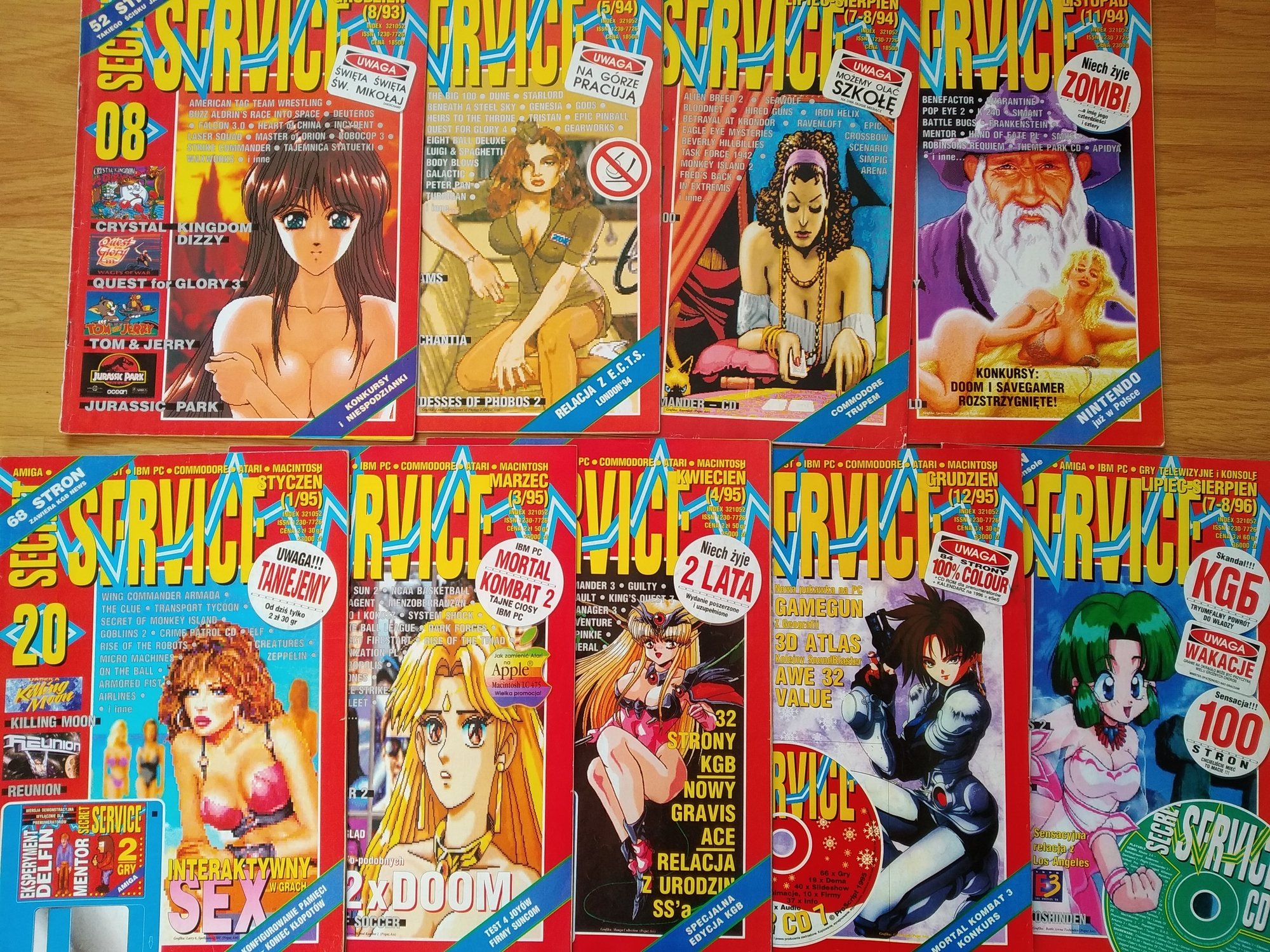
IMG_20240428_174444kopia.thumb.jpg.ed73d57a574b3b82483f4cfe2c679a78.jpg


Ojciec miał świerszczyki schowane w szafie. Dojrzewający Sławcio miał gazetki o grach.

Suavek

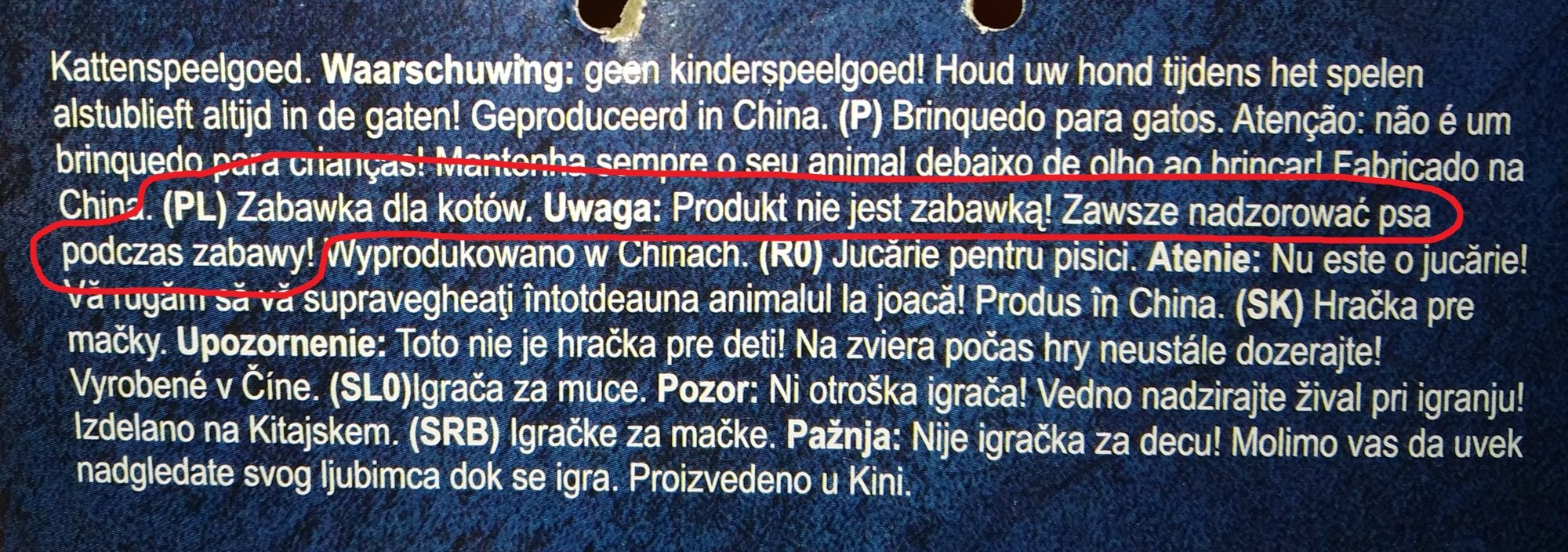
To co ja w końcu kupiłem? I dla kogo?

1.thumb.jpg.c2f03b78472b0964c71f5bf2904098d0.jpg


wait_what.jpg

Suavek

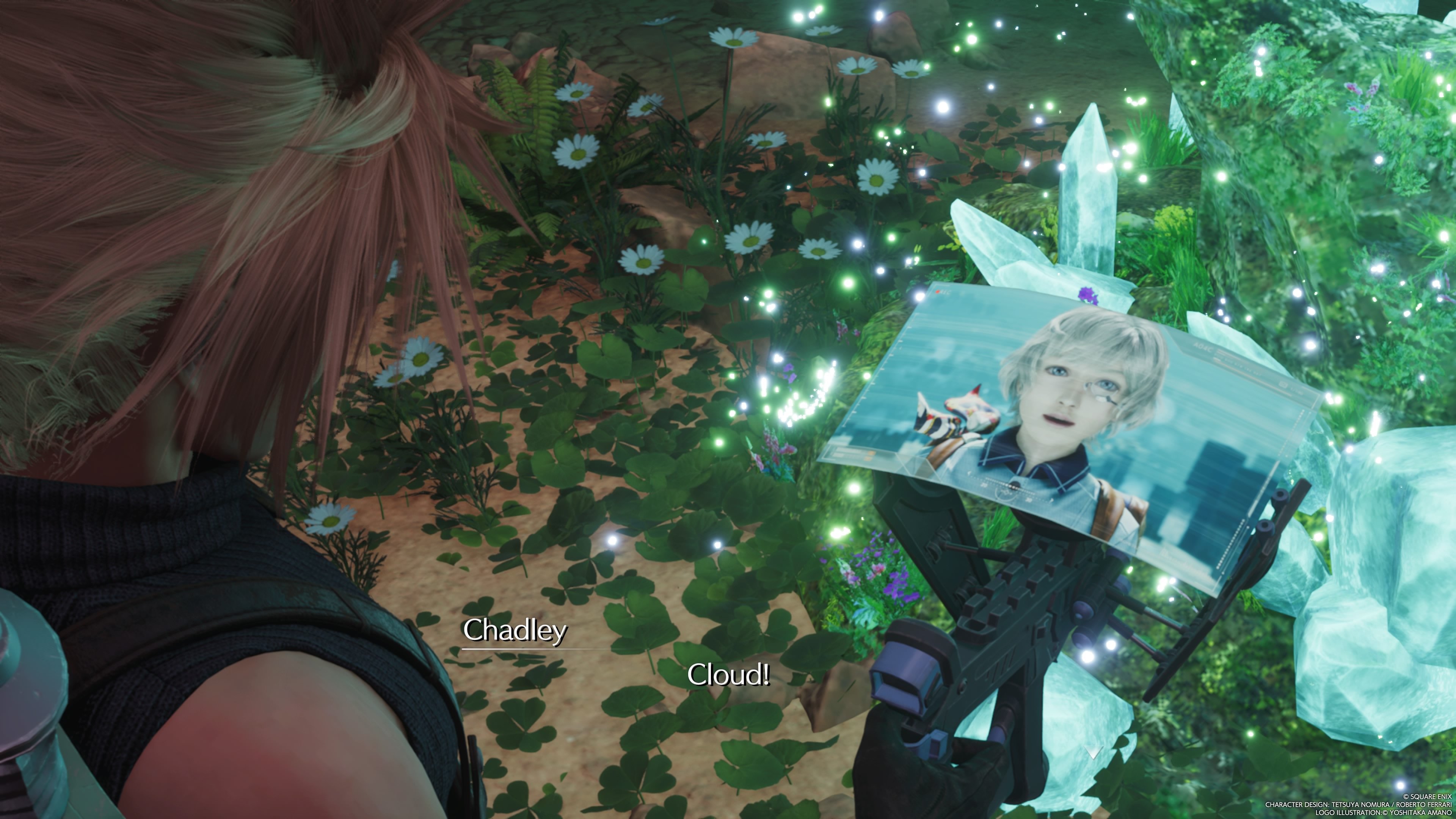
KURADO-SAN!!!

FINALFANTASYVIIREBIRTH_20240322194338.thumb.jpg.f4b2cadb7fe4443cdd6b5b91f861f942.jpg

Suavek

Wait, what?


Account

Navigation

Szukaj

Szukaj

Configure browser push notifications

Chrome (Android)
  1. Tap the lock icon next to the address bar.
  2. Tap Permissions → Notifications.
  3. Adjust your preference.
Chrome (Desktop)
  1. Click the padlock icon in the address bar.
  2. Select Site settings.
  3. Find Notifications and adjust your preference.