
Skocz do zawartości
View in the app

A better way to browse. Learn more.

Forum PSX Extreme

A full-screen app on your home screen with push notifications, badges and more.

To install this app on iOS and iPadOS
  1. Tap the Share icon in Safari
  2. Scroll the menu and tap Add to Home Screen.
  3. Tap Add in the top-right corner.
To install this app on Android
  1. Tap the 3-dot menu (⋮) in the top-right corner of the browser.
  2. Tap Add to Home screen or Install app.
  3. Confirm by tapping Install.

Suavek

Senior Member
  • Dołączył

Suavek

Wesołego dnia kota!

314405249_5451564434898039_4589773327626703989_n.thumb.jpg.43d7257d899825ecfefb9e637e400c6b.jpg

Suavek

Niech ktoś da znać wariatowi, zanim gearsup wszystkie wykupi.
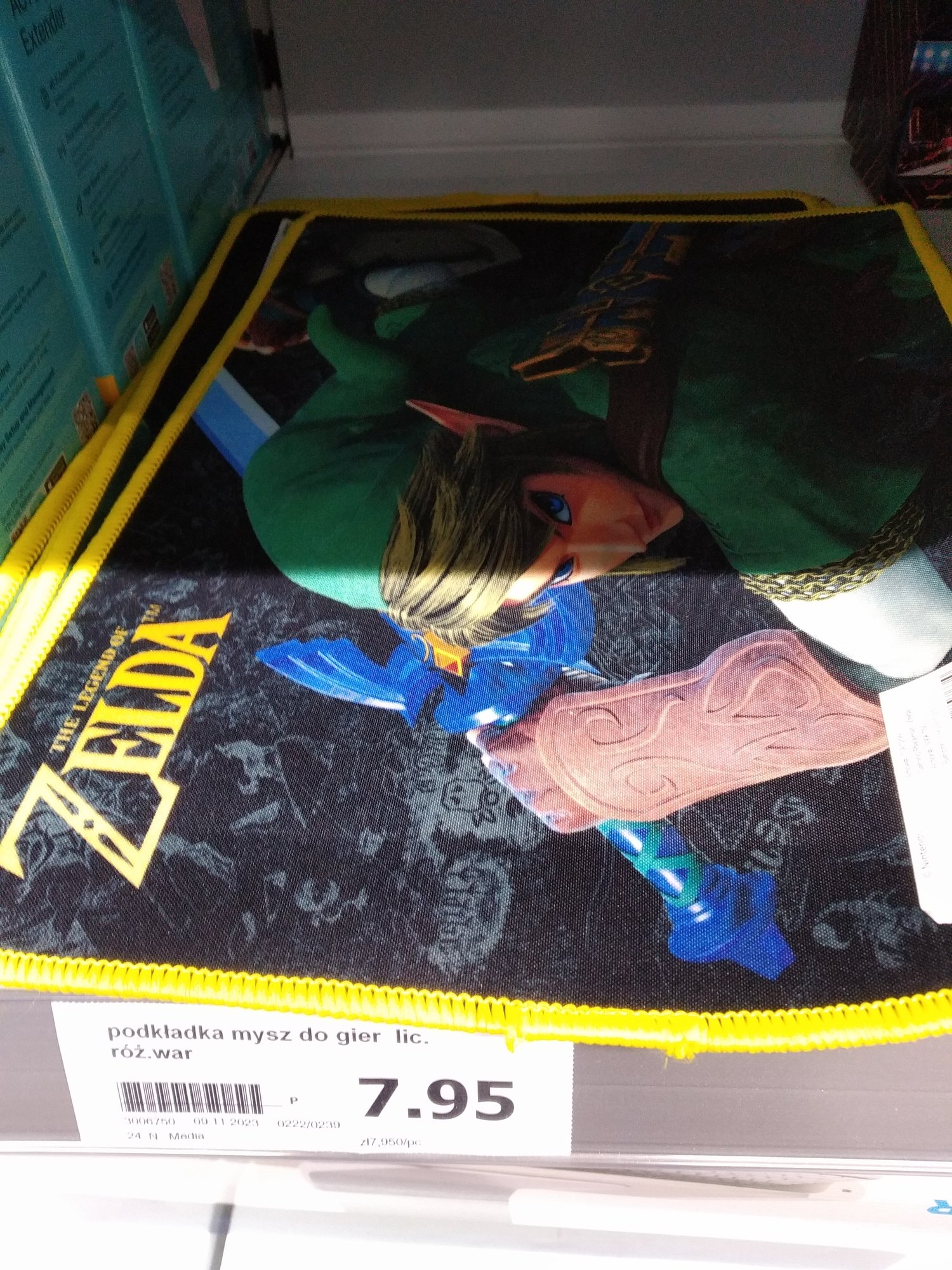
 

z.thumb.jpg.93c93cbfe38ed8fe4de3b219a00fe2d9.jpg

Suavek

nawzajem

e6c.thumb.jpg.2f63ecae9ed5558f0a434e31210fac17.jpg

Suavek

nawzajem

Suavek

Burnout Revenge. Trasa White Mountain. Top of The World w tle na cały głośnik. :banderas: Od razu się człowiek czuje 15 lat młodszy.

Suavek

Którą by tu dziś...


b.thumb.jpg.72211cfe2bb0acb4e4e9ecc93cae514d.jpg

Suavek

Ech, miał być spokojny, piątkowy wieczór w łóżeczku pod kocykiem ze Steam Deckiem i Vitunią, a tu dziołchy na balety i picie wyciągają... :(

Account

Navigation

Szukaj

Szukaj

Configure browser push notifications

Chrome (Android)
  1. Tap the lock icon next to the address bar.
  2. Tap Permissions → Notifications.
  3. Adjust your preference.
Chrome (Desktop)
  1. Click the padlock icon in the address bar.
  2. Select Site settings.
  3. Find Notifications and adjust your preference.