




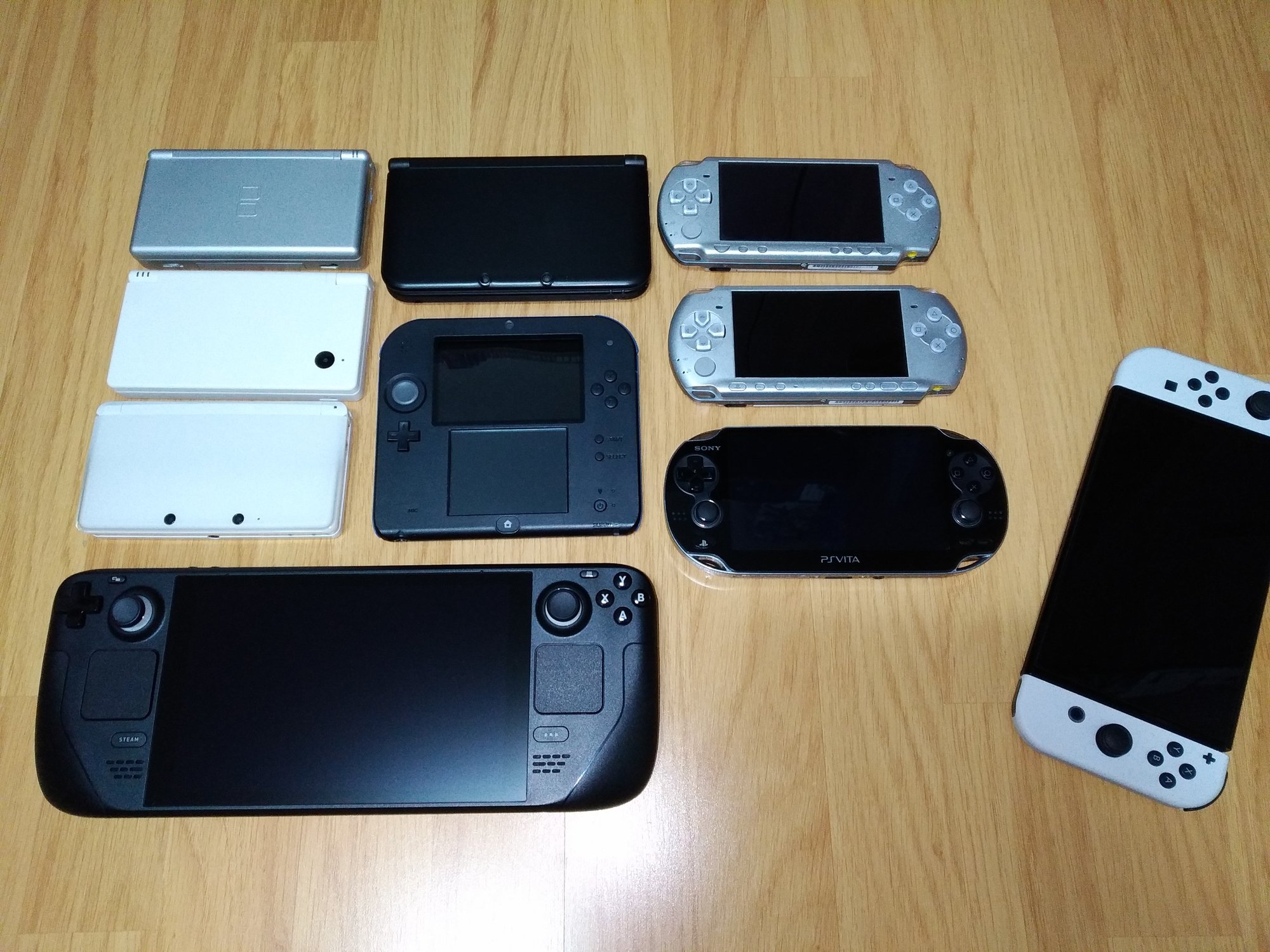
Mały zbiór moich ulubionych handheldów. Sprzętów, które dostarczyły mi niezliczonych godzin frajdy i niesamowitych przeżyć, i które wciąż potrafią bawić, mimo upływu lat.
Obok nich - Switch.

A better way to browse. Learn more.
A full-screen app on your home screen with push notifications, badges and more.



Mały zbiór moich ulubionych handheldów. Sprzętów, które dostarczyły mi niezliczonych godzin frajdy i niesamowitych przeżyć, i które wciąż potrafią bawić, mimo upływu lat.
Obok nich - Switch.
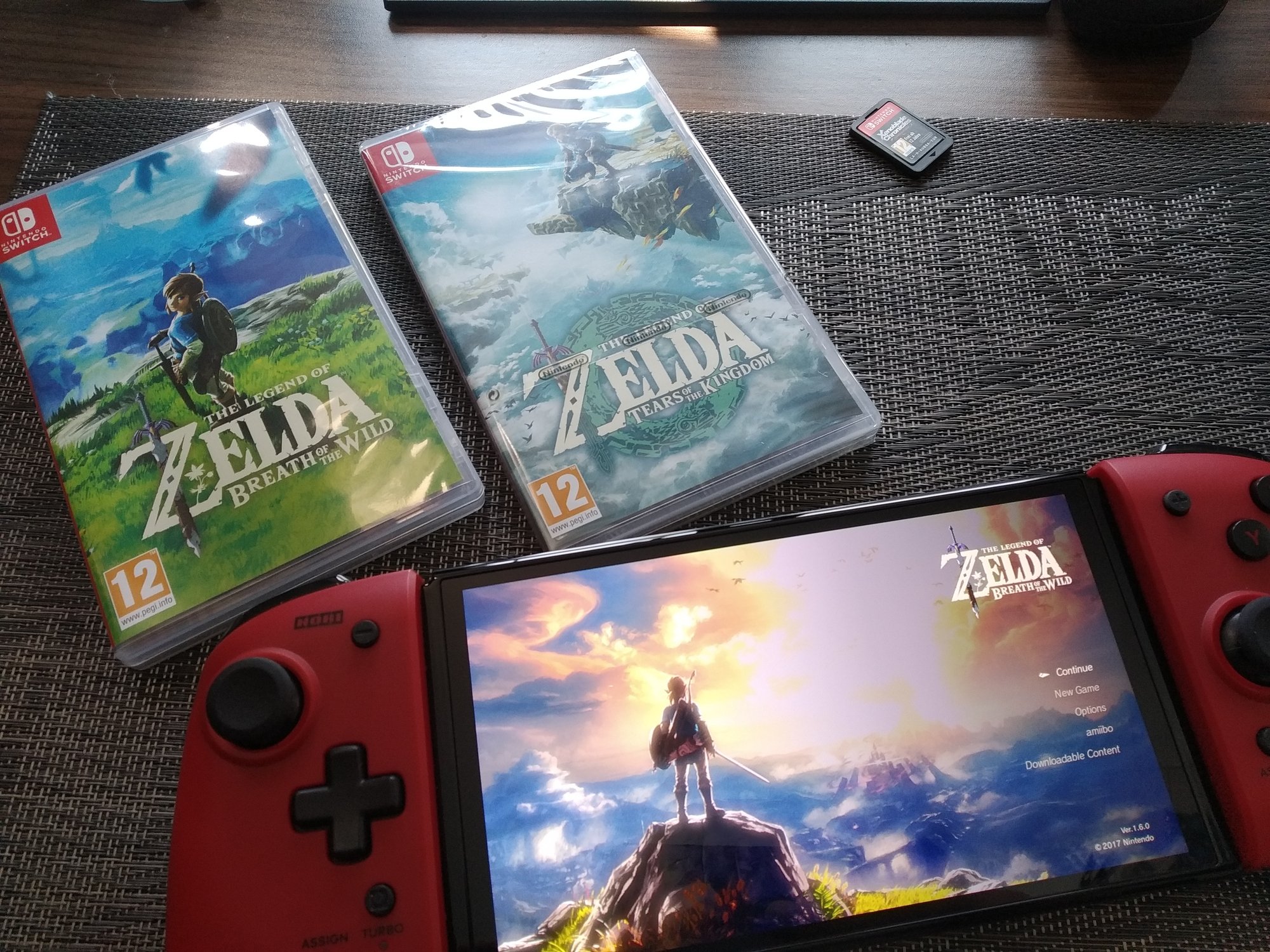
Kurde, muszę w to w końcu zagrać...
Fajny ten "Armored Core" 
Tak jest
Świetna paczka dla pecetowców, bądź świeżo upieczonych SteamDeckowców - https://www.humblebundle.com/games/resident-evil-decades-horror-village-edition
Niemal wszystkie Resident Evil. Części 0 do 7 + Revelations 1&2 za niewiele ponad 80zł.
Am I Kawaii? Uguu~

Escape oczywiście mistrz, ale to ktoś pamięta?
Za młodego ignorowało się cringe, tylko i tak oglądało.
Prezenterka też się do tego przyczyniła...
No dobra, zobaczymy o co tyle krzyku.
.jpg.e32cd7d6e7c1f092290196a77814b813.jpg)