SzczurekPB
Użytkownicy
-
Dołączył
-
Ostatnia wizyta
Muzyka fajna, ale co to jest? :P
22:30 TVN - Jestem Legendo. A w przerwie chcę zobaczyć reklamę The Last of Us :P
https://mobile.twitter.com/aarongreenberg/status/333973229234429952?p=v MS zaprezentuje nowego Xboksa w namiocie lol. Przyżydzili na wynajęciu jakiejś porządnej sali
Muzyczne GOTY:
Nitendo bez konferencji na E3. Zrozumieli, że by się tylko ośmieszyli przy Sony i MS ;)
21 maja - Next Generation of Kinect
WTF Japonio? http://www.youtube.com/watch?v=67BkPIc2DJ4
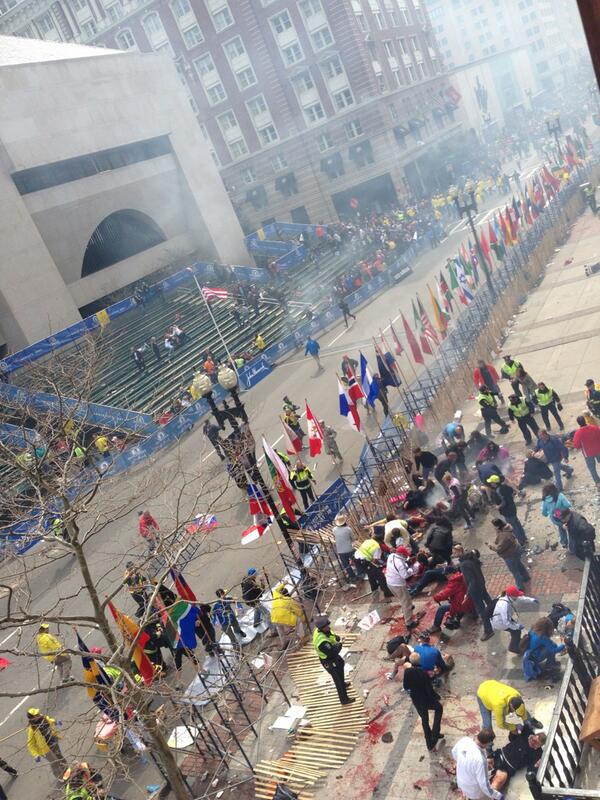
W Bostonie imprezujo. Bomby na maratonie odpalajo. https://pbs.twimg.com/media/BH6fwFvCUAA-PWb.jpg