




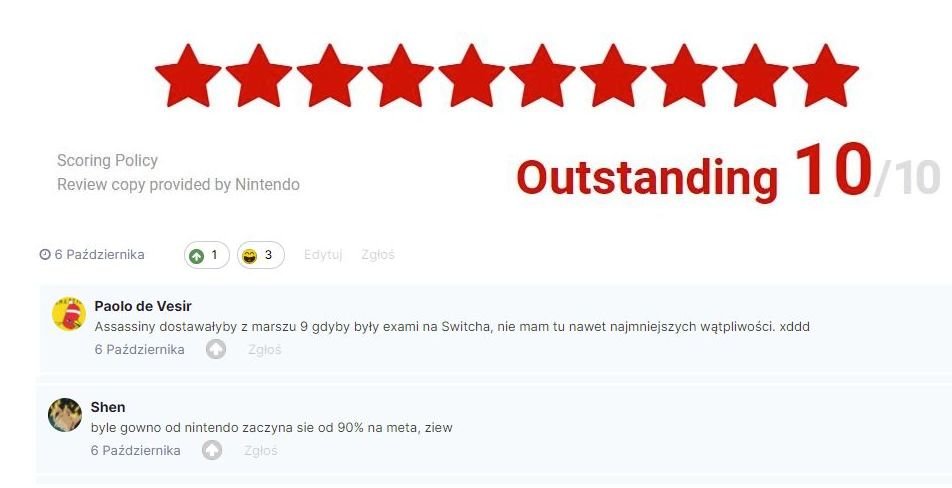
+ przekupione recenzje
Tymczasem na nintendolife.com
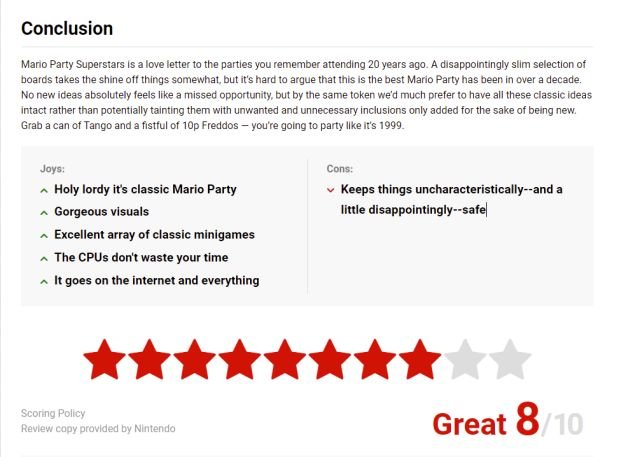
Jaka będzie narracja tym razem? 
Najwyraźniej Nintendo kończą się pieniążki na sponsorowanie recenzentów 


A better way to browse. Learn more.
A full-screen app on your home screen with push notifications, badges and more.



+ przekupione recenzje
Tymczasem na nintendolife.com
Jaka będzie narracja tym razem?
Najwyraźniej Nintendo kończą się pieniążki na sponsorowanie recenzentów
Właśnie pojawiła się promka w eShopie na gierkę, która ze wszystkich konsol wygląda najlepiej na Switchu
A podobno miały być "leniwe porty" tymczasem będzie dopieszczona perełka
Szykuje się kolejny hicior w bogatej bibliotece Switcha.
Zresztą WayForward to znak jakości i nie wydali jeszcze złej gry
2 godziny i wyprzedany
https://gamerant.com/nintendo-64-switch-controller-sold-out/
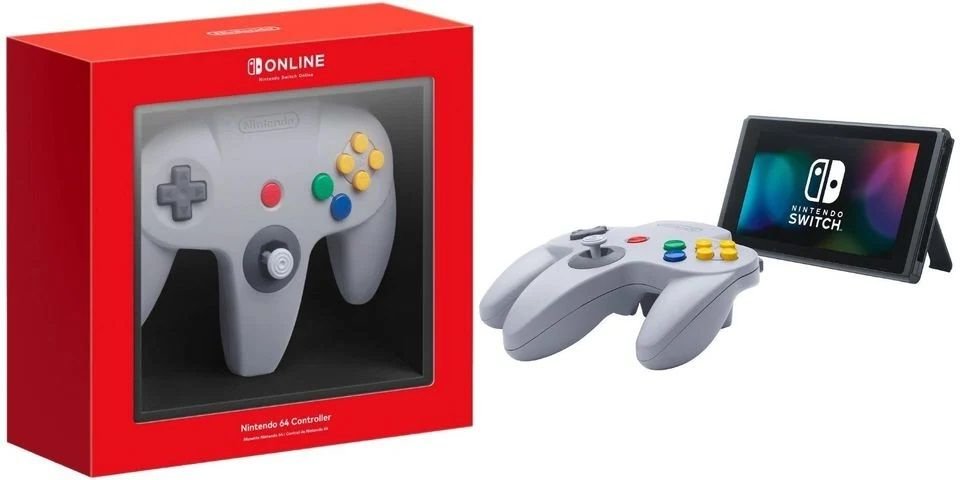
Co jest takiego niezwykłego w tym kontrolerze, że każdy się na niego rzuca i go pożąda?
Bez agresywnych odpowiedzi poproszę
FLAWLESS VICTORY
Mortal Kombat 11 - 37
Injustice 2 - 28
Dragon Ball FighterZ - 43
Dead or Alive 6 - 31
Soulcalibur VI - 21
Tekken 7 - 51
Samurai Shodown - 16
Guilty Gear Strive - 15
Street Fighter 5 - 46
Granblue Fantasy Versus - 12
Super Smash Bros. Ultimate - 89
Skąd tyle agresywnych prowokacji ze strony osób tego forum w stronę Nintendo?
Twórca God of Wara?
Chodząca kopalnia beki
