Skocz do zawartości
View in the app

A better way to browse. Learn more.

Forum PSX Extreme

A full-screen app on your home screen with push notifications, badges and more.

To install this app on iOS and iPadOS
  1. Tap the Share icon in Safari
  2. Scroll the menu and tap Add to Home Screen.
  3. Tap Add in the top-right corner.
To install this app on Android
  1. Tap the 3-dot menu (⋮) in the top-right corner of the browser.
  2. Tap Add to Home screen or Install app.
  3. Confirm by tapping Install.

GearsUp

Użytkownicy
  • Dołączył

GearsUp

QD-OLED >>> OLED

GearsUp

Wreszcie mam światłowód, będzie można kupować gry na Key Cardach gigabeta

GearsUp

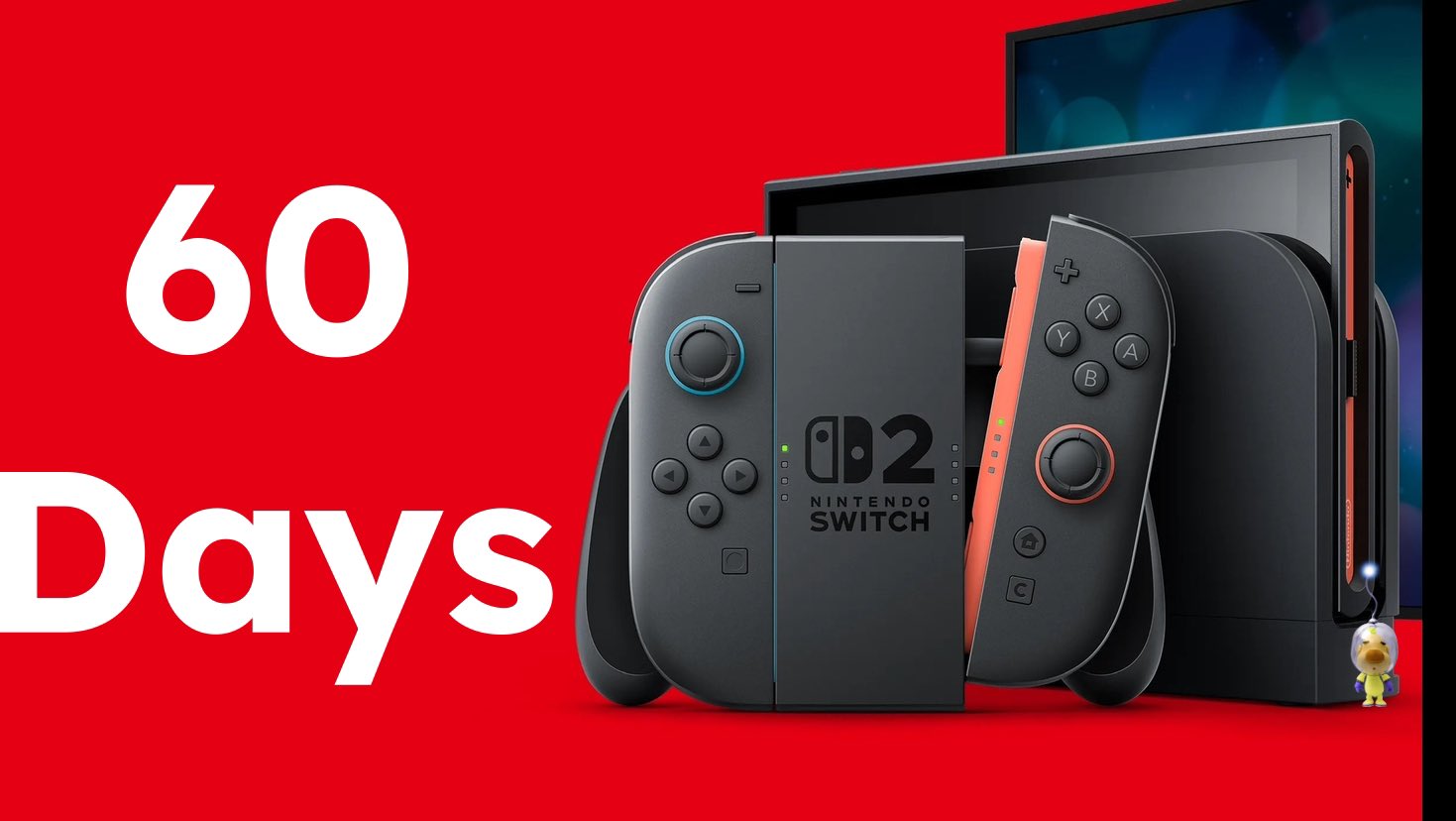
A pamiętacie taką konsolę jak Switch 2?
GearsUp

Znacie jakieś dobre platformery z destrukcją świata?

GearsUp

Czaicie grać w 2025 w indyki na handheldzie poniżej 120 fps?


No niby można ale oczy krwawią :)

GearsUp

Po co cyfra jak jest chmura? Po co ściągać jakieś dane i zapychać nośniki jak można się połączyć i grać z marszu?

W-Y-G-O-D-A


#teamchmurabekazcyfrowców

GearsUp

Jedni grają, drudzy czekają.


image.jpeg.1a7d8d20100686d12e46daf2745ed216.jpeg

Account

Navigation

Szukaj

Szukaj

Configure browser push notifications

Chrome (Android)
  1. Tap the lock icon next to the address bar.
  2. Tap Permissions → Notifications.
  3. Adjust your preference.
Chrome (Desktop)
  1. Click the padlock icon in the address bar.
  2. Select Site settings.
  3. Find Notifications and adjust your preference.