Skocz do zawartości
View in the app

A better way to browse. Learn more.

Forum PSX Extreme

A full-screen app on your home screen with push notifications, badges and more.

To install this app on iOS and iPadOS
  1. Tap the Share icon in Safari
  2. Scroll the menu and tap Add to Home Screen.
  3. Tap Add in the top-right corner.
To install this app on Android
  1. Tap the 3-dot menu (⋮) in the top-right corner of the browser.
  2. Tap Add to Home screen or Install app.
  3. Confirm by tapping Install.

GearsUp

Użytkownicy
  • Dołączył

GearsUp

Ostatni dzień wolnego. Wypadałoby gdzieś ruszyć. Dobrze, że jest Steam Deck, przenośne granie nigdy nie było prostsze 
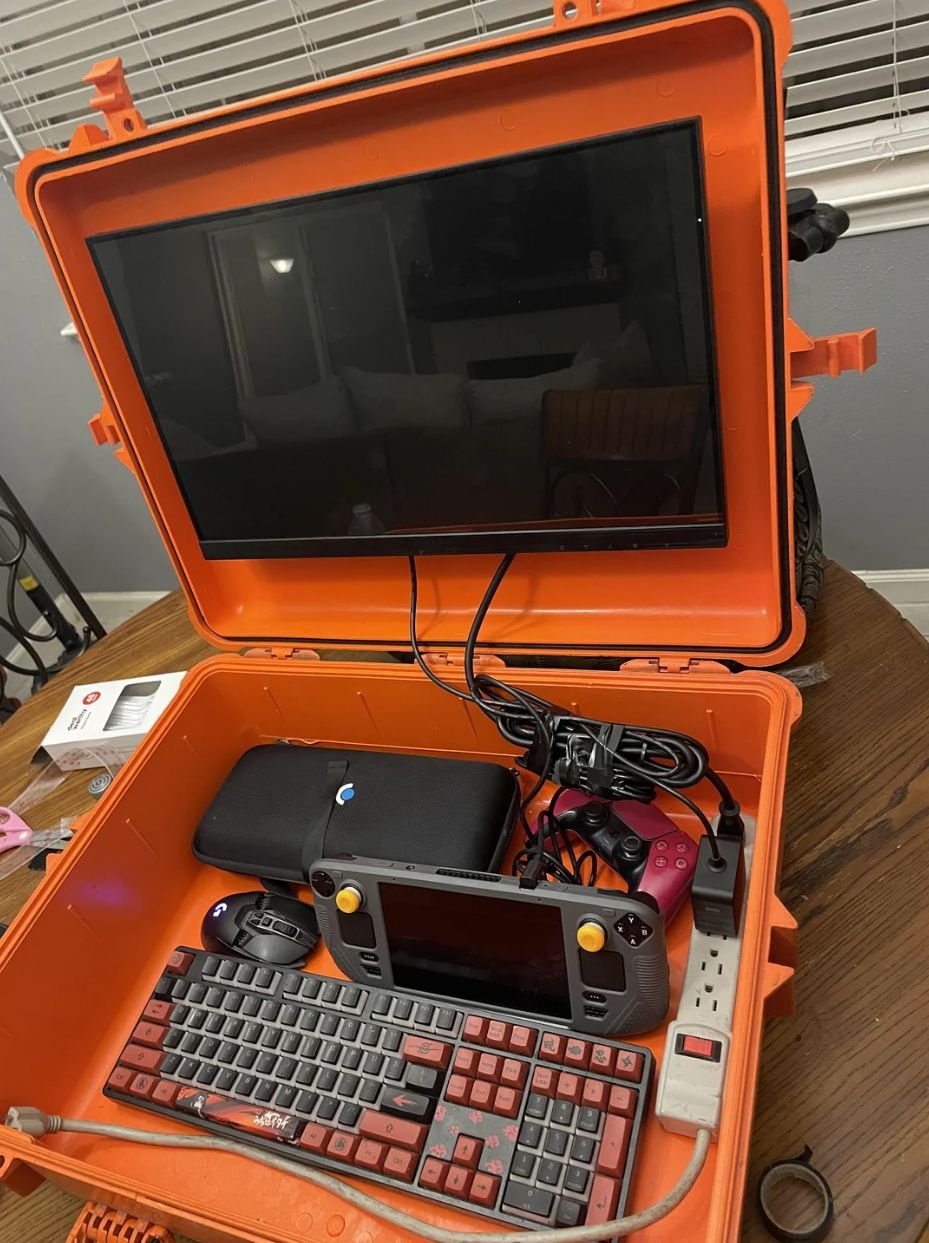
 

image.thumb.jpeg.ba1ffcf16c5892d51d06e2a79b1579fd.jpeg

GearsUp

Nie sądziłem, że jeszcze w tej generacji XSX zbliży się do poziomu graficznego PS4 :notbad:


GearsUp

Oto co DF sądzi o nowej konsoli Sony


image.gif

GearsUp

Czy można lepiej wydać pieniądze?


image.thumb.jpeg.994f42682b62e8328d25bda93ac505ca.jpeg

GearsUp

Jak rozpoznać gracza, który sam siebie oszukuje, że chce mu się grać?

GearsUp

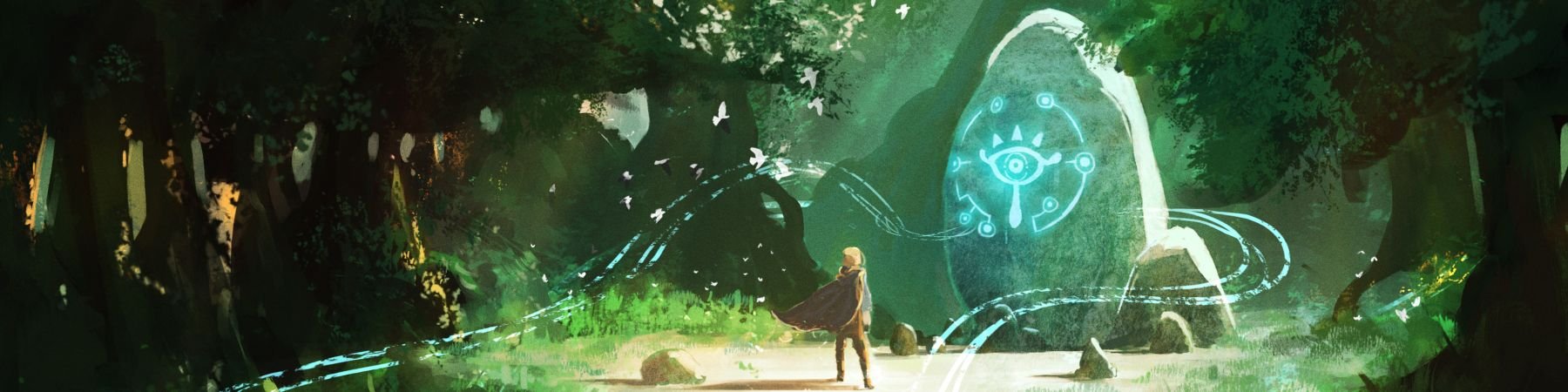
Happy Zelda day :cool:


image.thumb.jpeg.faab97a0ff6726faca85d1ae8a23e694.jpeg

GearsUp

59 dni do mesjasza :)


GXpyWFWWoAALOL3?format=jpg&name=medium


Account

Navigation

Szukaj

Szukaj

Configure browser push notifications

Chrome (Android)
  1. Tap the lock icon next to the address bar.
  2. Tap Permissions → Notifications.
  3. Adjust your preference.
Chrome (Desktop)
  1. Click the padlock icon in the address bar.
  2. Select Site settings.
  3. Find Notifications and adjust your preference.