Od piątku 2 tygodnie wolnego od pracy, okna zabite dechami i napyerdalanie od rana do nocy w kolejną perełkę od wielkiego N

A better way to browse. Learn more.
A full-screen app on your home screen with push notifications, badges and more.



Od piątku 2 tygodnie wolnego od pracy, okna zabite dechami i napyerdalanie od rana do nocy w kolejną perełkę od wielkiego N
Samochodówki - Porównania Technikaliów

Ale bym se pograł w Unicorn Overlord na najlepszej maszynce do grania w 2024.


Dzięki mistrzu!

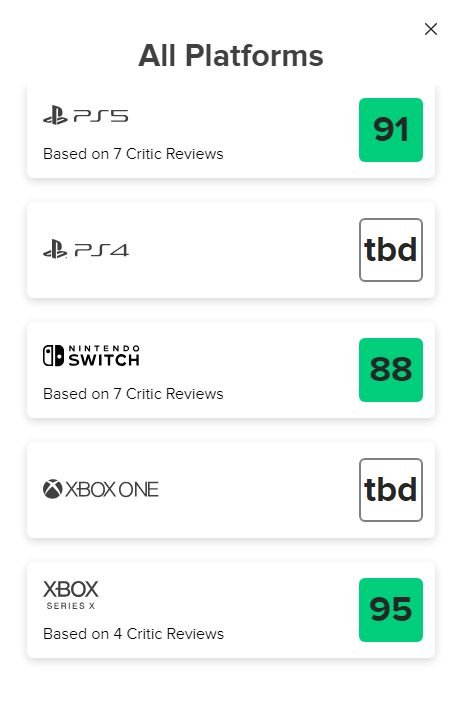
Dobra gra. Fajne ma oceny. Polecam.
Trzymajcie się tam w tej emulgatorowni 
Czy jest jakaś osoba na forum, dla której Final Fantasy VII to gierka życia?
Bycie fanem Nintendo w tym czasie

1. The Legend of Zelda: Tears of the Kingdom
2. Super Mario Bros. Wonder
3. Metroid Prime Remastered
4. Starfield
5. Redfall
6. Gollum
7. reszta