Skocz do zawartości
View in the app

A better way to browse. Learn more.

Forum PSX Extreme

A full-screen app on your home screen with push notifications, badges and more.

To install this app on iOS and iPadOS
  1. Tap the Share icon in Safari
  2. Scroll the menu and tap Add to Home Screen.
  3. Tap Add in the top-right corner.
To install this app on Android
  1. Tap the 3-dot menu (⋮) in the top-right corner of the browser.
  2. Tap Add to Home screen or Install app.
  3. Confirm by tapping Install.

k0ntra

Dziś będzie grane w Fear Effect. Zupa toll gra 

Figaro

image.png.282f71e8744aaa421be66259cb22cf9c.png

Ryuk

image.thumb.png.a2856b6fa8ee6d31d60d936b938dcfc5.png


KrYcHu_89

To ten słynny tweet Rockstara na dzisiaj :D? 
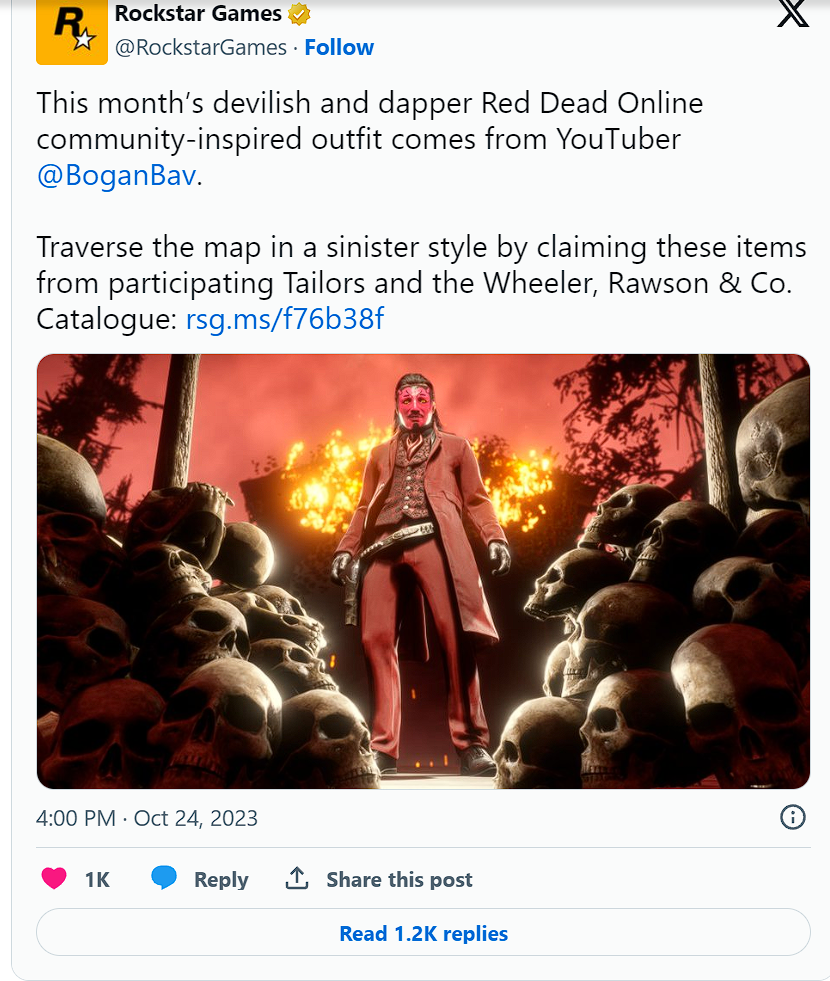
 

image.thumb.png.b5f7f73c47e72c77e762b9028e895565.png

Figaro

the best president, the bestest


image.thumb.png.1d97c296cfa3999906634a08ee05428b.png

Shago

Jan Czochralski :hi:


Ryuk

CDN media

MEVEK

Ridley Scott, the director of the original Alien movie, has seen an early version of Alien: Romulus and described it as "f***ing great," giving high praise to director Fede Álvarez and his work.

Kaczi

prawdę powiedział:kekw:


Account

Navigation

Szukaj

Szukaj

Configure browser push notifications

Chrome (Android)
  1. Tap the lock icon next to the address bar.
  2. Tap Permissions → Notifications.
  3. Adjust your preference.
Chrome (Desktop)
  1. Click the padlock icon in the address bar.
  2. Select Site settings.
  3. Find Notifications and adjust your preference.