Skocz do zawartości
View in the app

A better way to browse. Learn more.

Forum PSX Extreme

A full-screen app on your home screen with push notifications, badges and more.

To install this app on iOS and iPadOS
  1. Tap the Share icon in Safari
  2. Scroll the menu and tap Add to Home Screen.
  3. Tap Add in the top-right corner.
To install this app on Android
  1. Tap the 3-dot menu (⋮) in the top-right corner of the browser.
  2. Tap Add to Home screen or Install app.
  3. Confirm by tapping Install.

darkos

Senior Member
  • Dołączył

  • Ostatnia wizyta

darkos

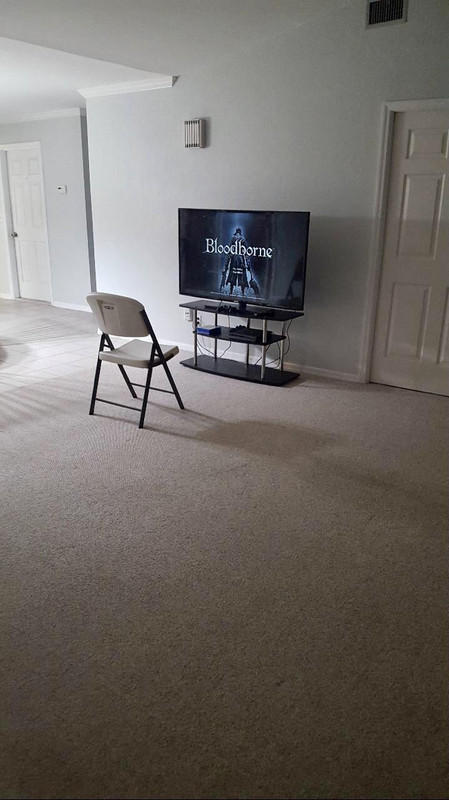
kobiety są w błędzie, tak da się żyć :good:blood-born.jpg

darkos

Gorąco w choy, jak tu grać gdy konsole tylko podgrzewają salon :/ 

darkos

Every night in my dreams

I see you, I feel you

That is how I know you go on

Far across the distance

And spaces between us

You have come to show you go on  
 

355696361-790668176178361-71921049183103

darkos

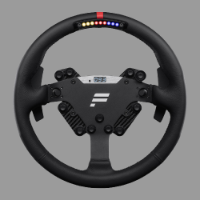
Lipa z tymi goglami Apla. Nie da sie na nich uruchomić Gran Turismo 7 w vr. Dlatego PlayStation VR2 nadal najlepsze. :hi:


Fpb1w0IWYAIfNZt.jpg


darkos

:kekw: Co ci Amerykanie wiedzą 

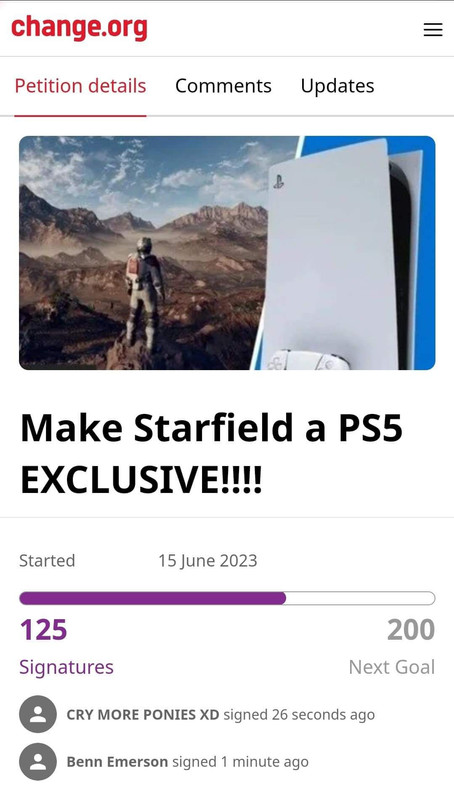
FB-IMG-1685280139528.jpg

darkos

Ups 


darkos

Czy będziesz jeść truskaweczki tego lata? 

 

fixdzem.jpg


darkos

Konsole nie lubią wody, tak tylko przypominam. :hi: 


d6f1b728623a24b102e420713e132be7.gif


darkos

resident evil 4 remake - premiera, preorder i ogólna szajba szajba :woot:

clipart3237345.png


Account

Navigation

Szukaj

Szukaj

Configure browser push notifications

Chrome (Android)
  1. Tap the lock icon next to the address bar.
  2. Tap Permissions → Notifications.
  3. Adjust your preference.
Chrome (Desktop)
  1. Click the padlock icon in the address bar.
  2. Select Site settings.
  3. Find Notifications and adjust your preference.