









Sajlencik czy Astro? wybór goty będzie ciężki w tym roku 

X-kom przejmie siec Neonet 
Wiec nie bedzie tanich wyprzedaży i biegania od salonu do salonu po przecenione PlayStation 5 PRO



Sprzedam napęd do PS5 Pro. Wartość szacuję na jakieś 3 Xboxy Series X. Jak coś to priv 

Jest tutaj ktos kto tak nie mial?
https://www.instagram.com/reel/DAeqORDSw8e/?igsh=OWI3eW1sdzRkb3V0

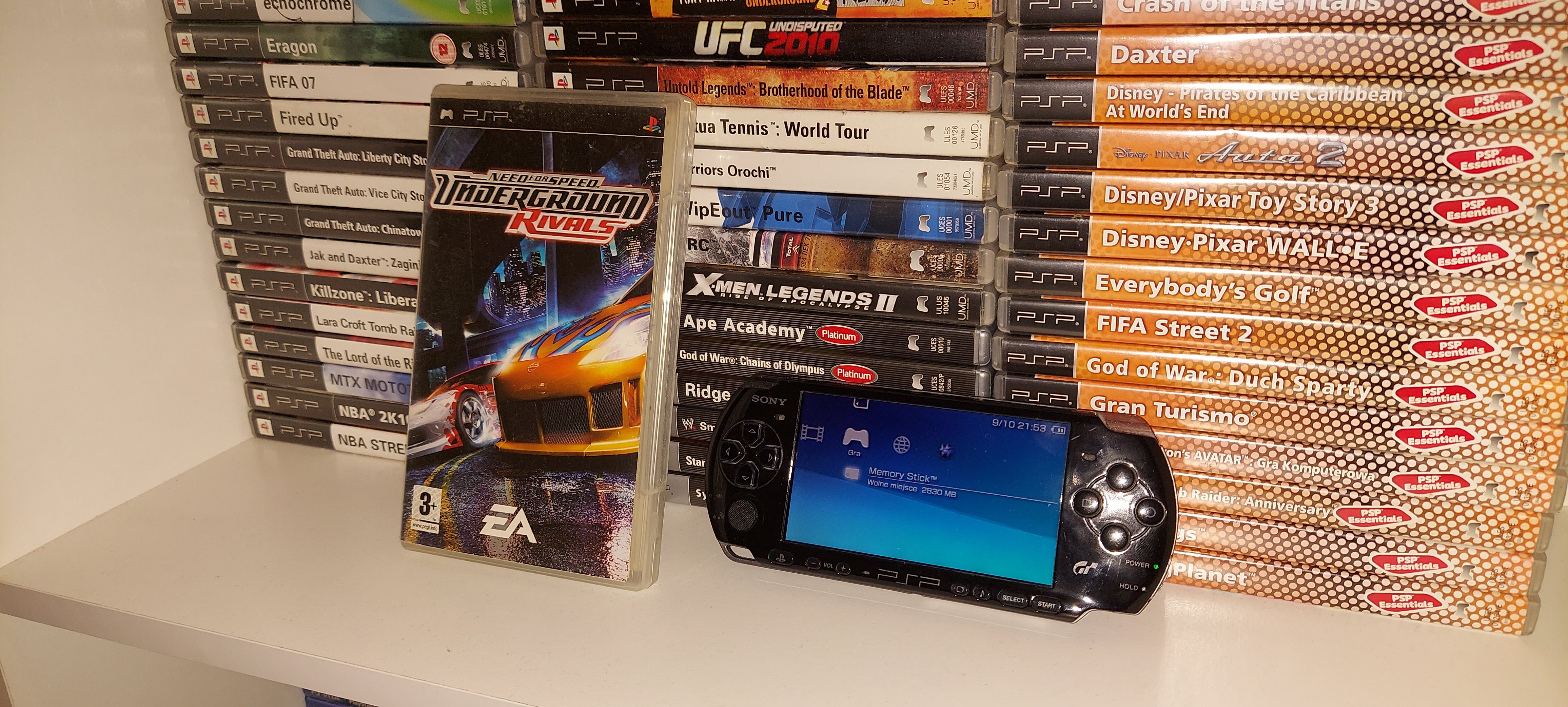
PSP  Cudowny handheld obdarowany toną wspaniałych gier
  Kto z nas nie marzył o tym sprzęcie?
Osobiście dorobiłem się aż pięciu sztuk, w tym premierowego, japonskiego modelu w kolorze bialym.
A gry? Jakie są wasze ulubione tytuły?


Hipek chodzi i szuka zaginionej baby w jesienny dzień po Sosnowcu, a połowa forum po 30stce się jara jak nie wiem co...
Ja sie zajebany nie utopie, ale tylko przeplyne 5 metrow pod woda. A, i jacuzzi 3 razy w tygodniu