Sony nie tak głęboko, proszę

A better way to browse. Learn more.
A full-screen app on your home screen with push notifications, badges and more.


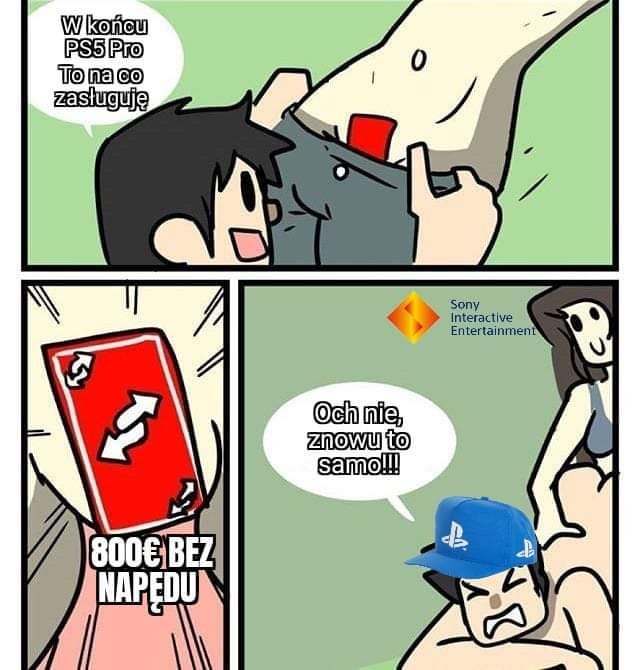
Sony nie tak głęboko, proszę
na chwilę wskoczyłem na kanał aktualizacji MAIN by mi pobrało nowego biosa. Mam teraz bezpośrednio z menu biosa opcje overclocking i undervolting. Obniżyłem pobór energii i podbiłem zegary i widzę te kilka klatek więcej w wymagających gierkach. Szału nie ma bo by w pełni korzystać z podkręconych zegarów musiałoby się dać zwiększyć tpd z 15, a obecnie tego bez kombinacji nie da się zrobić ale to w sumie zawsze klatka lub dwie więcej za darmo.
Dlaczego Gravity Rush na ps4 jest takie drogie wszedzie? Warto sie tego teraz pozbyć?
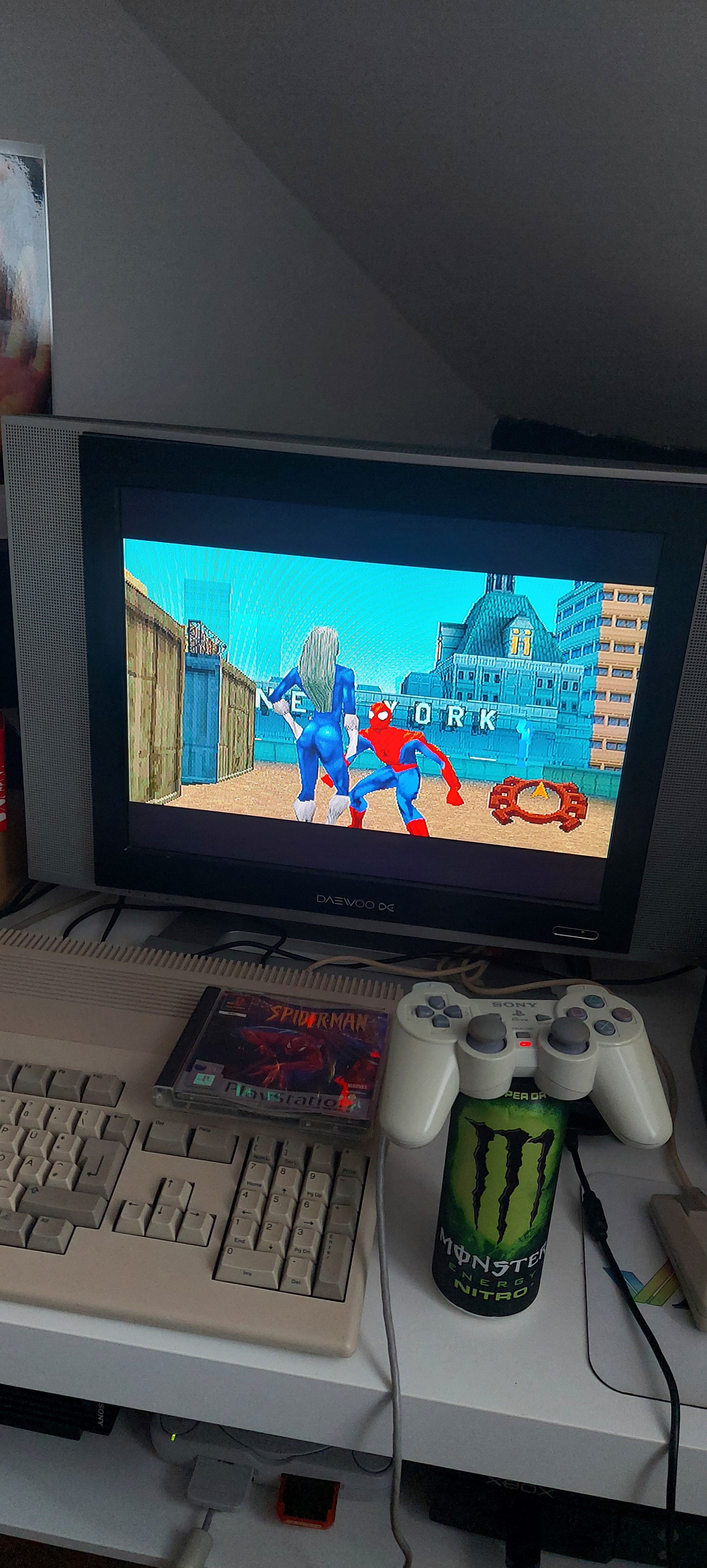
Czas odpocząć od next-genów 
A jaki jest wasz ulubiony, growy Spider-Man?
Krąg życia