Skocz do zawartości
View in the app

A better way to browse. Learn more.

Forum PSX Extreme

A full-screen app on your home screen with push notifications, badges and more.

To install this app on iOS and iPadOS
  1. Tap the Share icon in Safari
  2. Scroll the menu and tap Add to Home Screen.
  3. Tap Add in the top-right corner.
To install this app on Android
  1. Tap the 3-dot menu (⋮) in the top-right corner of the browser.
  2. Tap Add to Home screen or Install app.
  3. Confirm by tapping Install.

oFi

Patroni
  • Dołączył

  • Ostatnia wizyta

oFi

Blast from the yt past, ale śmieszy.

oFi

Coraz sprytniejsi Ci handlarze

oFi

Poproszę taki colab ale w świecie Metal Gear

oFi

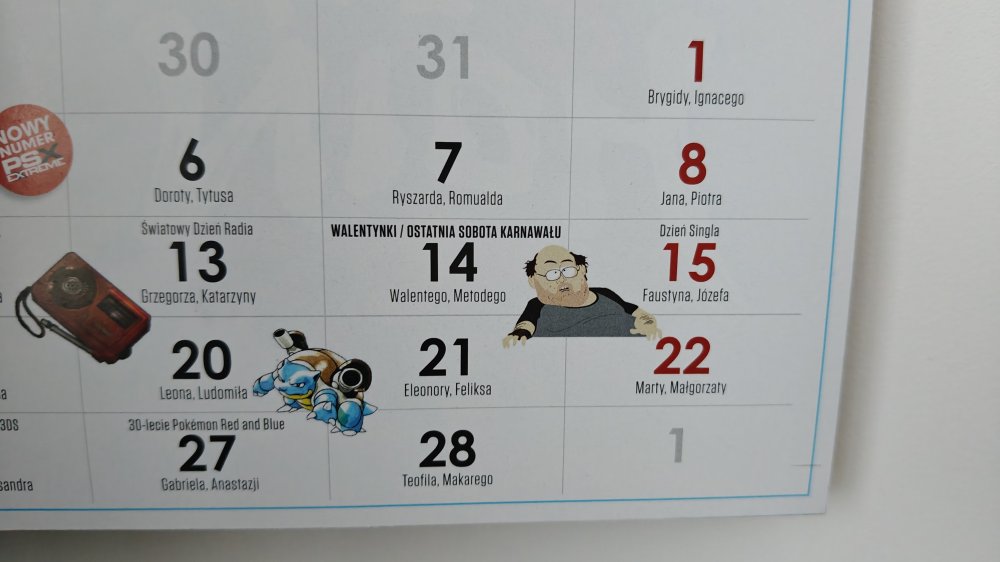
Zgredzi to jednak wiedzą co gracze robią w walentynki buziak

IMG20260131120836.jpg

oFi

Kto finansuje tego chata gbt premium jaskinietreningoweA.I. ? Ruch na forumku jest na tyle spory, że nie trzeba takich zabiegów robić.

oFi

Kiedy się ta karta skończy za oknem?
W3_SS_Gwint_Mr%3Fz.webp

oFi

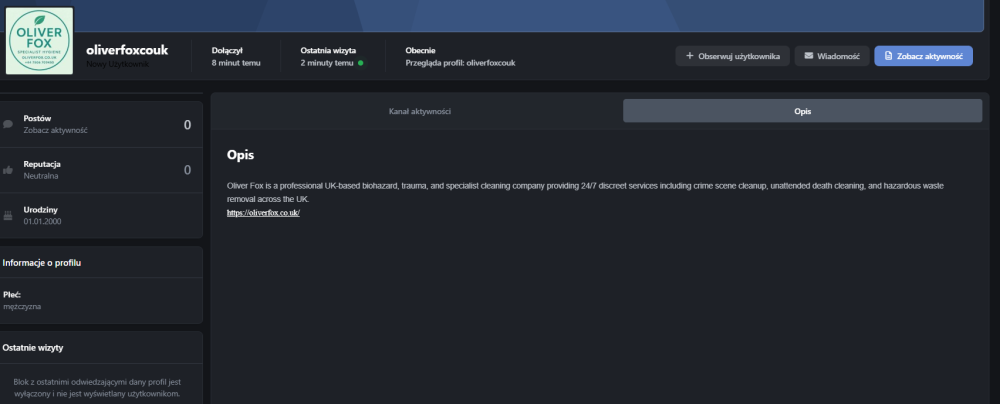
Jakaś firma sprzątająca wpadła na forumka

image.png

oFi

Co roczne ostateczne podsumowanie roku since już nie pamiętam ile oni to prowadzą

oFi

Dużo nieznanych ciekawostek z życia PS3:

oFi

Ale Kmiot was prosił by mikołajkowe czapki założyć inaczej nie czuć świąt na forumku.

Account

Navigation

Szukaj

Szukaj

Configure browser push notifications

Chrome (Android)
  1. Tap the lock icon next to the address bar.
  2. Tap Permissions → Notifications.
  3. Adjust your preference.
Chrome (Desktop)
  1. Click the padlock icon in the address bar.
  2. Select Site settings.
  3. Find Notifications and adjust your preference.