
Skocz do zawartości
View in the app

A better way to browse. Learn more.

Forum PSX Extreme

A full-screen app on your home screen with push notifications, badges and more.

To install this app on iOS and iPadOS
  1. Tap the Share icon in Safari
  2. Scroll the menu and tap Add to Home Screen.
  3. Tap Add in the top-right corner.
To install this app on Android
  1. Tap the 3-dot menu (⋮) in the top-right corner of the browser.
  2. Tap Add to Home screen or Install app.
  3. Confirm by tapping Install.

ASX

Senior Member
  • Dołączył

  • Ostatnia wizyta

ASX


ASX

E0UKNAfWUAEUg-2?format=jpg&name=large

Fajna praca fana

ASX

Qwc9paOB_20210429_221747.jpg

Od dziś to moje motto

ASX

@schabek Jak masz bana to daj plusa pod tym statusem, a jak nie masz do zostaw komentarz

ASX

50 dni do E3 :asax:

ASX

Ptaszki ćwierkają że następny Godrizon będzie w Meksyku

zozryajH.jpeg

ASX

fsl7bncty5u61.jpg


ASX


ważne info, 

presja ma znaczenie 

ASX

60 dni do E3 :asax:

ASX

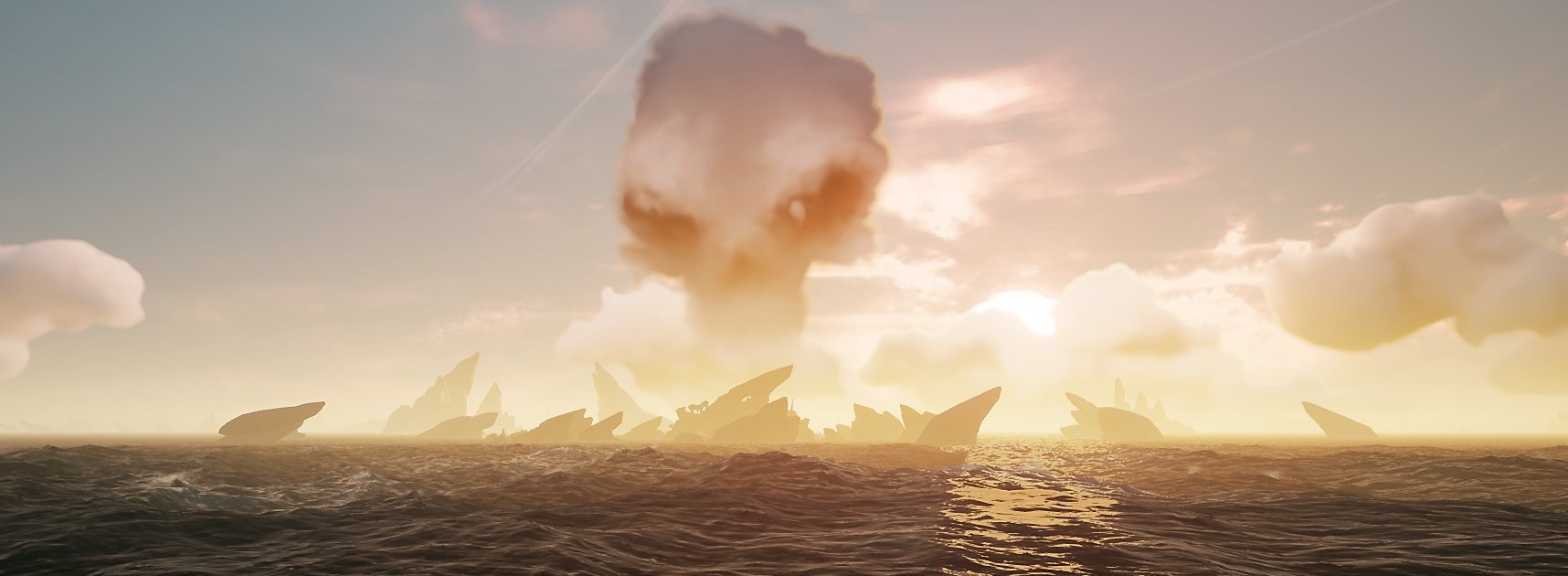
Ale siadła 4 godzinna sesja w Sea of Thieves :banderas: fajnie tak popływać po morzach i moc choć na chwilę uciec do wirtualnego świata

Account

Navigation

Szukaj

Szukaj

Configure browser push notifications

Chrome (Android)
  1. Tap the lock icon next to the address bar.
  2. Tap Permissions → Notifications.
  3. Adjust your preference.
Chrome (Desktop)
  1. Click the padlock icon in the address bar.
  2. Select Site settings.
  3. Find Notifications and adjust your preference.