Skocz do zawartości
View in the app

A better way to browse. Learn more.

Forum PSX Extreme

A full-screen app on your home screen with push notifications, badges and more.

To install this app on iOS and iPadOS
  1. Tap the Share icon in Safari
  2. Scroll the menu and tap Add to Home Screen.
  3. Tap Add in the top-right corner.
To install this app on Android
  1. Tap the 3-dot menu (⋮) in the top-right corner of the browser.
  2. Tap Add to Home screen or Install app.
  3. Confirm by tapping Install.

Figuś

Senior Member
  • Dołączył

Figuś

y7iI8piMMonJVgoiDGkouGX0inlVHwkt.jpeg

Figuś

EkpErK1XgAERnmg?format=jpg&name=medium

Figuś


Figuś

EiSw0iTXgAEQmrt?format=jpg&name=900x900

Figuś


Figuś

EkkBOicX0AIILnY?format=jpg&name=medium

EkkBOwuXIAE1vpA?format=jpg&name=large

Figuś

EkdN5llXUAAY3oS?format=jpg&name=900x900

Figuś


Figuś

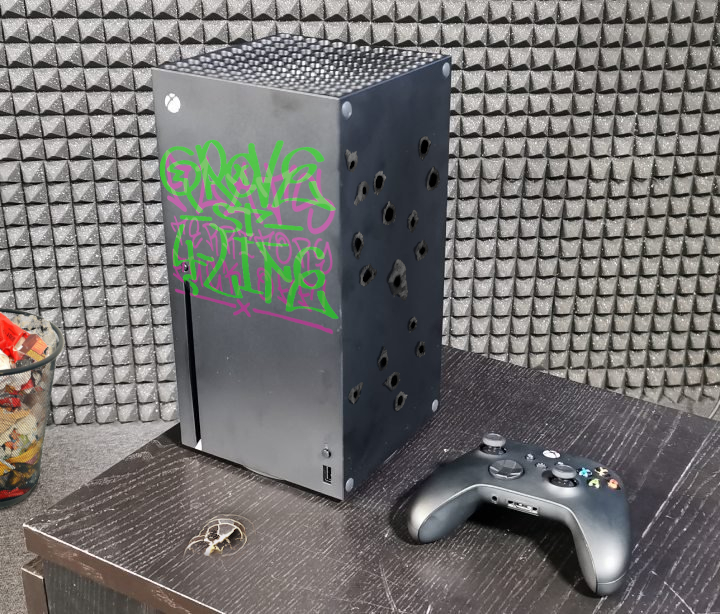
XSX zamówione, PS5 chyba zaklepane, jeszcze tylko niech upatrzony TV zjedzie z ceny i wchodzimy w następną generację na pełnej :)

Figuś

fRJMlyAXojHsdEJzRPosVtQYr8sTjser.jpg

Account

Navigation

Szukaj

Szukaj

Configure browser push notifications

Chrome (Android)
  1. Tap the lock icon next to the address bar.
  2. Tap Permissions → Notifications.
  3. Adjust your preference.
Chrome (Desktop)
  1. Click the padlock icon in the address bar.
  2. Select Site settings.
  3. Find Notifications and adjust your preference.