








Figuś
Senior Member
-
Dołączył
Treść opublikowana przez Figuś
-
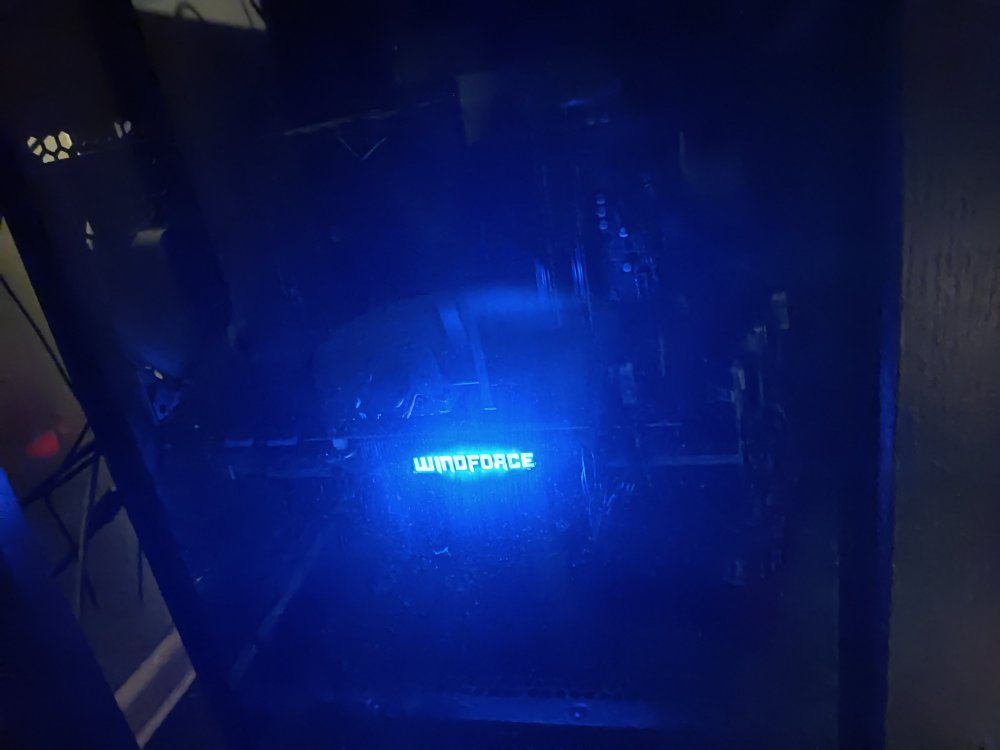
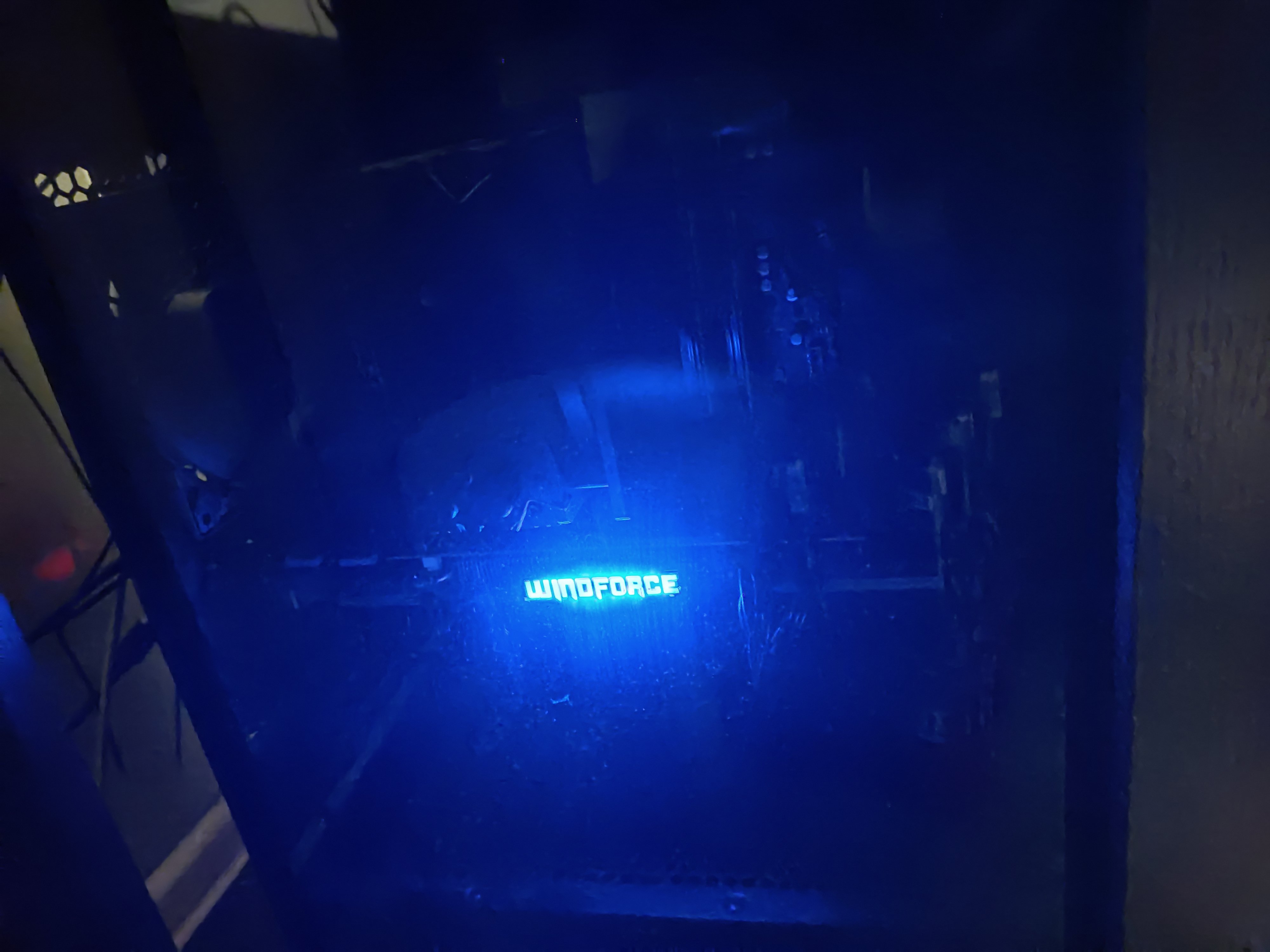
przykro mi WezyrkuJak IW robi tegoroczną odsłonę to tak jak piszę najprawdopodobniej będzie to Modern Warfare 2no tu masz teaser zapowiedzi tegorocznego coda którym prawdopodobnie będzie Modern Warfare 2no właśnie miałem pisać że takie PS5 handheldów XDPewnie do końca marca się dowiemy jeśli prawdą jest to co piszą. btw. lecą mocno z zatrudnianiemhttps://www.tweaktown.com/news/84367/sony-has-10-billion-left-to-spend-on-acquisitions-through-2023/index.html Nie wiem na ile legitny portal, ale ciekawie brzmi to że jeszcze coś wzięli pod skrzydła ale nie ogłosili tego publicznie.chujnia z kutasówą musi być z ostatnim kol of djuti skoro "już" wyskakują z kolejnym edit."szybko"przestań się wysilać bo ci nie wychodzi XD https://deadline.com/2021/09/anthony-mackie-john-doe-sony-pictures-television-playstation-productions-twisted-metal-series-1234833738/ https://deadline.com/2021/03/sony-playstation-productions-ghost-of-tsushima-movie-john-wicks-chad-stahelski-directing-1234721342/ i będzie więcejJeżu udało sie dorwać gpu na którym można pograć w starsze tytuły w rozsądnych pieniądzach(jak na dzisiaj) na przetrwanie do czasu kupna karty z aktualnej ery, bo mój 10 letni HD7870 crashował dosłownie w każdej grze po 10-15min grania i miał problemy z yt w full hd. Mighty Gigabyte GTX 970 g1 gaming które zjadał podstawowe konsole poprzedniej generacji. Właśnie przypominam sobie W40k: Space Marine na Steam w 1440p w 170fps Tylko to osrane rgb mnie wkurwia pzdr Visir I dzięki @Widget za kartę




Account
Navigation
Szukaj
Configure browser push notifications
Chrome (Android)
- Tap the lock icon next to the address bar.
- Tap Permissions → Notifications.
- Adjust your preference.
Chrome (Desktop)
- Click the padlock icon in the address bar.
- Select Site settings.
- Find Notifications and adjust your preference.
Safari (iOS 16.4+)
- Ensure the site is installed via Add to Home Screen.
- Open Settings App → Notifications.
- Find your app name and adjust your preference.
Safari (macOS)
- Go to Safari → Preferences.
- Click the Websites tab.
- Select Notifications in the sidebar.
- Find this website and adjust your preference.
Edge (Android)
- Tap the lock icon next to the address bar.
- Tap Permissions.
- Find Notifications and adjust your preference.
Edge (Desktop)
- Click the padlock icon in the address bar.
- Click Permissions for this site.
- Find Notifications and adjust your preference.
Firefox (Android)
- Go to Settings → Site permissions.
- Tap Notifications.
- Find this site in the list and adjust your preference.
Firefox (Desktop)
- Open Firefox Settings.
- Search for Notifications.
- Find this site in the list and adjust your preference.