
Skocz do zawartości
View in the app

A better way to browse. Learn more.

Forum PSX Extreme

A full-screen app on your home screen with push notifications, badges and more.

To install this app on iOS and iPadOS
  1. Tap the Share icon in Safari
  2. Scroll the menu and tap Add to Home Screen.
  3. Tap Add in the top-right corner.
To install this app on Android
  1. Tap the 3-dot menu (⋮) in the top-right corner of the browser.
  2. Tap Add to Home screen or Install app.
  3. Confirm by tapping Install.

PanKamil

Użytkownicy
  • Dołączył

  • Ostatnia wizyta

PanKamil

Dzisiaj state of play gry AAA działającej w 60 fps:gigachad: 

PanKamil

30 fps wariacie?


Brak opisu.

PanKamil

Mój buldożek dokładnie tak ma :(


Brak opisu.

PanKamil

Koniec problemów z dostępnością i czas aby po 2,5 roku generacja się rozpędziła. :gigachad: switch tyle lat na rynku a ten ciągle nienasycony.


image.png.0f3a8d85fdf1cbec7568af49b8e021a6.png

PanKamil

The last of us part II to najlepsza gra w historii gejmingu. Nawet nie zapraszam do rozmowy bo z faktami nie ma co dyskutować.

PanKamil

Wjeżdza dopłata za wodę 1000 zł :pawel:


Brak opisu.

PanKamil

Wytrzymaliśmy 30 sekund. Brawo Polsga!

PanKamil

Te animacje hellblade 2 robią wrażenie
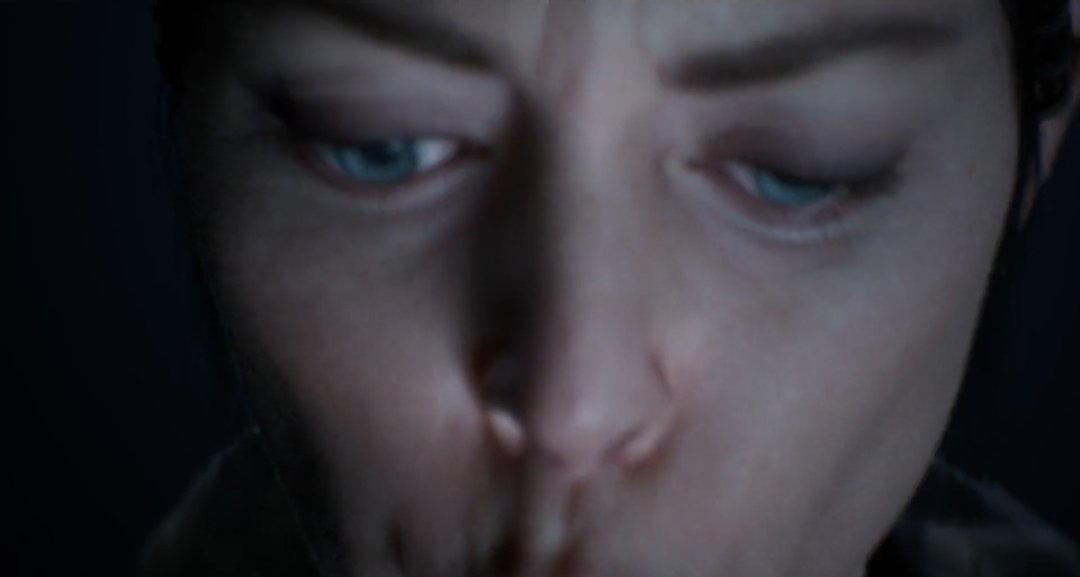
Zdjęcie

Account

Navigation

Szukaj

Szukaj

Configure browser push notifications

Chrome (Android)
  1. Tap the lock icon next to the address bar.
  2. Tap Permissions → Notifications.
  3. Adjust your preference.
Chrome (Desktop)
  1. Click the padlock icon in the address bar.
  2. Select Site settings.
  3. Find Notifications and adjust your preference.