Skocz do zawartości
View in the app

A better way to browse. Learn more.

Forum PSX Extreme

A full-screen app on your home screen with push notifications, badges and more.

To install this app on iOS and iPadOS
  1. Tap the Share icon in Safari
  2. Scroll the menu and tap Add to Home Screen.
  3. Tap Add in the top-right corner.
To install this app on Android
  1. Tap the 3-dot menu (⋮) in the top-right corner of the browser.
  2. Tap Add to Home screen or Install app.
  3. Confirm by tapping Install.

Jakim

received_777892156768637.jpeg

darkos

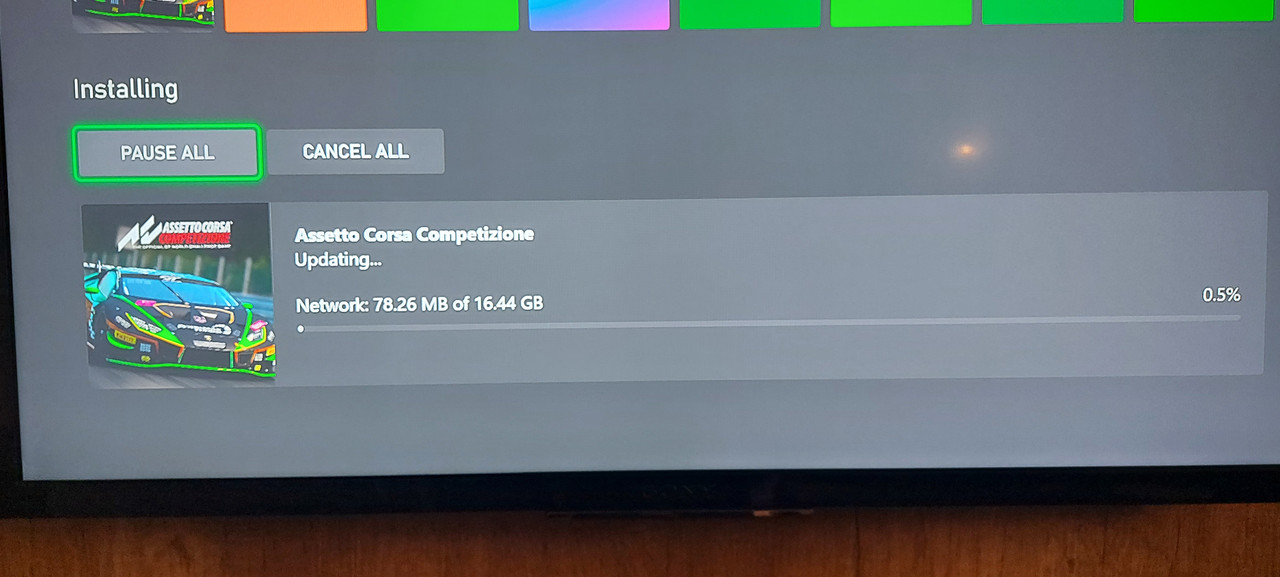
:kekw: tego samego dnia. No to sobie pograłem 
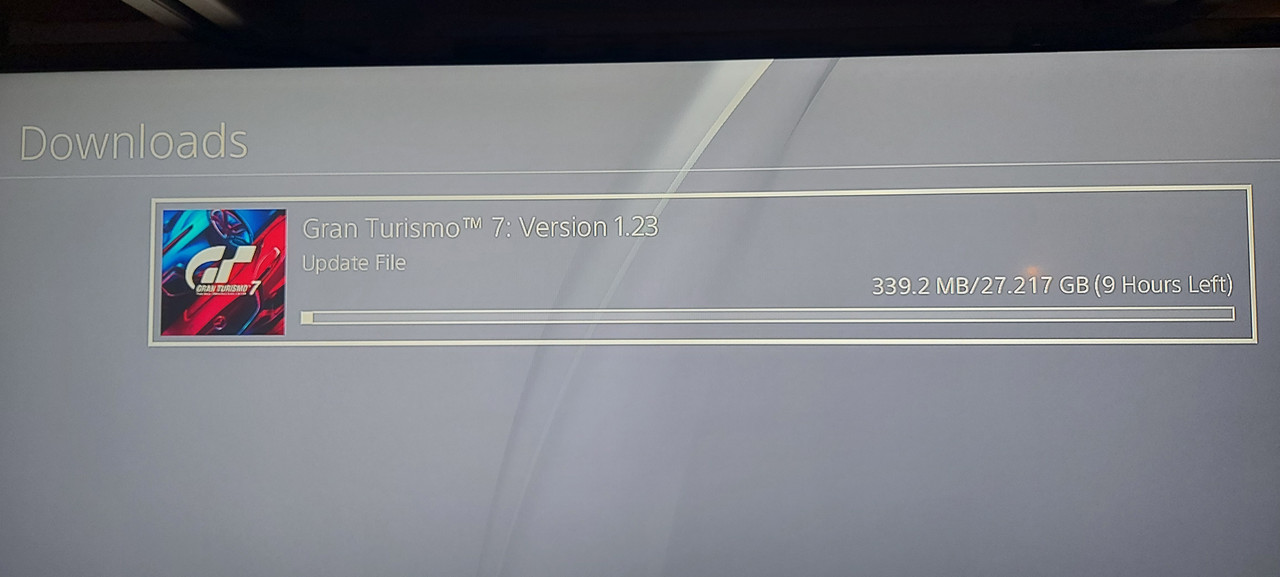
20220929-192519.jpg


20220929-192408.jpg

Soban

Tak to Milowicz xd

BRY@N

Kto ma stare funty to jutro tracą ważność :sonkassie:

darkos

Ten gangsta jest już w paradajs :nvmnd:

gf-BQvt-WJiN-5JcL_coolio-1920x1080-nocro


Figaro

Coolio [*]

Shen

Najpiekniejszy dzwiek na świecie


Account

Navigation

Szukaj

Szukaj

Configure browser push notifications

Chrome (Android)
  1. Tap the lock icon next to the address bar.
  2. Tap Permissions → Notifications.
  3. Adjust your preference.
Chrome (Desktop)
  1. Click the padlock icon in the address bar.
  2. Select Site settings.
  3. Find Notifications and adjust your preference.