

Skocz do zawartości
View in the app

A better way to browse. Learn more.

Forum PSX Extreme

A full-screen app on your home screen with push notifications, badges and more.

To install this app on iOS and iPadOS
  1. Tap the Share icon in Safari
  2. Scroll the menu and tap Add to Home Screen.
  3. Tap Add in the top-right corner.
To install this app on Android
  1. Tap the 3-dot menu (⋮) in the top-right corner of the browser.
  2. Tap Add to Home screen or Install app.
  3. Confirm by tapping Install.

MEVEK

To juz nie wypada jezdzic po @Rayosie ? :lapka:

Timmy


Mother of God :obama:

c0ŕ

Rayos GSR? No, no

Rayos

Przypominam, że macie jeszcze 2 dni do typowania swoich faworytów do Bezbeków 2018! :) 


messer33

sadie <3333

maciucha

szkoda że Lana Del Rey skończyła się na albumie 'Born to Die'

Wiolku

Dobra, to RDR 2 jest tym zbawicielem życiowym z jądrami w HDTV czy jednak kolejny szrot od Sony na 9/10 ? 

c0ŕ

Miedziak dla ślepego 

Grabek

Kurła, trójka z przodu :frog: 

devilbot

"Point Lookout" - świetny dodatek do imo dość dobrej gry.
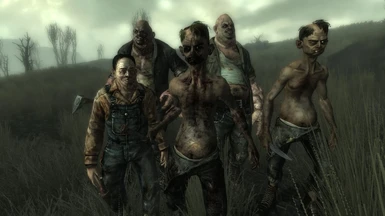
21762-0-1443458916.png

Account

Navigation

Szukaj

Szukaj

Configure browser push notifications

Chrome (Android)
  1. Tap the lock icon next to the address bar.
  2. Tap Permissions → Notifications.
  3. Adjust your preference.
Chrome (Desktop)
  1. Click the padlock icon in the address bar.
  2. Select Site settings.
  3. Find Notifications and adjust your preference.