

Skocz do zawartości
View in the app

A better way to browse. Learn more.

Forum PSX Extreme

A full-screen app on your home screen with push notifications, badges and more.

To install this app on iOS and iPadOS
  1. Tap the Share icon in Safari
  2. Scroll the menu and tap Add to Home Screen.
  3. Tap Add in the top-right corner.
To install this app on Android
  1. Tap the 3-dot menu (⋮) in the top-right corner of the browser.
  2. Tap Add to Home screen or Install app.
  3. Confirm by tapping Install.

Ryuk

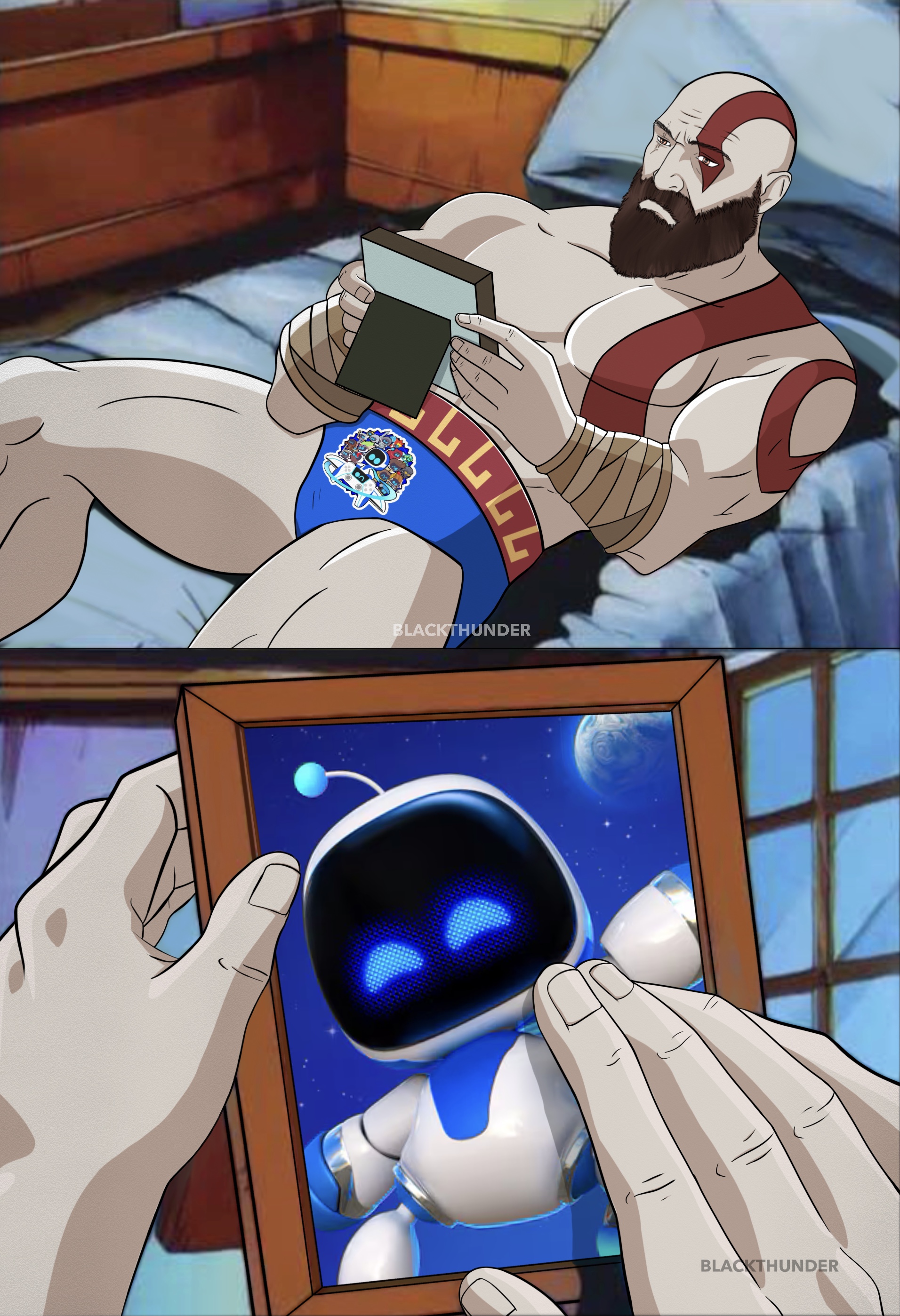
temp_image_BF3854D5-5214-4F43-A817-05383

Josh

spacer.png

sph!

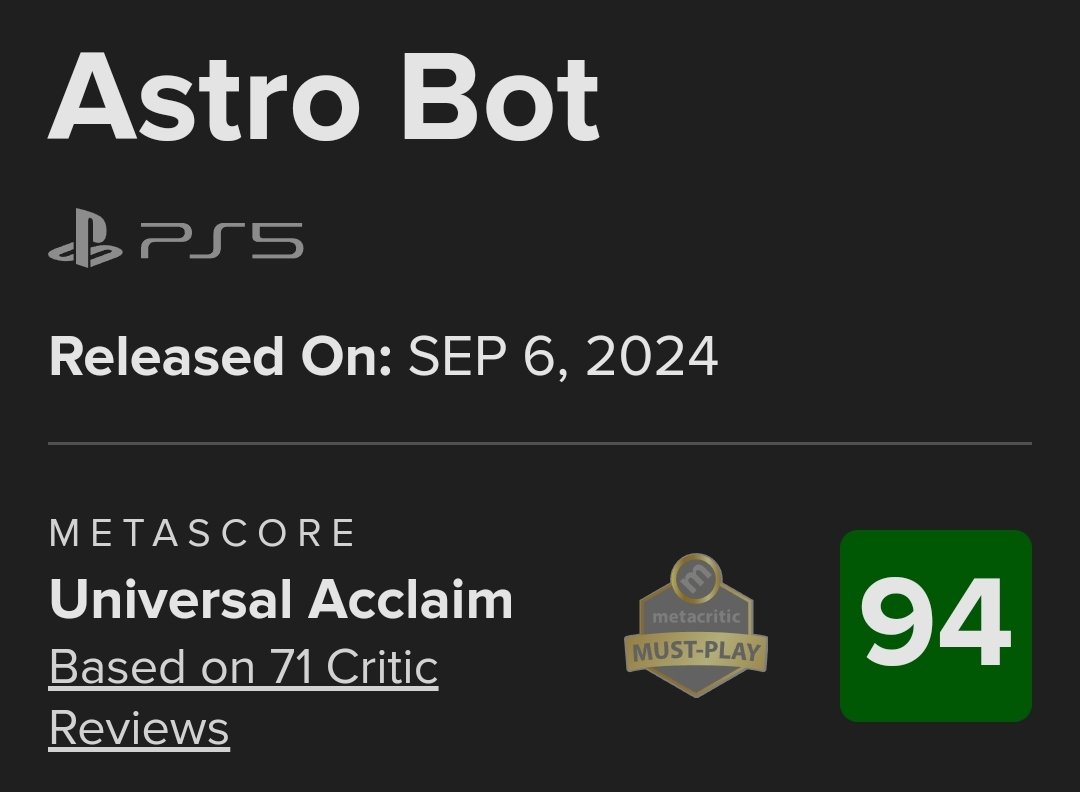
GWr3g8pXIAAHqIP.jpg.c09ffde7ae169f62f48ef9e07f6b7cab.jpg

Hubert249

Topka gier w które grałem w tym roku? Dead Space Remake, Bioshock remaster i Mafia edycja ostateczna :reggie:

jimmy

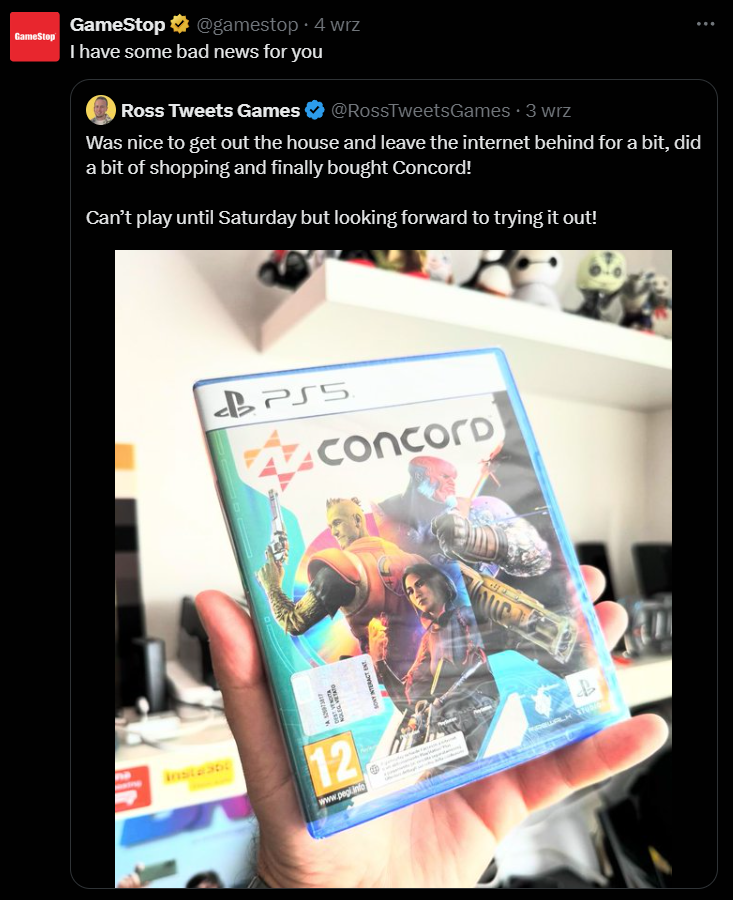
Proszę Państwa Sony Playstation :problem:
 

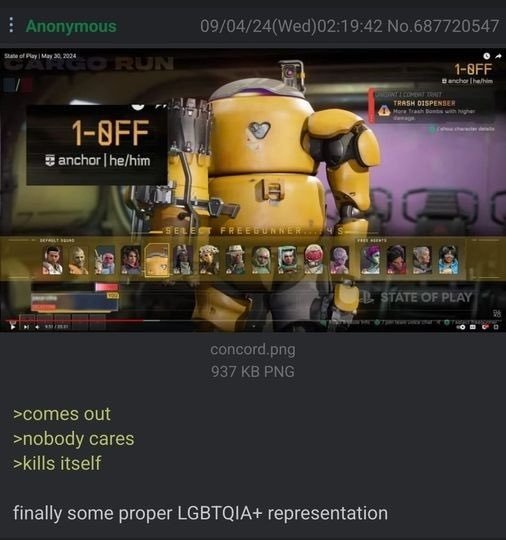
SmartSelect_20240905_141247_SamsungInternet.thumb.jpg.8748fd6f0d104ef7d5a118201b3b6629.jpg


Josh

We won Mr.Stark!


spacer.png

Mejm

Pamietacie shoutboxa?

Account

Navigation

Szukaj

Szukaj

Configure browser push notifications

Chrome (Android)
  1. Tap the lock icon next to the address bar.
  2. Tap Permissions → Notifications.
  3. Adjust your preference.
Chrome (Desktop)
  1. Click the padlock icon in the address bar.
  2. Select Site settings.
  3. Find Notifications and adjust your preference.