Skocz do zawartości
View in the app

A better way to browse. Learn more.

Forum PSX Extreme

A full-screen app on your home screen with push notifications, badges and more.

To install this app on iOS and iPadOS
  1. Tap the Share icon in Safari
  2. Scroll the menu and tap Add to Home Screen.
  3. Tap Add in the top-right corner.
To install this app on Android
  1. Tap the 3-dot menu (⋮) in the top-right corner of the browser.
  2. Tap Add to Home screen or Install app.
  3. Confirm by tapping Install.

Josh

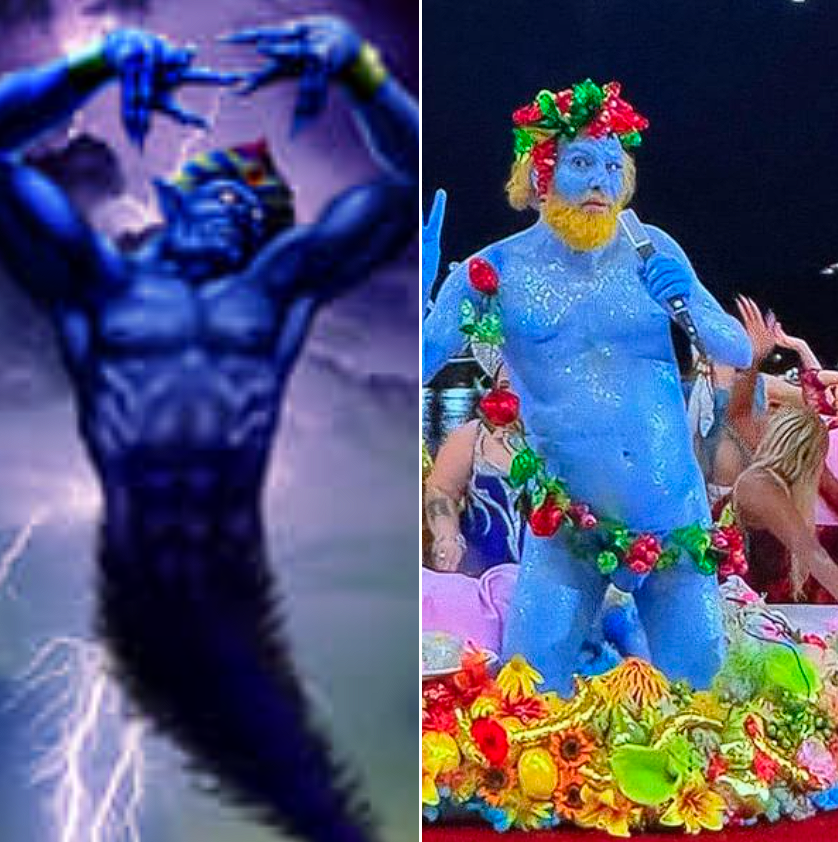
A to dopiero 5% mocy naszego rasizmu

LVU3KZbhoxtQD0KUFf0b91mP8a1ZNp4A.png

GearsUp

Dziękujemy za awans. Zawsze wierzyłem i szanowałem.


image.jpeg.0622ce602f703e46118599d4f67c41cd.jpeg

messer33

FHWbX0K.png


wydało się 

Sven Froost

Budze sie rano i co? Dexter Holland z Offspring lubi moj post z odpowiedzia na otwarte pytanie do fanow o ulubiony tekst piosenki z plyty Smash :obama:

Dr.Czekolada

Microsoft: Bla bla brzydkie baby cośtam

Nintendo: FB_IMG_1711593225771.jpeg

sph!

GJo1pTcXEAIzEUy.thumb.jpg.c0f638dc3e3ab3141c348bb0e325aed4.jpg

Josh

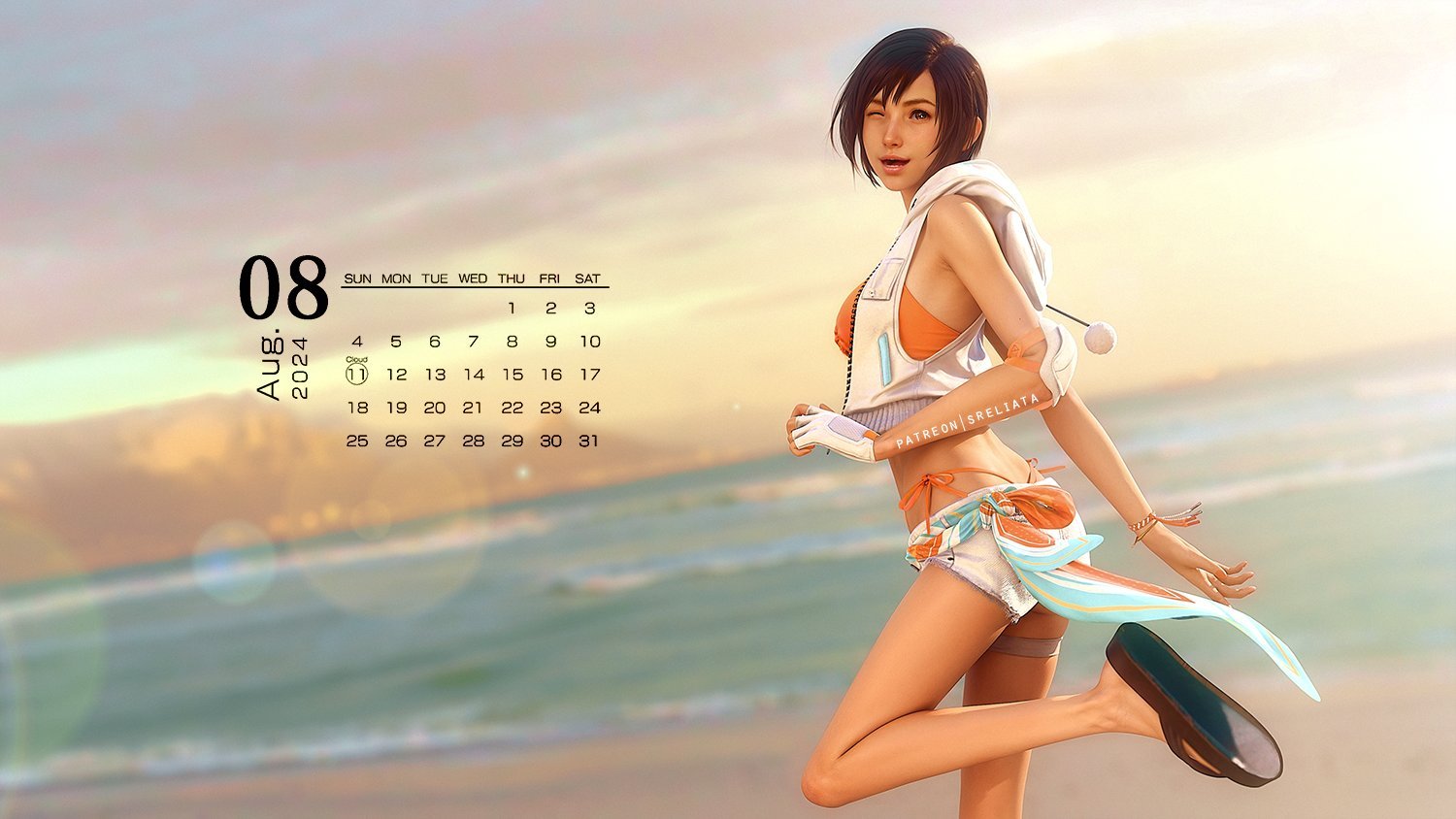
UWAGA: nowe wytyczne MIcrosoftu odnośnie przedstawiania bohaterek w grach wideo 


8w6dxYN.jpeg

Account

Navigation

Szukaj

Szukaj

Configure browser push notifications

Chrome (Android)
  1. Tap the lock icon next to the address bar.
  2. Tap Permissions → Notifications.
  3. Adjust your preference.
Chrome (Desktop)
  1. Click the padlock icon in the address bar.
  2. Select Site settings.
  3. Find Notifications and adjust your preference.