wreszcie piątek! to był ciężki tydzień...

Boże, jakie to TLoU głupie. Gówniara sobie biega koło wrogów a oni nic. 3/10.


"Czy zwróciliście uwagę na to, w jaki sposó PS4... wyłącza się? To nie jest zwykłe, momentalne off, ona pulsuje i gaśnie, jakby wzdychała i łapała oddech po udanym seksie :)" - w sumie adekwatnie do tego co robią klapki przy widoku znaczka Sony iksde

skyrim robiony w 1h http://gamesdonequick.com/

lul, MGR;R na PC działa tylko gdy jesteś połączony z netem. jak ci zerwie połączenie, gra się od razu wyłącza. pisi gejmink

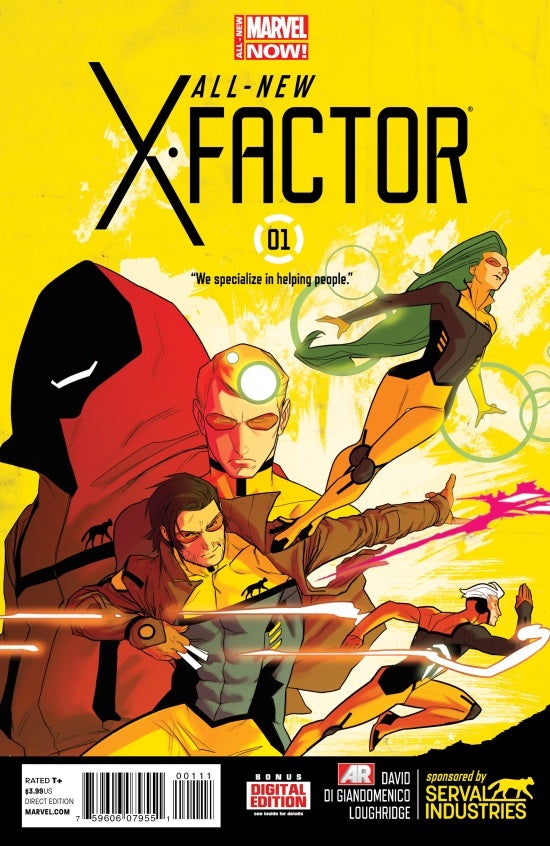
http://media.comicbook.com/wp-content/uploads/2014/01/All-New_X-Factor_1_Cover.jpg bardzo dobry x-komiks - polecam gorąco!

You have been banned from all Dota 2 discussions until 10 Jan @ 4:42pm. You were banned by a Steam Community Moderator. Reason: "Trolling, Insulting others"

https://pbs.twimg.com/media/BdkQdQIIIAACT9c.jpg:large a wy co dzisiaj kupiliście?