Skocz do zawartości
View in the app

A better way to browse. Learn more.

Forum PSX Extreme

A full-screen app on your home screen with push notifications, badges and more.

To install this app on iOS and iPadOS
  1. Tap the Share icon in Safari
  2. Scroll the menu and tap Add to Home Screen.
  3. Tap Add in the top-right corner.
To install this app on Android
  1. Tap the 3-dot menu (⋮) in the top-right corner of the browser.
  2. Tap Add to Home screen or Install app.
  3. Confirm by tapping Install.

jimmy

A co jeżeli Spider-man 2 będzie lepszy od Starfielda?

krzysiek923

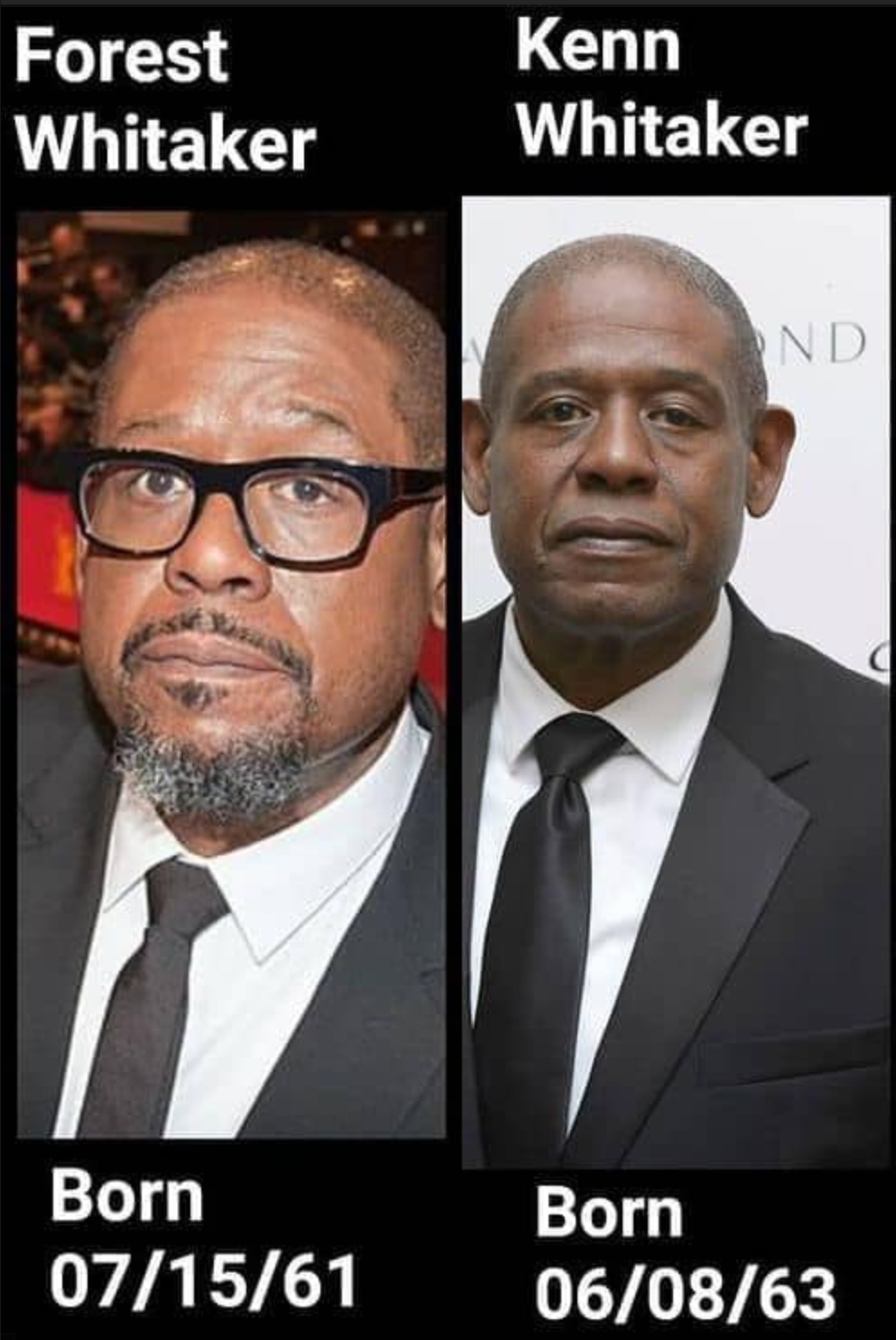
Zrzutekranu2023-08-27224814.thumb.png.42afc7ff27ebc9fb9158f5bf4f938e5f.png


a człowiek zawsze myślał że to ten sam typ xd

BRY@N

Badania naukowe na temat tego ile procent dialogów w grach mają postacie kobiece. Chyba ludzie mają za dużo czasu:yao:

Suavek

Kurde, muszę w to w końcu zagrać...


Daffy

Rzuci ktoś stronkę z linkami do transmisji sportowych online?

Dud.ek

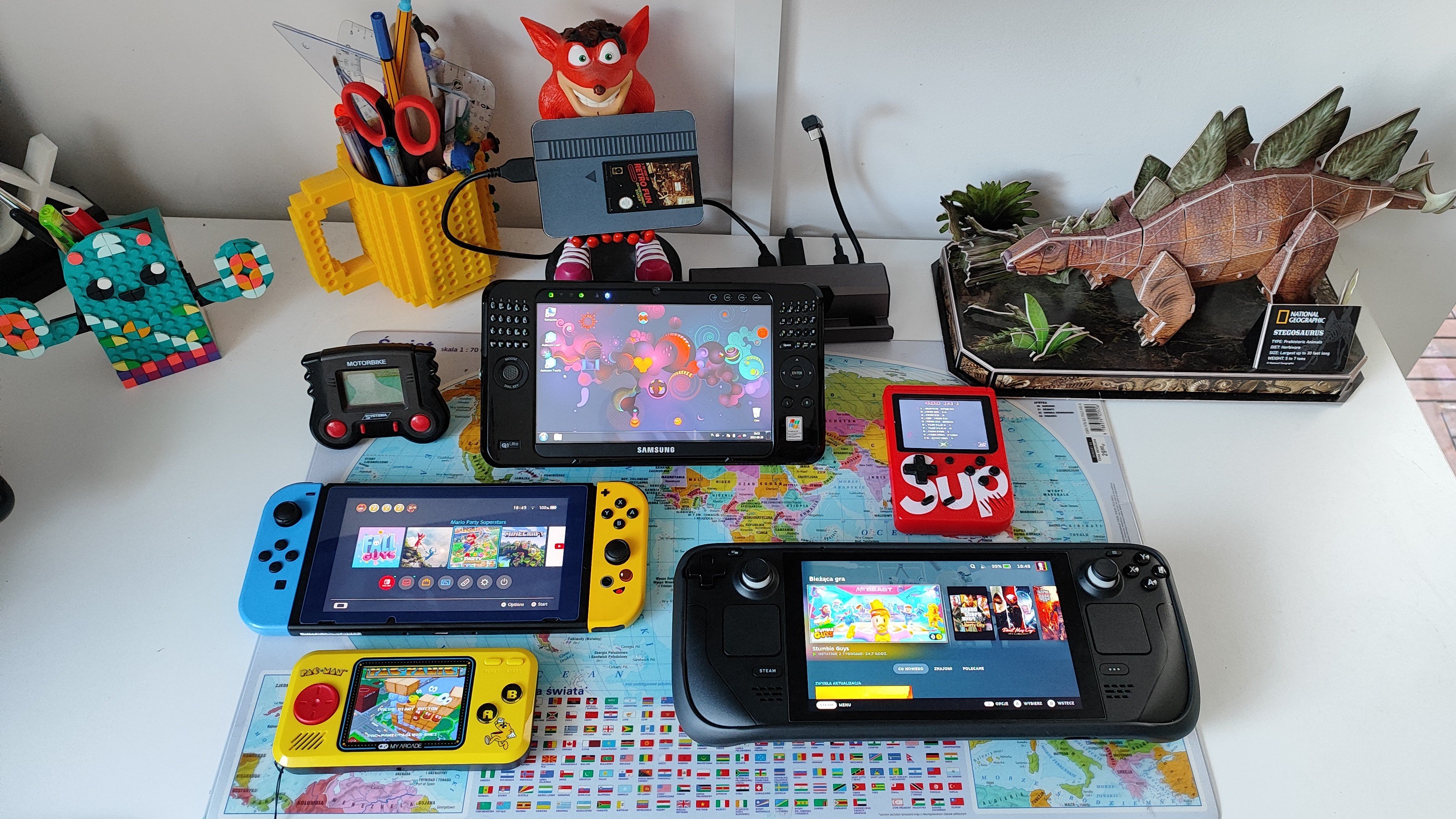
#graniepodkołderką

IMG_20230826_184544.thumb.jpg.aa568fe088448030e3c05d7f34a59c28.jpg

Account

Navigation

Szukaj

Szukaj

Configure browser push notifications

Chrome (Android)
  1. Tap the lock icon next to the address bar.
  2. Tap Permissions → Notifications.
  3. Adjust your preference.
Chrome (Desktop)
  1. Click the padlock icon in the address bar.
  2. Select Site settings.
  3. Find Notifications and adjust your preference.