
Daffy
Senior Member
-
Dołączył
-
Ostatnia wizyta
-
 Jeszcze w tej cenie, no ludzie nie ma co myśleć nawet
 -
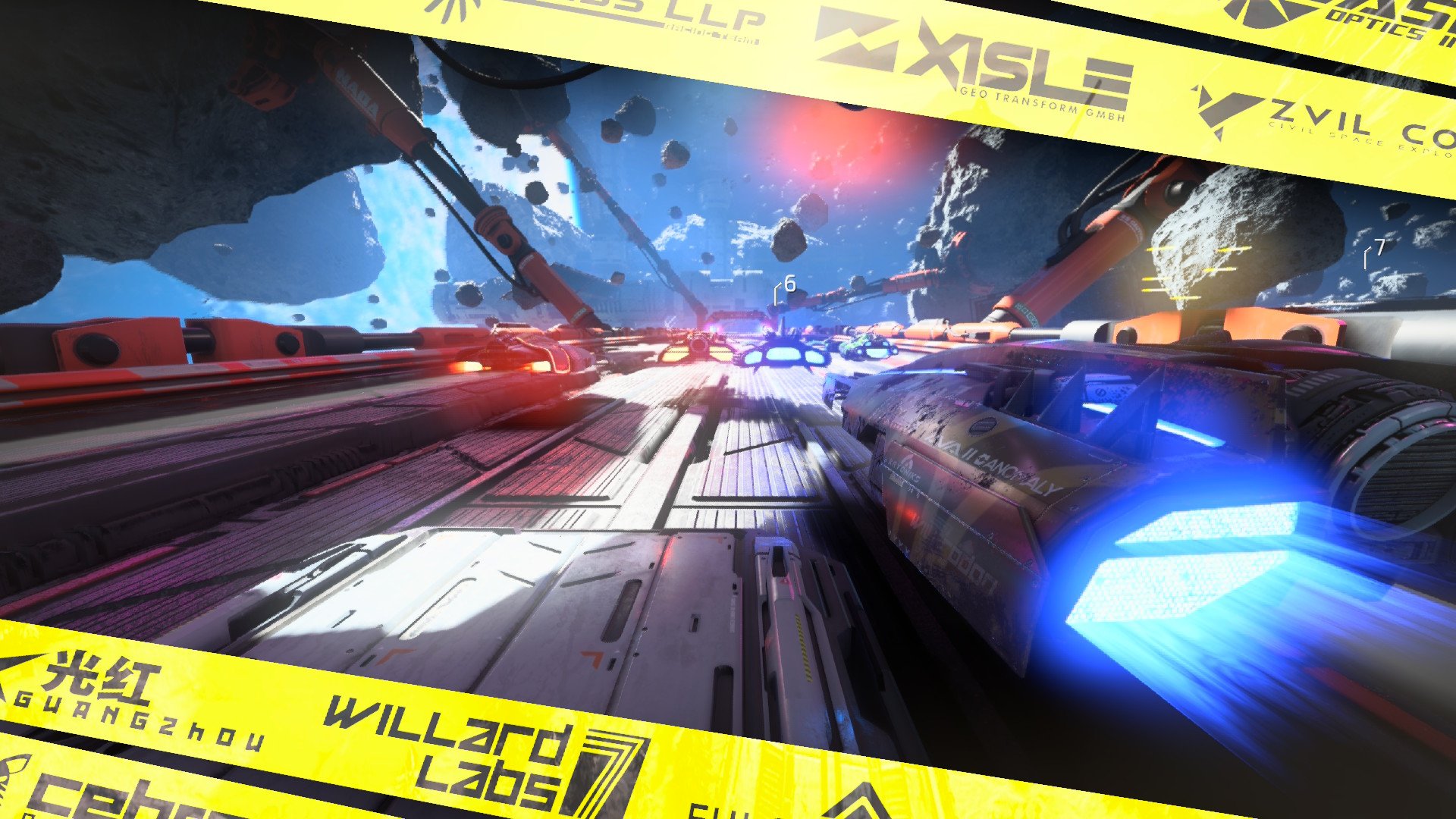
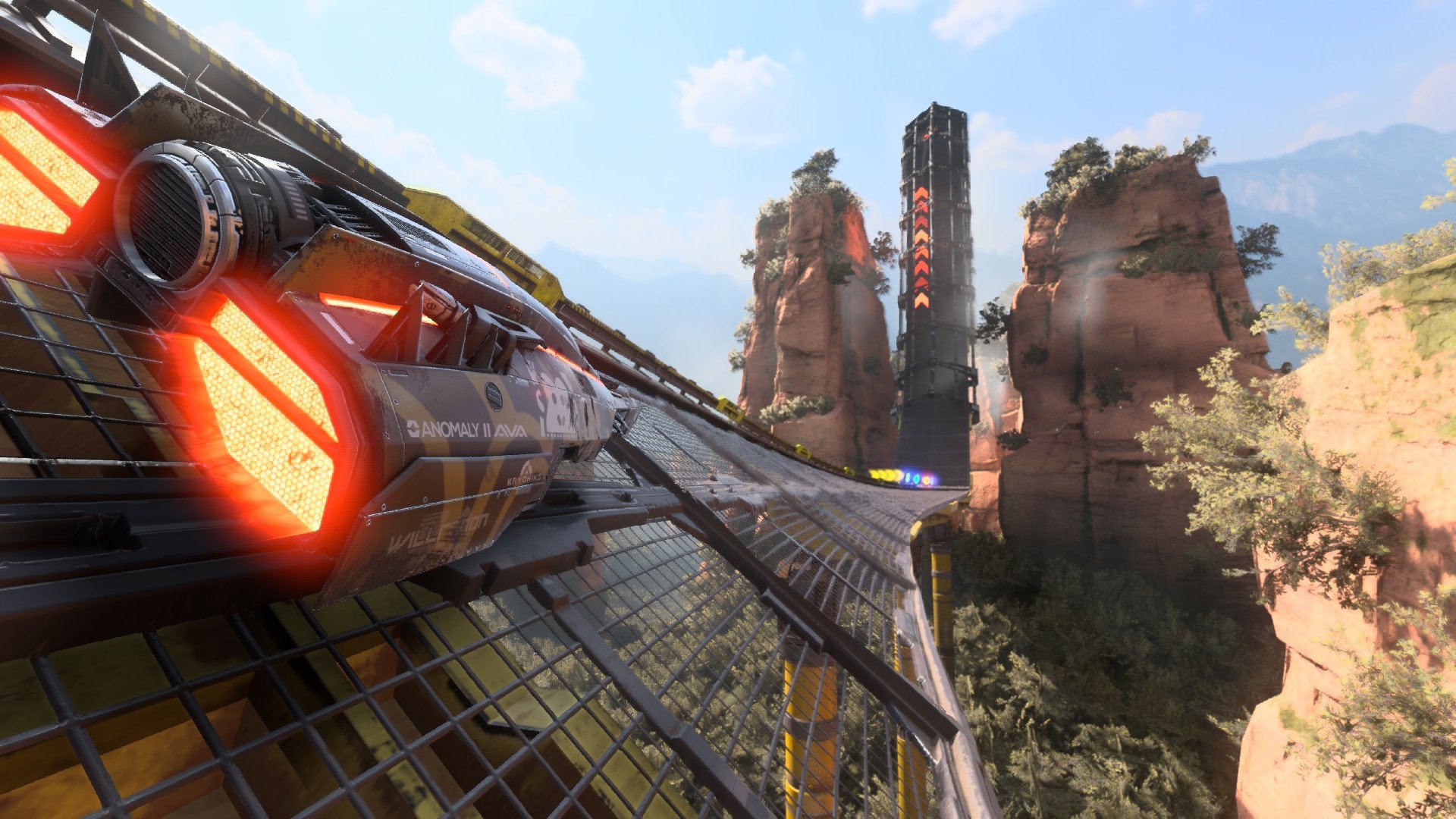
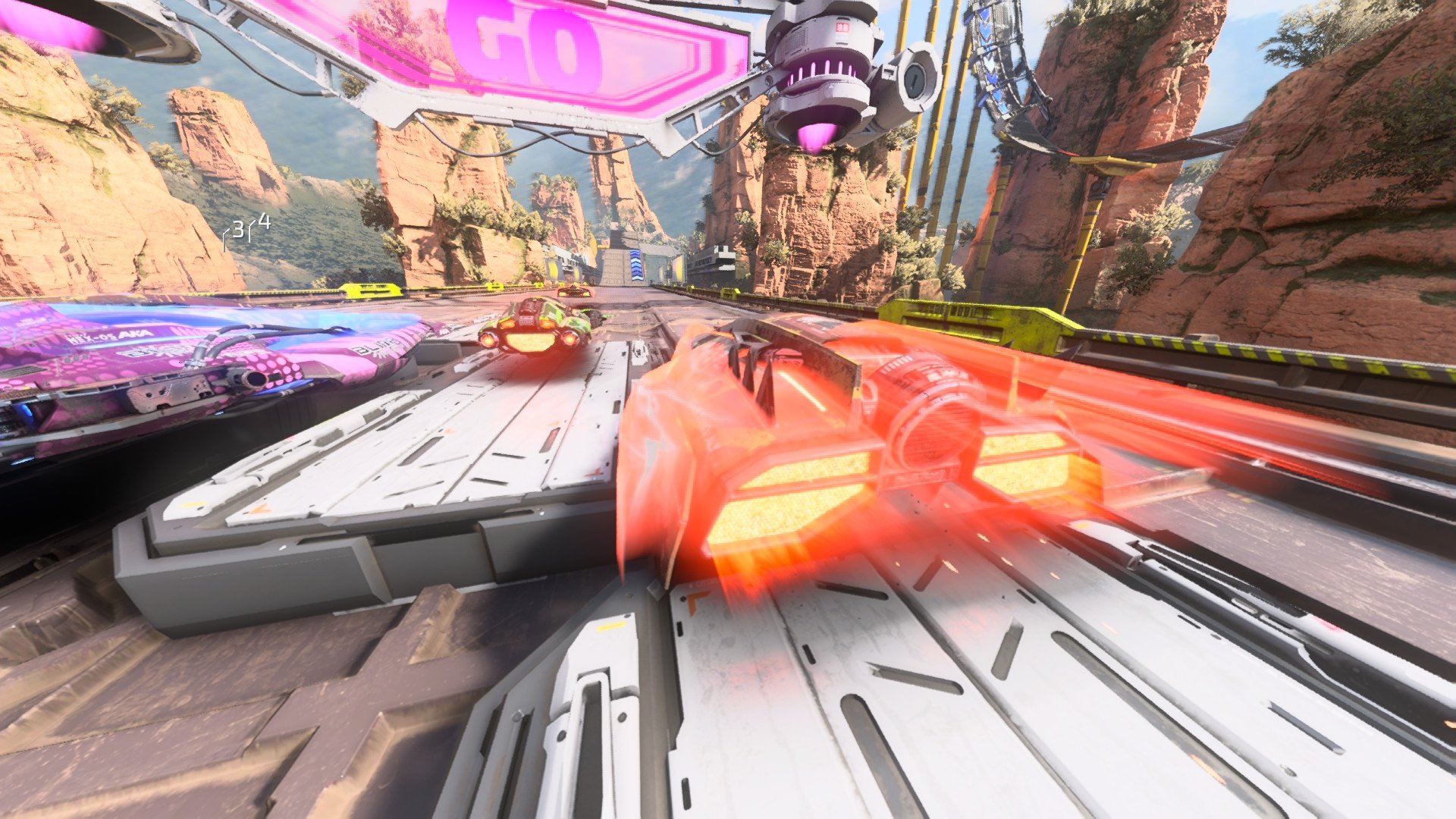
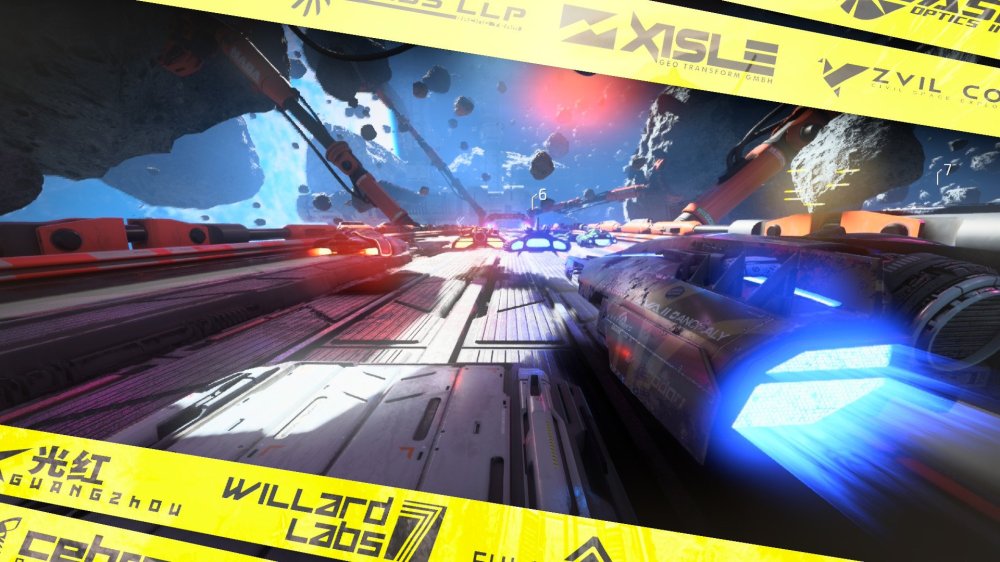
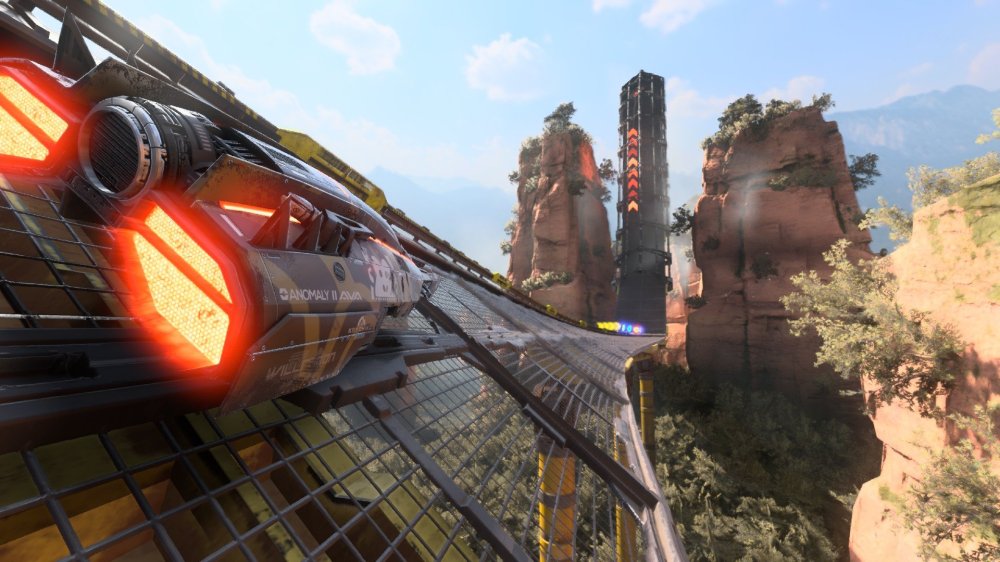
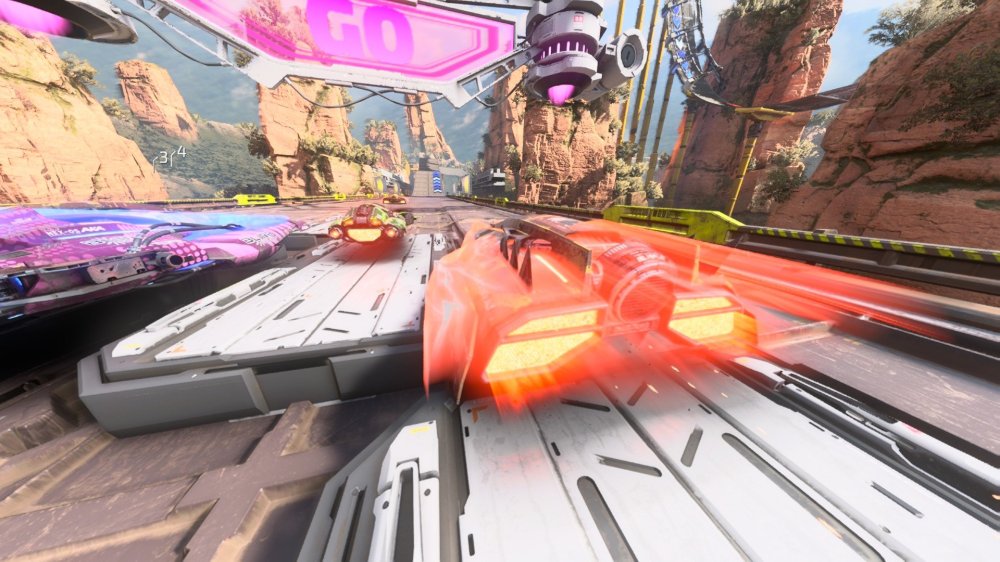
Dziś wleciał patch z photo mode to na szybko machnąłem kilka fotek
-
-
Same walki lepsze w engage niż w th. Oprawa też miażdży th (akurat dodatkowo nic nie mam do stylistyki chamskiego anime). Cała reszta na korzyść th z fabułą i zawartością na czele. Ogółem uważam że engage jest trochę za bardzo hejtowany
-
Rok temu jeszcze byłem pewny że farbki4 to kwestia tego roku jak w 2O24 odbył się final splatfest ale jak pisałem - odrodziło tytuł, dalej wspierają, z zaskoczenia wpadł patch do S2. Jestem zachwycony bo to wspaniały tytuł i kapitalne multi i ostatecznie ta część nie będzie żyła tak krótko jak dwójka, którą Nintendo chamsko wręcz na siłę szybko zabiło dla trójki
-
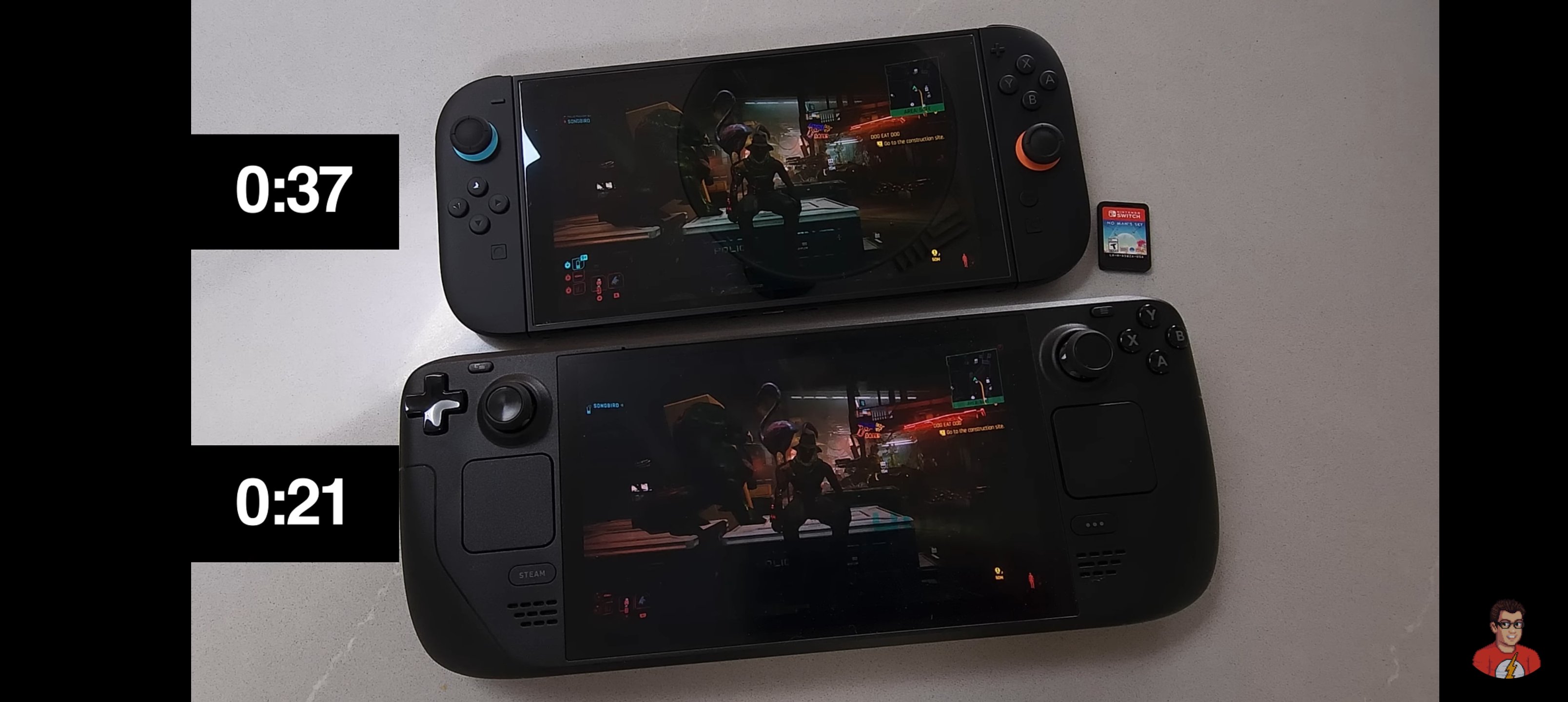
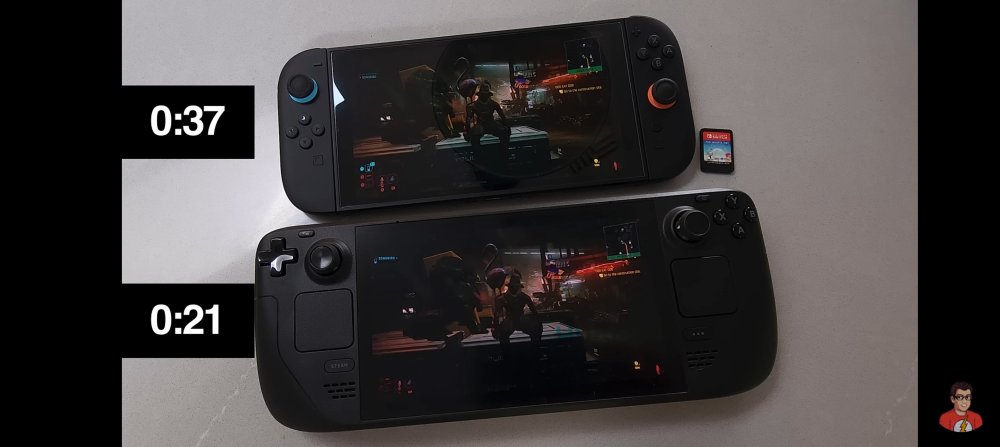
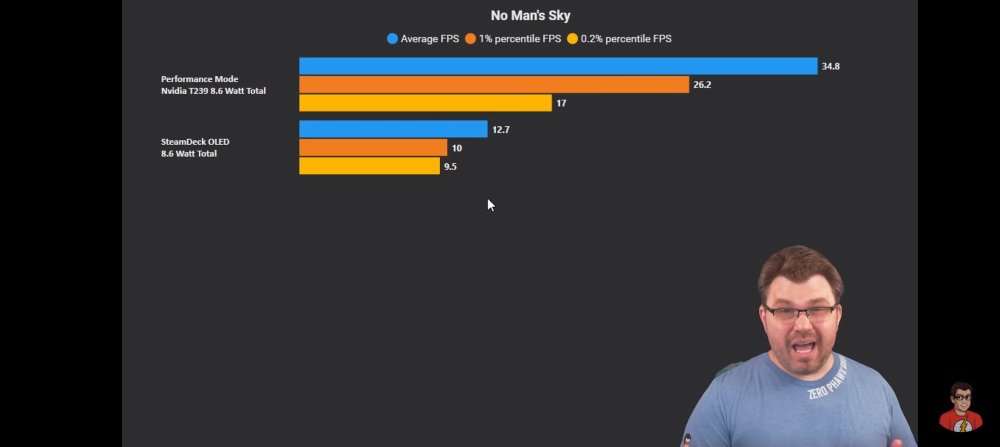
Mnie też zaciekawił fakt, że S2 na baterii wytrzymuje podobnie do SD OLED mimo tego że pobiera max 8watt zamiast 20-24watt. Gearsup zaniepokoiles mnie faktem że najdroższe karddridze w historii przez które wydawcy muszą uciekać w inne formy dystrybucji swoich gier są ostatecznie sporo wolniejsze niż pamięć wewnętrzna switcha2, a jak widać z porównania nawet zwykła karta sd czy tam podstawowy szybki dysk montowany w starej już maszynce Valve.
-
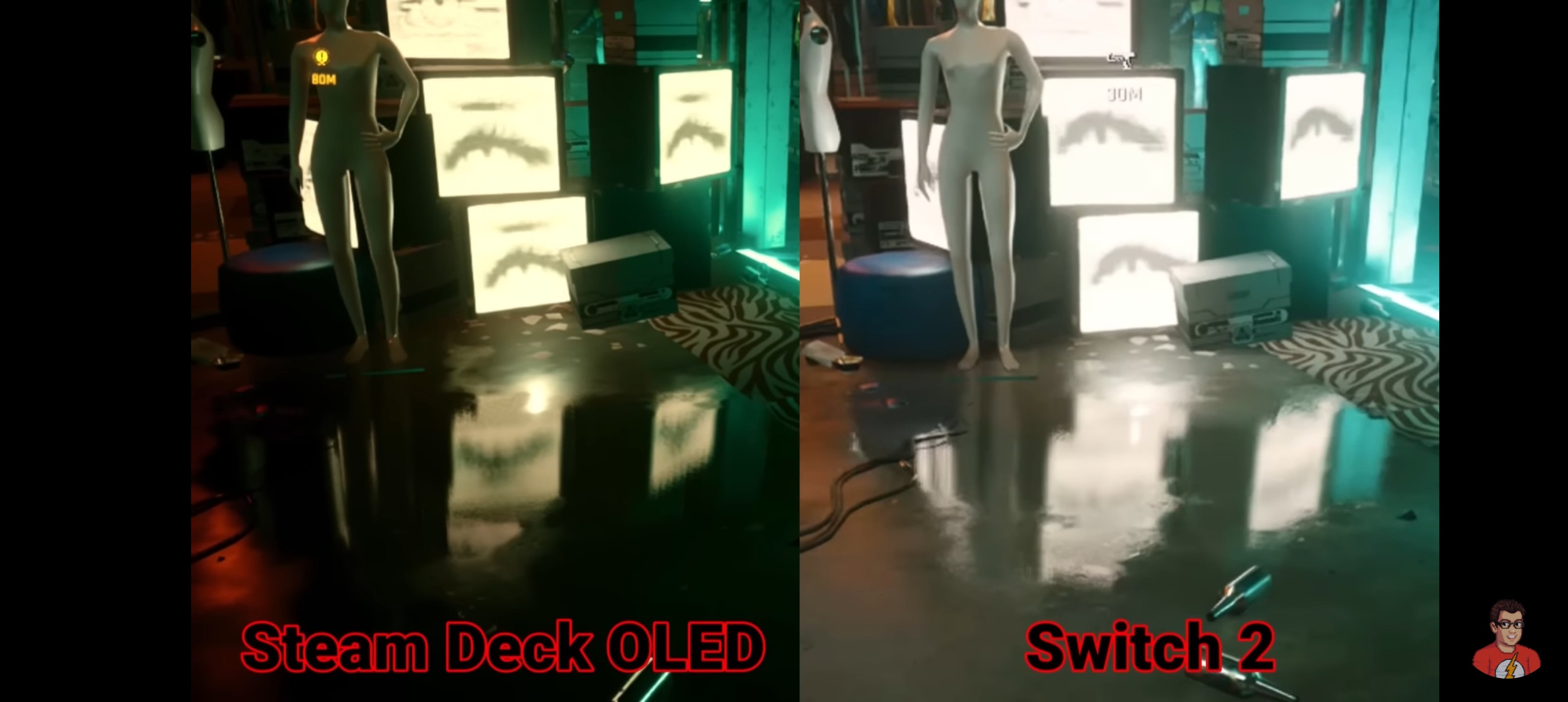
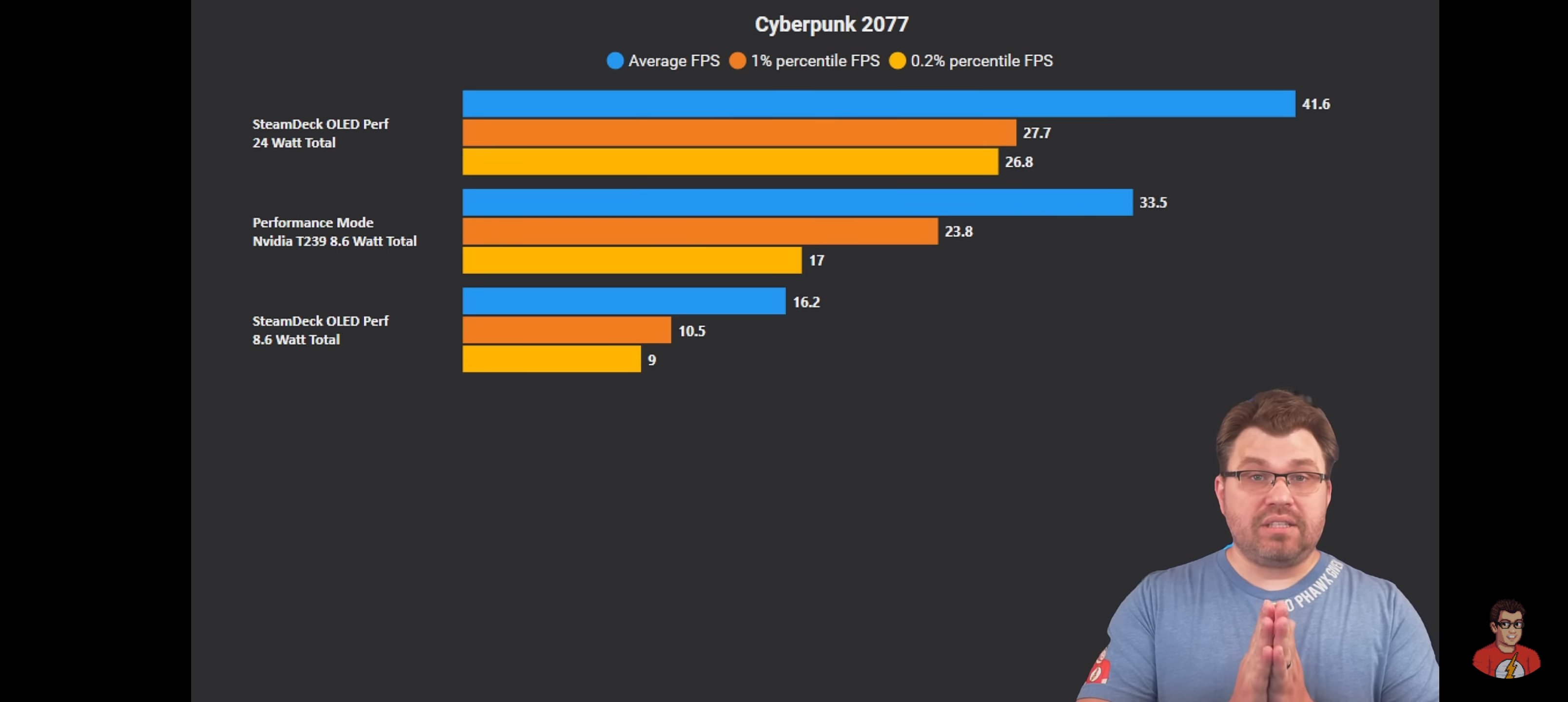
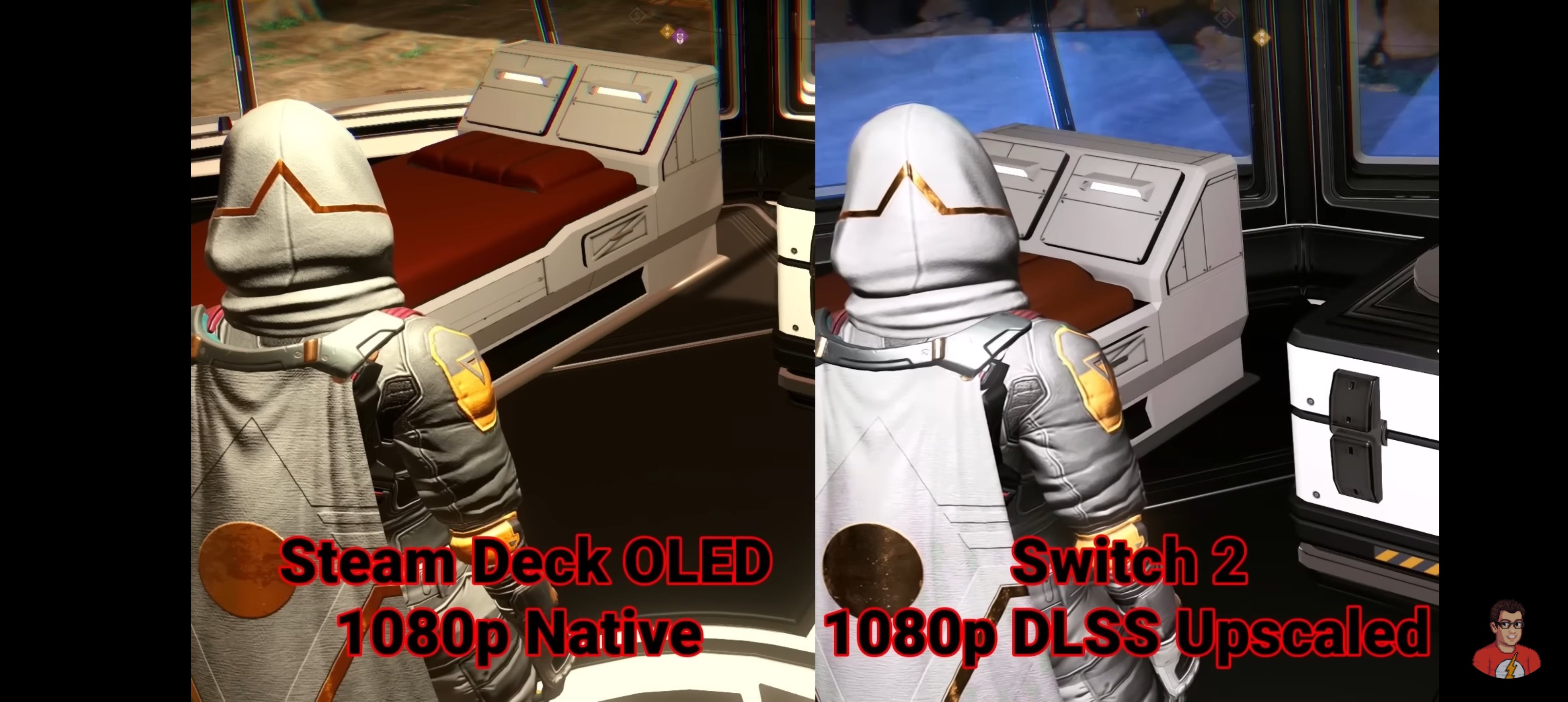
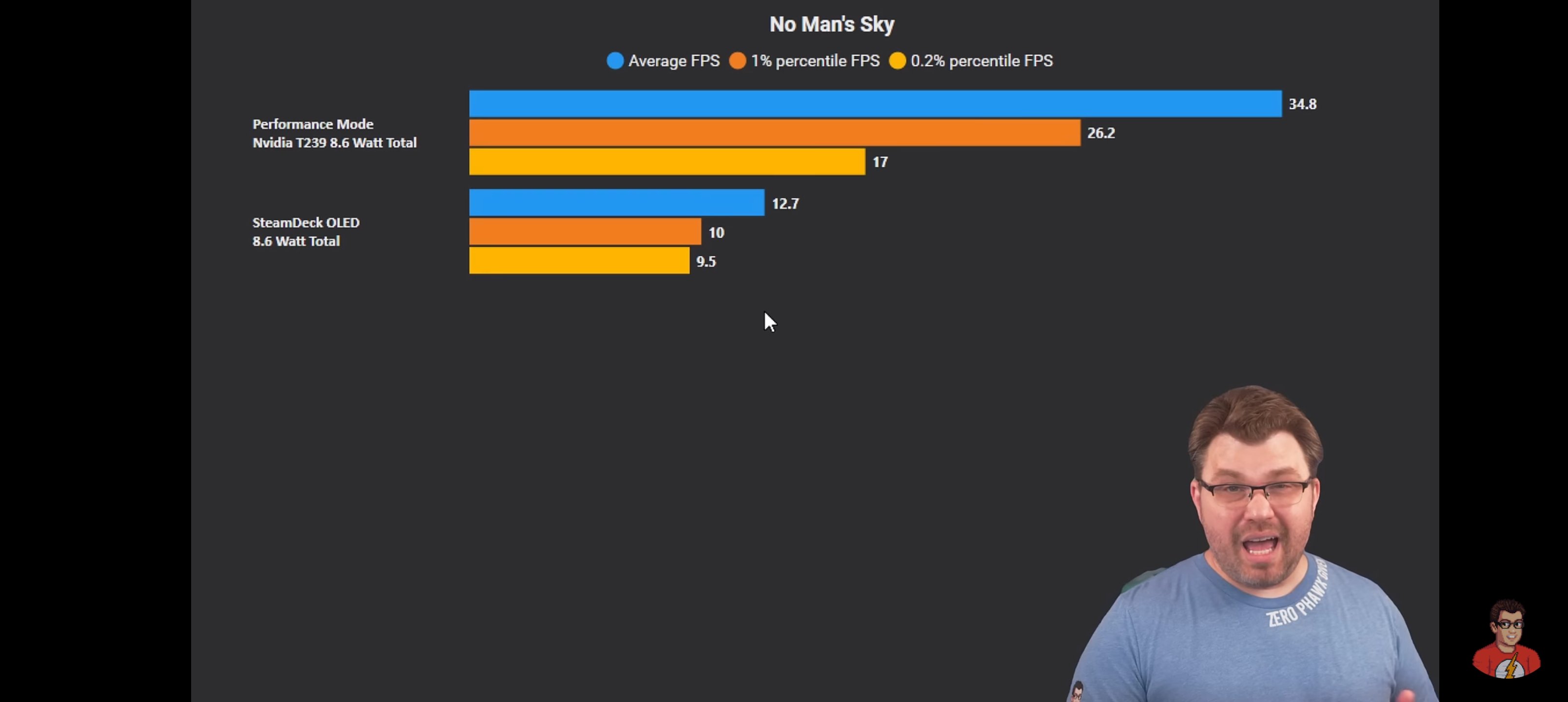
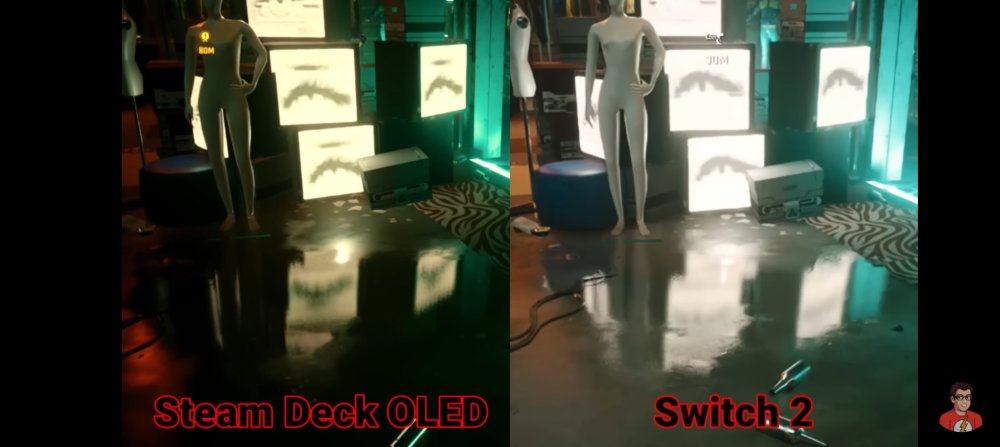
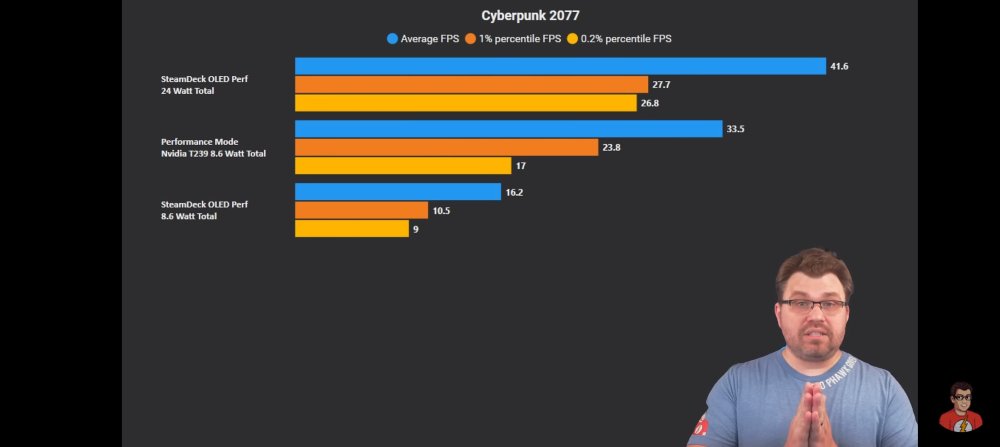
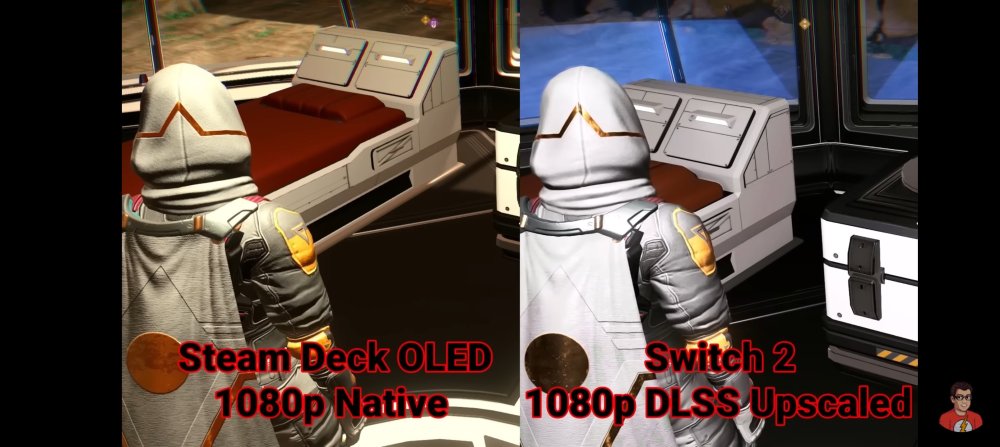
Ciekawa analiza SD vs S2 przenośnie Wychodzi na to że sd osiąga praktycznie zawsze lepsze wyniki fps przy miejscami nawet lepszej grafie niż na S2. Ciekawostką jest fakt że sd przenośnie pobiera nawet 20watt, gdzie S2 ograniczony jest do 8watt. Jeśli ręcznie zmusimy SD do poboru takiej samej ilości energii to już S2 gniecie SD ale wiadomo że nikt by tak handhelda Valve nie ustawil za wyjątkiem ciekawostki do testów. NVIDIA zatem stworzyła procka który przy tak niskim poborze energii jest mega bardzo wydajny jednak ograniczony pobór energii i zablokowane zegary w trybie przenośnym robią to co robią... Sd vs S2 na tv z odblokowanymi zegarami I pełną mocą układu NVIDII to znowu nokaut na SD
-
To już miesiąc z switchem2 na rynku, jak wrażenia? Warto kupić? Ekran ok?
-
Odpaliłem sobie Mario Strikers z emu gc....spoko ale to przecież czasem klatkuje xdddd
-
W docku się nie dziwię jak wentylator konsoli nie chce wejść na wysokie obroty i robi to dopiero jak się switcha z docka wyciągnie
-
Lol dopiero dziś odkryłem że mp japierdole ma pseudo story mode dla pojedynczego gracza gdzie wypełniamy questy i gramy w minigry by zdobyć dekoracje, są nawet Boss fighty xddd Cały czas myślałem że wszystkie tryby gry są do wyboru z balonu, a ten mi się zaszyl na plazie gdzie dotychczas myślałem że są same sklepy do kupowania pierdół xd
-
Ojjj początek pogrzebu dziś się zaczyna na poważnie, za chwilę drugi kroczek w stronę dołu czyli pewnie decyzja o zaprzestaniu produkcji nowych konsol i zostaną po prostu producentem gier z kilkoma pewniakami sprzedażowymi z gamepassem
-
Mod do HL2 gdzie biegamy po Warszawie w czasach PRL
-
– Street Fighter 6 Nintendo Switch 2 resolution is native 960×540 resolution when docked, but 1080p thanks to DLSS – Aliasing and flicker are present where characters reveal the background – DLSS tends to give the Switch 2 version an advantage over even Xbox Series S in overall sharpness and image stability due to DLSS – Texture quality is superior on Switch 2 compared to Xbox Series S with higher resolution texture maps – Subsurface scattering and muscle defamation effect missing on Switch 2 – Depth-of-field effect disabled as well – Background NPCs are set to standard setting as opposed to optional crowded setting on PS5 – Shadows take a hit on Switch 2 as well – Physics-based particles are non-interactive on the console – Screen space reflections removed during typical fighting ground matchups – Portable resolution is 640×360 with DLSS bumping that to 720p – Ambient occlusion removed in portable mode, lighting quality is lowered, volumetric effects like haze and fog removed – Street Fighter 6 Switch 2 frame rate is a perfect 60 FPS in main battles – Only exception is around 45 FPS during pre-fight hype sequences – World Tour runs at an unlocked 30-60FPS
-
Steam boski deck i do tego z OLEDem