






KrYcHu_89
Senior Member
-
Dołączył
-
Ostatnia wizyta

BG3 król
Ile z tego top10 udało wam się ograć?
9/10, tylko bez Armored Core VI
Jakaś strzelanka FPP z dobrą singlową kampanią na 6-15 godzin? Ktoś coś poleci?

SW: Jedi Survivor ostatnie godzinki, kupujta dobra gierka i już działa jak powinna  . Koncowe chaptery to najlepsze cinematic experience roku, jak dla mnie. EA zjebalo premierę, ale OSTATECZNIE dowiozło, powinna być nominacja do GOTY kosztem remake'u.
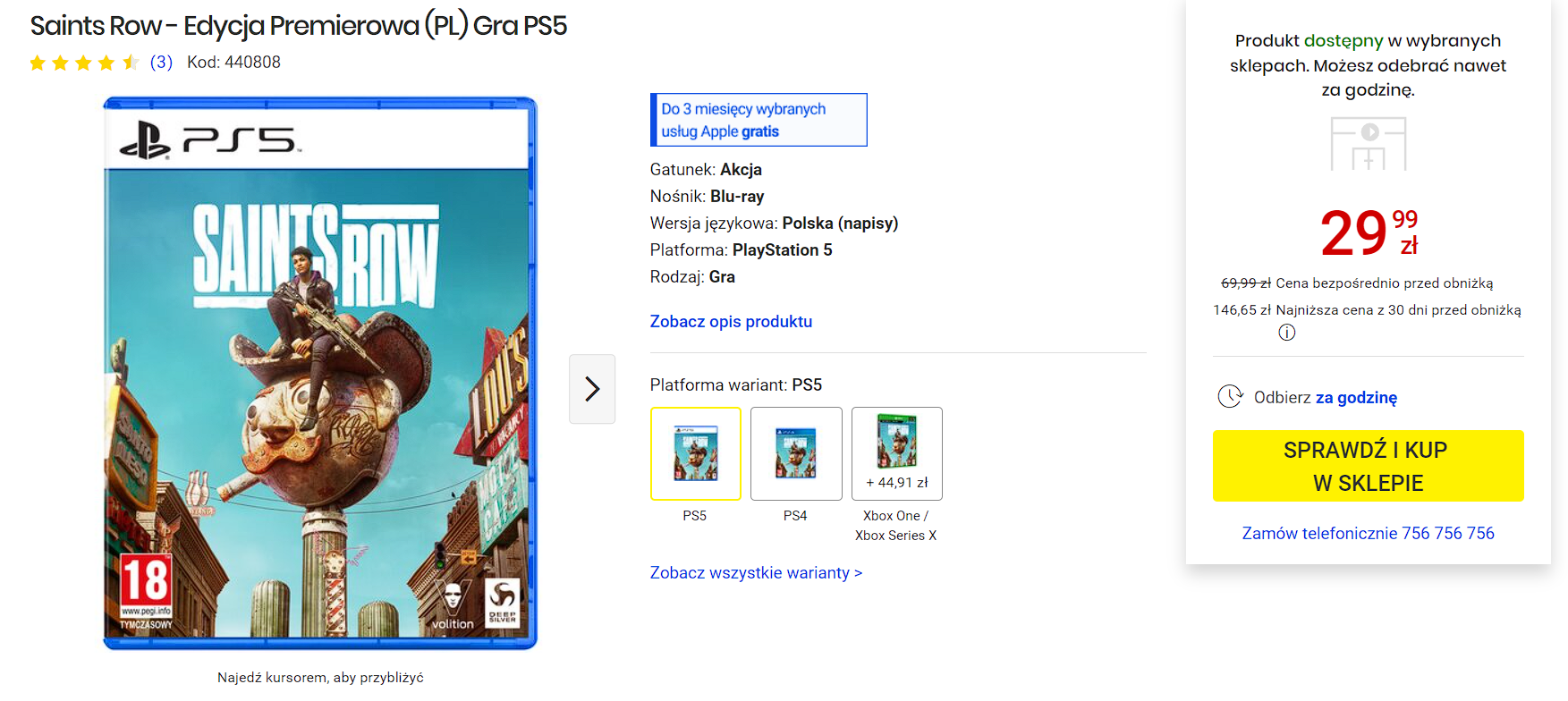
Premiera rok temu z hakiem, pytanie, czy Embracerowi opłacało się w ogóle wychodzić z tłoczni xDD
Topka PS VITA dawajcie chłopaki wspominajcie czasy kochanej Vituni.
