Skocz do zawartości
View in the app

A better way to browse. Learn more.

Forum PSX Extreme

A full-screen app on your home screen with push notifications, badges and more.

To install this app on iOS and iPadOS
  1. Tap the Share icon in Safari
  2. Scroll the menu and tap Add to Home Screen.
  3. Tap Add in the top-right corner.
To install this app on Android
  1. Tap the 3-dot menu (⋮) in the top-right corner of the browser.
  2. Tap Add to Home screen or Install app.
  3. Confirm by tapping Install.

KrYcHu_89

Senior Member
  • Dołączył

  • Ostatnia wizyta

KrYcHu_89

Jak ja nienawidzę chmur, tylko on-prem.

KrYcHu_89

FRVR
No image preview

Final Fantasy 7 Remake Part 3’s “multiplatform approach”...

Final Fantasy 7 Remake Part 3 director Naoki Hamaguchi reveals that Steam Deck and Nintendo Switch 2 is helping optimisation.

Steamdeck in mind banderas

KrYcHu_89

Niestety brak daty, a szkoda

KrYcHu_89

Jak tam Żabki na waszej wsi już zaatakowane?

image.png

KrYcHu_89

image.png

Co ten skóra szuka w krainie cebuli?

KrYcHu_89

In my restless dreams... i see that town.. Ebisugaoka.

KrYcHu_89

Nowy król?

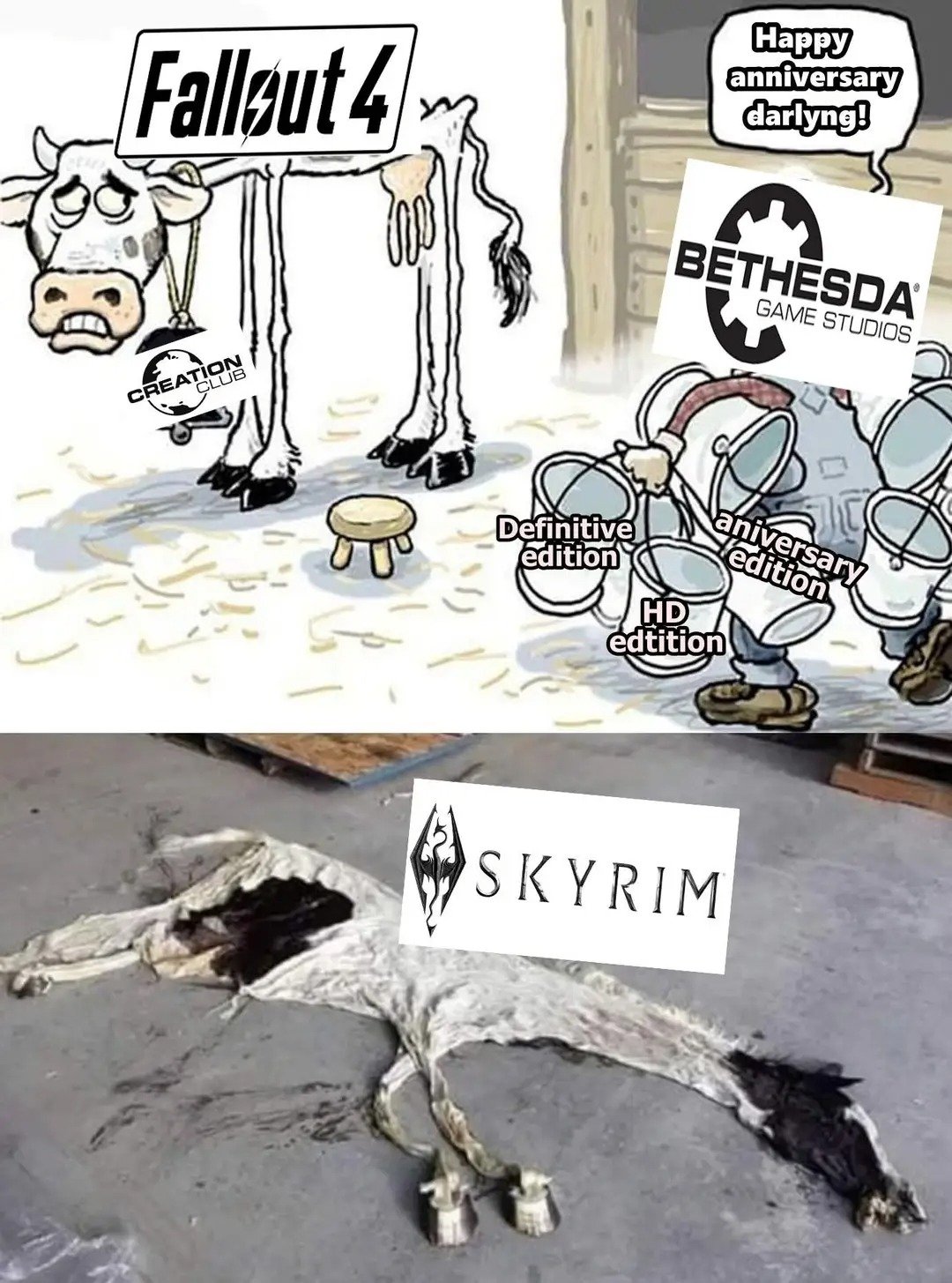
img_1_1758214931800.jpg

Account

Navigation

Szukaj

Szukaj

Configure browser push notifications

Chrome (Android)
  1. Tap the lock icon next to the address bar.
  2. Tap Permissions → Notifications.
  3. Adjust your preference.
Chrome (Desktop)
  1. Click the padlock icon in the address bar.
  2. Select Site settings.
  3. Find Notifications and adjust your preference.