Skocz do zawartości
View in the app

A better way to browse. Learn more.

Forum PSX Extreme

A full-screen app on your home screen with push notifications, badges and more.

To install this app on iOS and iPadOS
  1. Tap the Share icon in Safari
  2. Scroll the menu and tap Add to Home Screen.
  3. Tap Add in the top-right corner.
To install this app on Android
  1. Tap the 3-dot menu (⋮) in the top-right corner of the browser.
  2. Tap Add to Home screen or Install app.
  3. Confirm by tapping Install.

KrYcHu_89

Senior Member
  • Dołączył

  • Ostatnia wizyta

KrYcHu_89

Crimson Desert w Opolu

672177074_957356540374420_48394036243799

KrYcHu_89

360?cb=20230421235006&path-prefix=protag

co myslicie, będzie dobrze?

KrYcHu_89

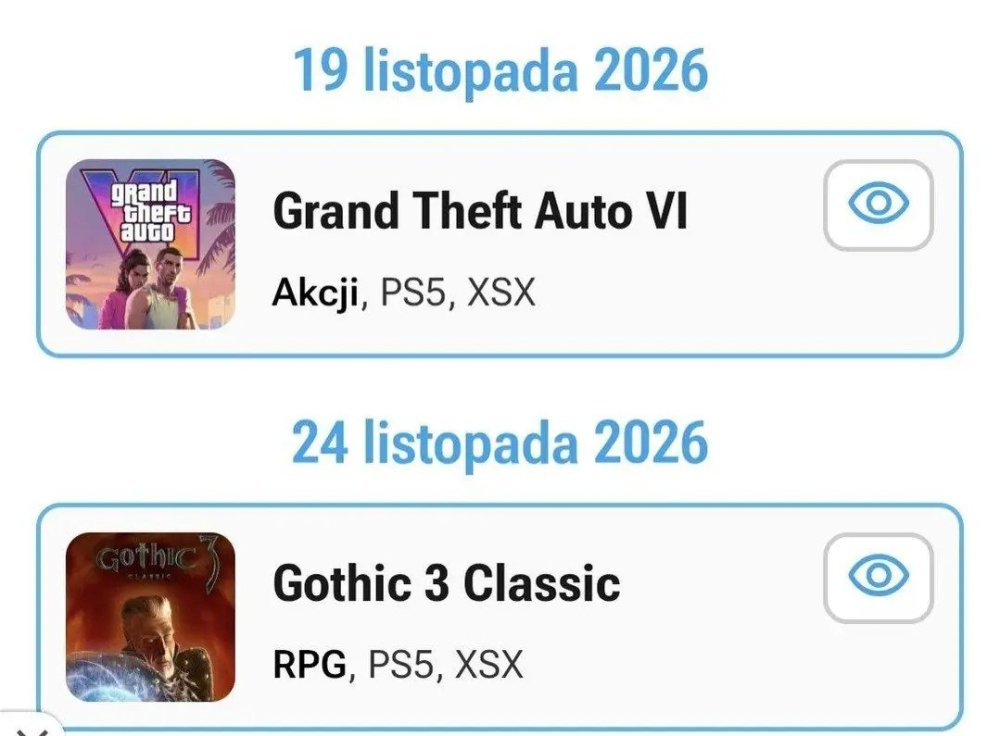
Podobno zgubiono kod GTA VI i nie wyjdzie na Playstation.

KrYcHu_89

„Książka nie może kosztować więcej niż pół litra wódki” - Andrzej Sapkowski

KrYcHu_89

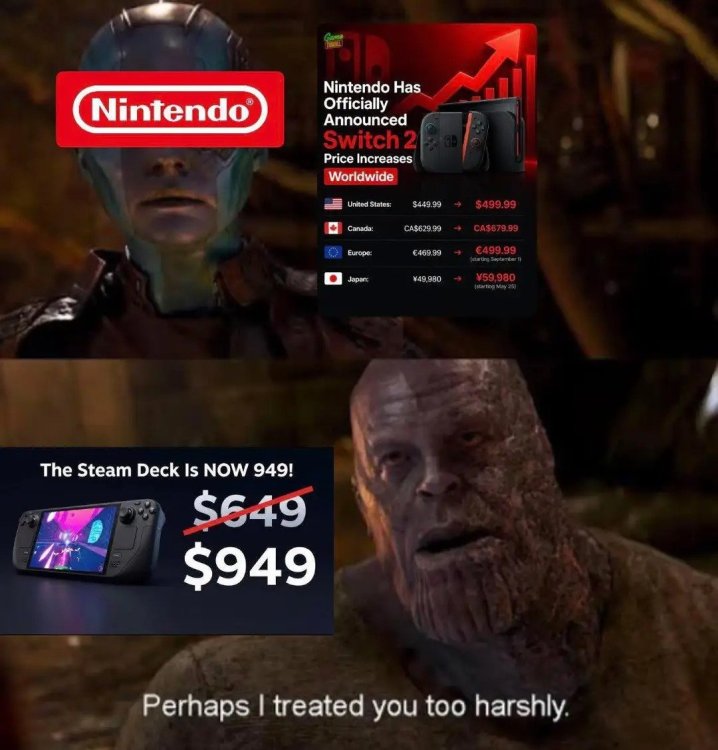
PSSR 2.0, Portal high bitrate, DLSS 5.0, FSR 4.1, Nintendo cośtam backward comp. Dzięki temu nie odpaliłem żadnej gry na dłużej od kilku dni. Ale gówno.

KrYcHu_89

WIRED
No image preview

Gamers’ Worst Nightmares About AI Are Coming True

From the global RAM shortage driving up console prices to job loss in the industry, gaming is shaping up to be one of the AI boom's biggest casualties.

Account

Navigation

Szukaj

Szukaj

Configure browser push notifications

Chrome (Android)
  1. Tap the lock icon next to the address bar.
  2. Tap Permissions → Notifications.
  3. Adjust your preference.
Chrome (Desktop)
  1. Click the padlock icon in the address bar.
  2. Select Site settings.
  3. Find Notifications and adjust your preference.