
Shen
Patroni
-
Dołączył
-
Mozna je przeniesc do rpg. W ogolnych szybko tematy sie zakopuja.
-
Residencik boży kupiony za 259zł, dziś sprzedany za 250zł z odbiorem osobistym, beka z cyfrowców.
-
Big Arch - rekomendowana cena: 33 zł (37 zł w McDelivery) Zestaw Big Arch - rekomendowana cena: 42 zł (47,50 zł w McDelivery) Zestaw Big Arch powiększony - rekomendowana cena: 45,50 zł (51 zł w McDelivery)
-
Day1 dla mnie
-
Co to za shadow drop, nie wiedziałem, że to już
-
Ciekawe kiedy ten update do cyberpunka, wypada w koncu ograc
-
Czytałem mange, odpadłem po kilku chapterach
-
Dajcie znać jak wrażenia, a nie czekaj
-
Robin świetny casting, ciekaw teraz jestem, kto zagra Boe Hancock
-
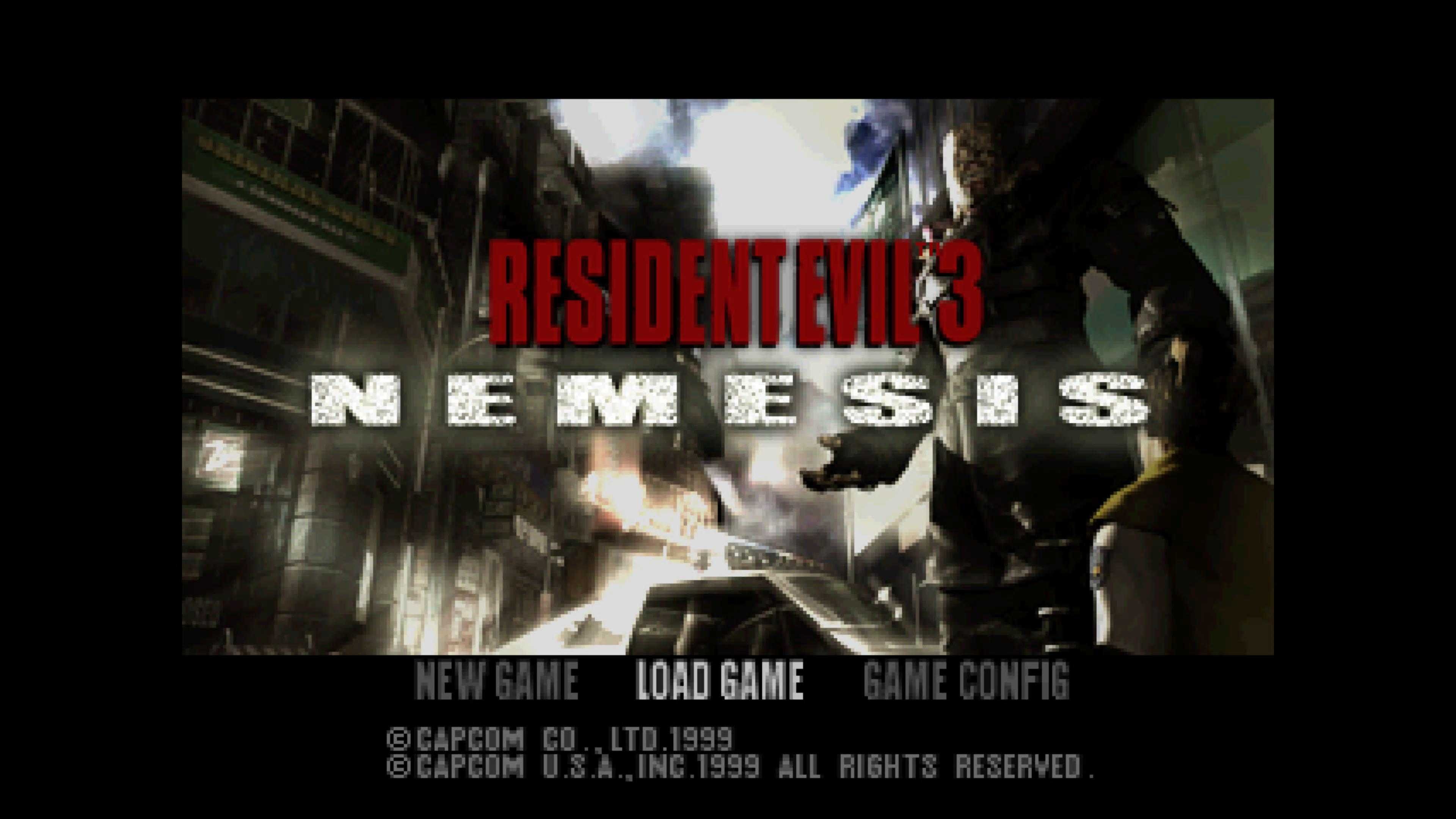
Figarx mnie uprzedził, dokładnie to samo miałem napisać.Ja pamiętam jak czytałem o wariatach, co zabijali Nemesisa nożem, 92 ciosy, no ja nie mam chyba cierpliwości, żeby próbować xd Wiem, że drugie spotkanie mozna zrobic cheesy sposobem, Nemesis się blokuje na posterunku i jest wlasnie w zasiegu noza, ale nas nie moze zaatakowac, ale pierwsze starcie czysty skillRimejk pozostawił niesmak, w oryginał grałem w 99, trzeba odświeżyć. Dobiegłem do pierwszego sejwa, ciężko do tego sterowania się przyzwyczaić znowu.
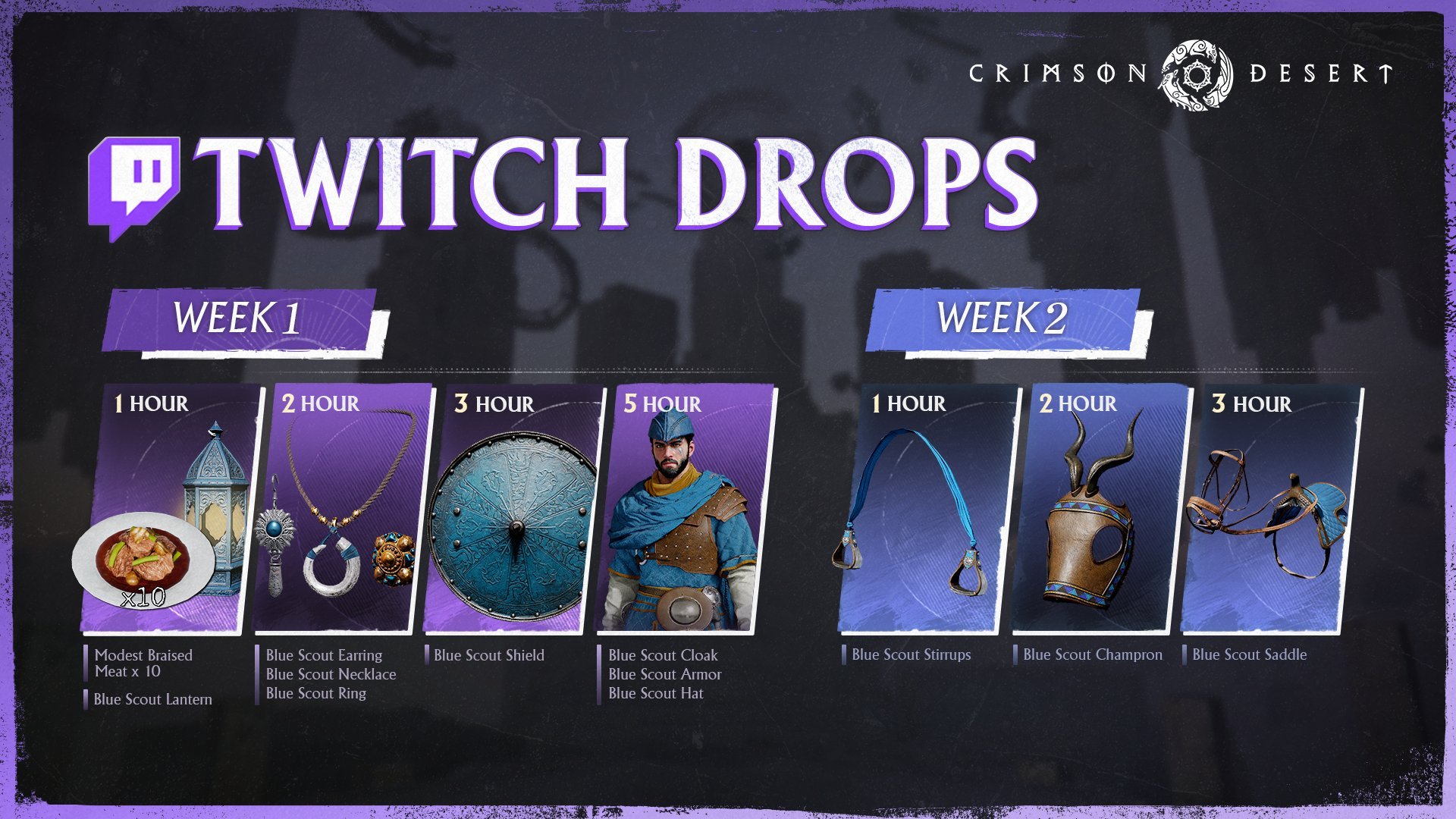
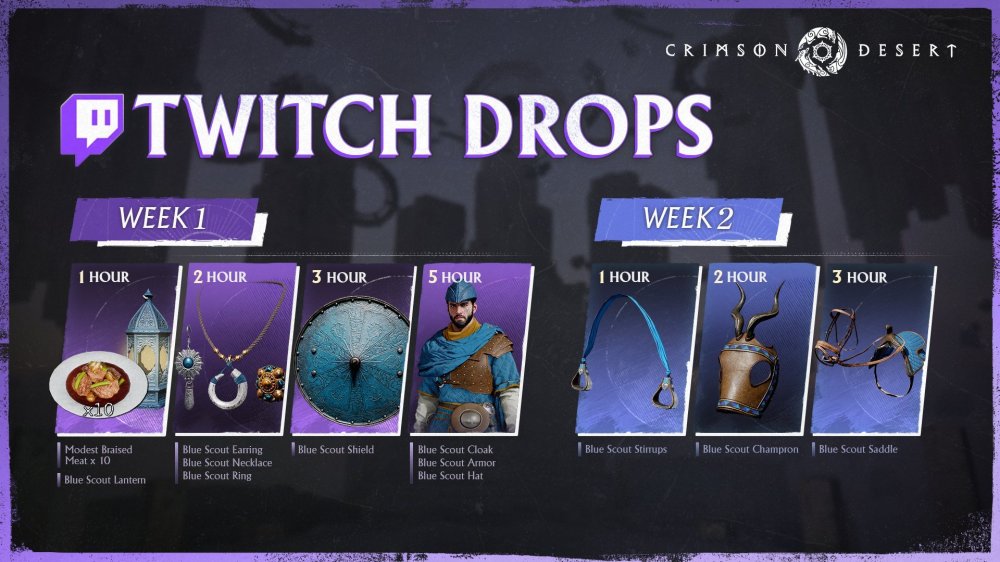
 Na twitchu bedzie mozna zgarnac troche dupereli
 6 baniek pękło CAPCOM |Resident Evil Requiem Sales Exceed 6 Million Units!Capcom Co., Ltd. (Capcom) today announced that worldwide sales of Resident Evil Requiem, released on February 27, 2026, now exceed 6 million units, which is the fastest that a title in the series has