
Skocz do zawartości
View in the app

A better way to browse. Learn more.

Forum PSX Extreme

A full-screen app on your home screen with push notifications, badges and more.

To install this app on iOS and iPadOS
  1. Tap the Share icon in Safari
  2. Scroll the menu and tap Add to Home Screen.
  3. Tap Add in the top-right corner.
To install this app on Android
  1. Tap the 3-dot menu (⋮) in the top-right corner of the browser.
  2. Tap Add to Home screen or Install app.
  3. Confirm by tapping Install.

second

Użytkownicy
  • Dołączył

  • Ostatnia wizyta

second

Tajemnica sukcesu Roberta ujawniona 

SmartSelect_20220113-140847_Facebook.thumb.jpg.e8d062488826d6f88a42ad104fd83b78.jpg

second

Ten kraj to mem 

main_01s_rzeczy_wa_ne_i_wa_niejsze.thumb.jpg.5fc4332f772ad3287b83f9442b80a502.jpg

second

Ehhhh kiedyś to było...

second

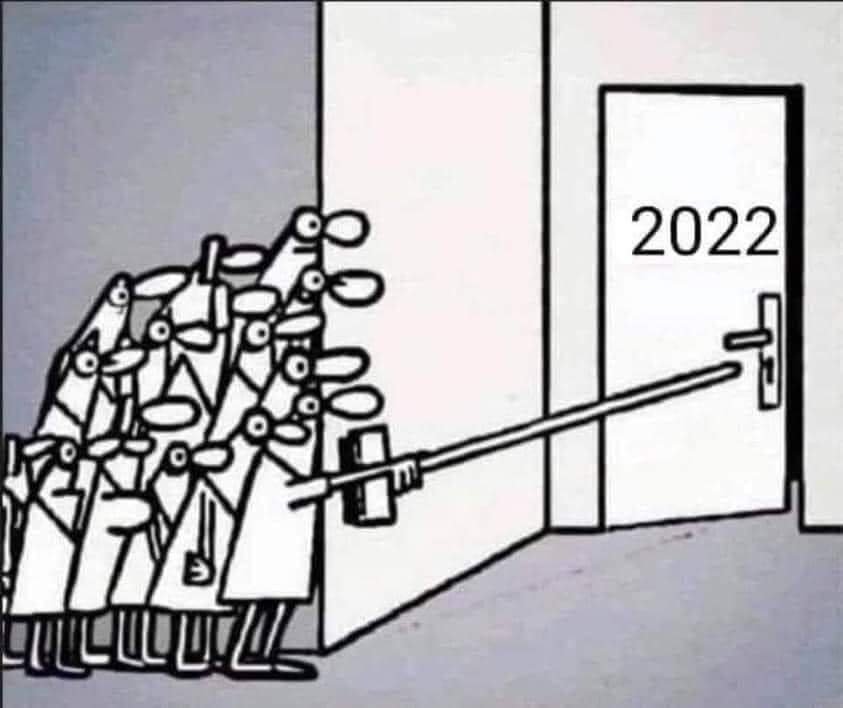
To jak, chłopaki? Gotowi na kolejny sezon? 
FB_IMG_1640940943753.jpg.53a142b920d41aa6d139e51a3d41970b.jpg

second

Czy może ktoś polecić jakiegoś fajnego rogala? Hades już skończony. Enter the Gungeon się nada?

second

ŚPIJ SLODKO ANIOŁKU[*]

FB_IMG_1637944457115.thumb.jpg.e8d0269aa52ad7a7c86fec13597a7f13.jpg

second

Czy jesteście w stanie wyobrazić sobie to uczucie szczęścia? 

main_kiedy_tyle_wystarcza_o_do_pe_ni_szcz_cia.thumb.jpg.66768cd8536833760939d926de00acb2.jpg

Account

Navigation

Szukaj

Szukaj

Configure browser push notifications

Chrome (Android)
  1. Tap the lock icon next to the address bar.
  2. Tap Permissions → Notifications.
  3. Adjust your preference.
Chrome (Desktop)
  1. Click the padlock icon in the address bar.
  2. Select Site settings.
  3. Find Notifications and adjust your preference.