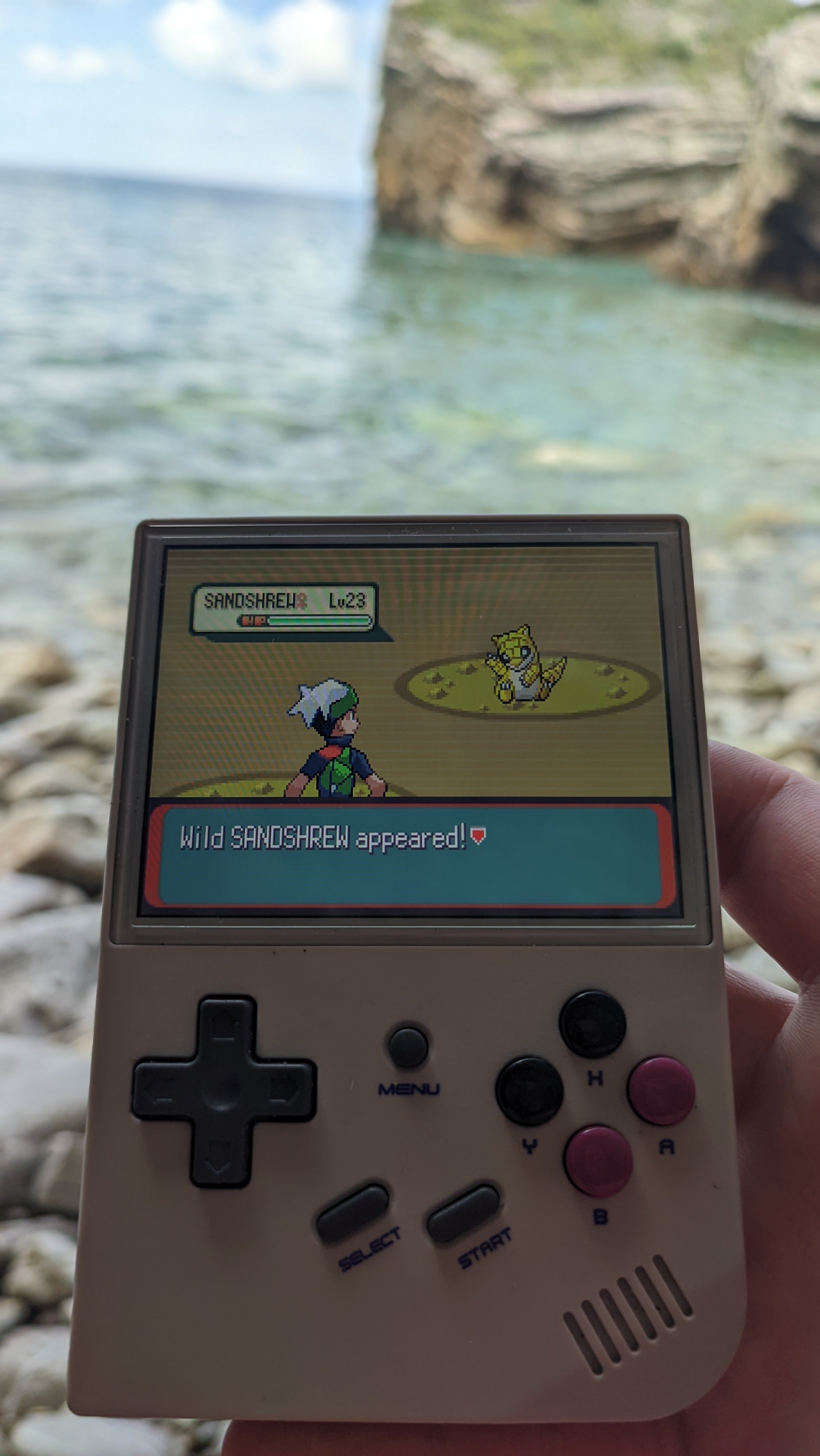
Miło sobie usiąść w cieniu i pograć na gejmboju 

A better way to browse. Learn more.
A full-screen app on your home screen with push notifications, badges and more.



Miło sobie usiąść w cieniu i pograć na gejmboju
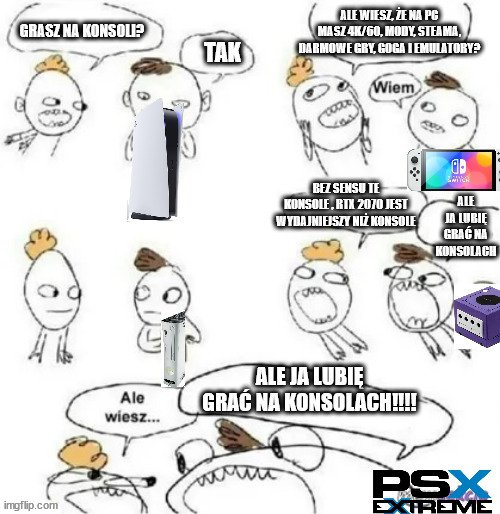
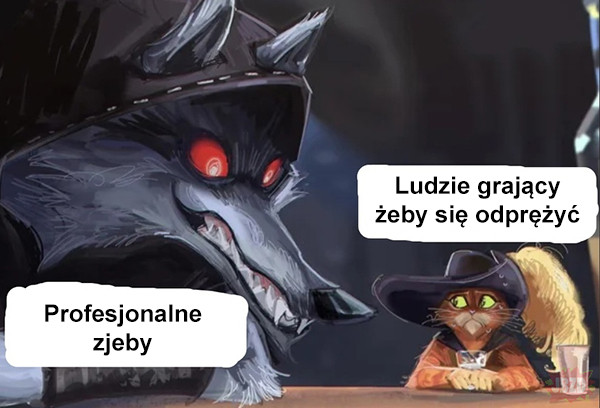
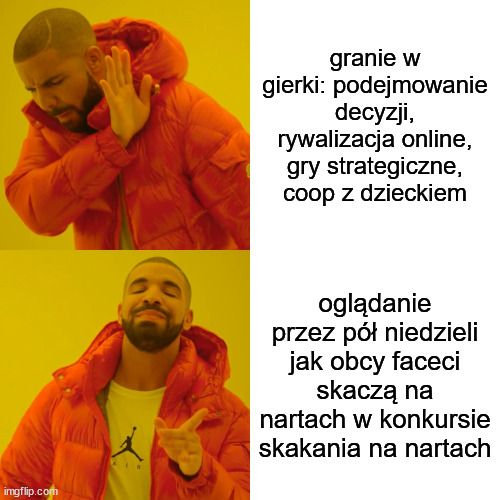
Stworzyłem takiego mema z dedykacją dla wszystkich pecetowców z forumka 
 moim zdaniem to nie ma tak, że jest dobrze albo, że nie dobrze. Redakcja w formie. Ja naprawdę żyję w cyrku

 Dragon Ball Z: Budokai Tenkaichi 4
 ale czemu
Zagrajmerzy i zagrywy
jedno i drugie wzbudza parszywe wspomnienia
a ty w gupie gry grasz tak?
somłan jajkju na wykopku
#thelastofus

suema forumek