Patapon
Użytkownicy
-
Dołączył
-
Ostatnia wizyta
-
Ktoś nakłamał w CV, że zna język polski
-
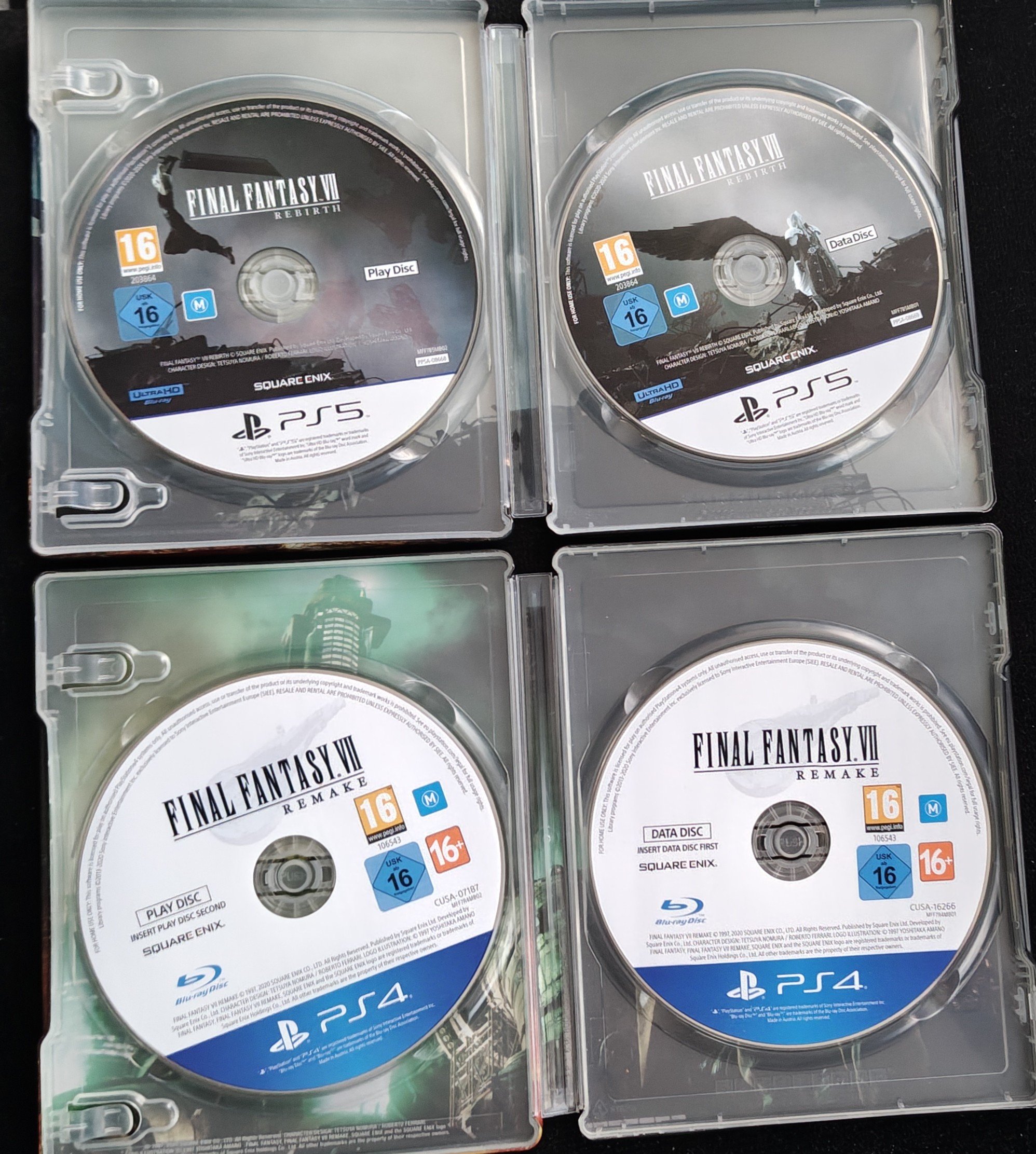
Ciekawe czy sprzedaż napędów też utną od 2028 roku.
-
GameCube 💖
-
Było rozlać trochę farby po plaży, córkę przebrać za postać z okładki i Emtebe się chowa.
-
Co?
-
-
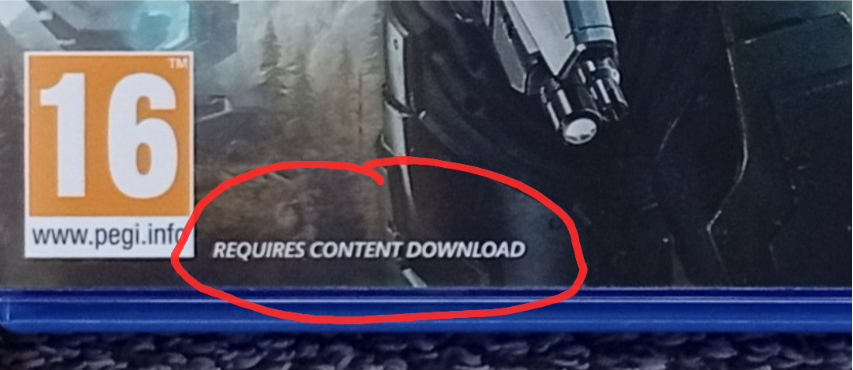
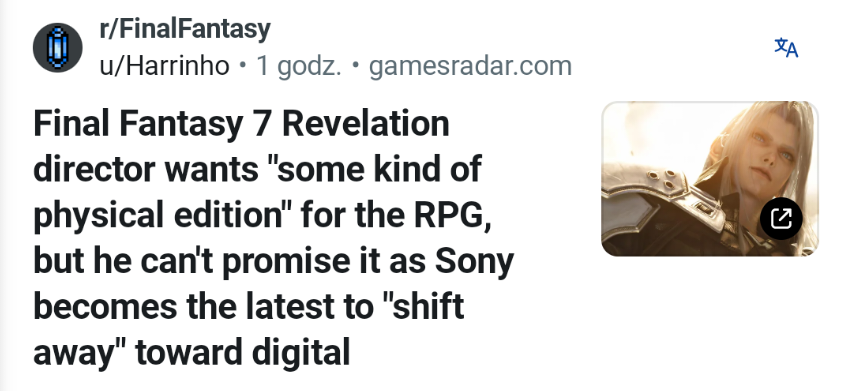
Zaczyna się. Już nie wiedzą czy w 2027 gra będzie na płycie, a wszystkiemu winne złe Sony. Pazerne świnie, wszystkie takie same.
 Jeszcze dwa multiplayerowe flopy chyba, że Fairgames skasują to jedenNiby tak ale bardziej obstawiałbym początek roku szkolnego jak Wolverine/Astrobot (wrzesień) czy Yotei (październik). Zostaje jeszcze wepchać gdzieś Until Dawn 2 i Kene 2, bo pewnie wyleciała na przyszły rok.Co by nie było tak smutno w tym temacie
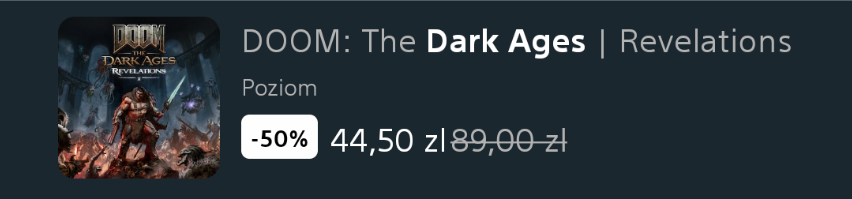
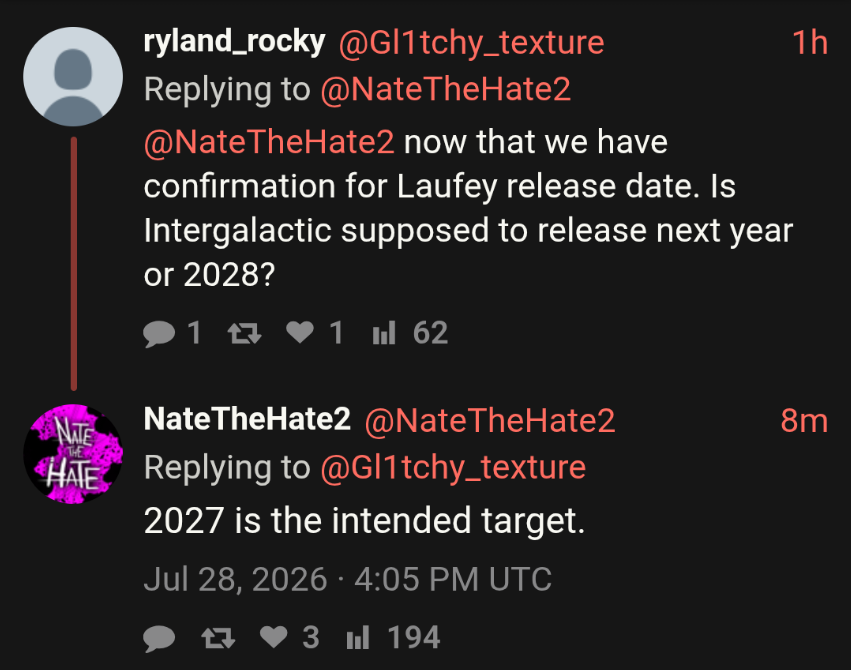 Obstawiam PS6 za 699$ najpóźniej na wiosnę 2028. Będzie to wszak edycja Digital, pewnie mniejsze od PS5 aby więcej kartonów wlazło na paletę, dysk przez pierwsze lata wyniesie tylko 1TB bo drogo, podniosą do tego czasu cenę plusa i będzie się to jakoś kręcić. Nie wywalą ceny jak za PS5 Pro bo to sprzęt tylko dla największych entuzjastów no i nie zdziwiłbym się jakby pad sprzedawano oddzielnie no bo czemu by nie. Zobaczymy z czasem jak się moje proroctwo zestarzeje.Tyle tego sprzedali, że 5 dni zajmie im pakowanie.Promka 50% na dodatek czyli tyle samo ile wyniosły zwolnienia w ID Software