







Patapon
Użytkownicy
-
Dołączył
-
Ostatnia wizyta
-
Aktualizacja 1.2GB
-
Z tego co rozumiem to jutro o 7:00 rano powinna pojawić się aktualizacja. Mogę się mylić.
-
Jest powód by przejść Rebirth po raz siódmy.
-
U mnie na wsi wtedy był tylko mały fiat, duży fiat, trabant, wartburg czy stara skoda. Odpalałeś Gran Turismo i przenosiłeś się do zupełnie innego świata.
-
Leon urządzający pokaz swojej żonie po powrocie do domu po skończonej przygodzie w Requiem.
-
I 6/10 za grafike
-
Mnie dodatek wnerwia z jednego powodu - wycięto mnóstwo rzeczy z oryginalnej kampanii Leona byle wepchnąć to w segment Ady.
-
Tak powinna wyglądać mapa świata w remake'u FFVII, a nie te śmieszne wycinki map z brzydkimi drzewami i roślinnością, która nawet nie reaguje na poruszającą się postać. To PSSR 2 będzie dopiero na premierę gry czy jak?
-
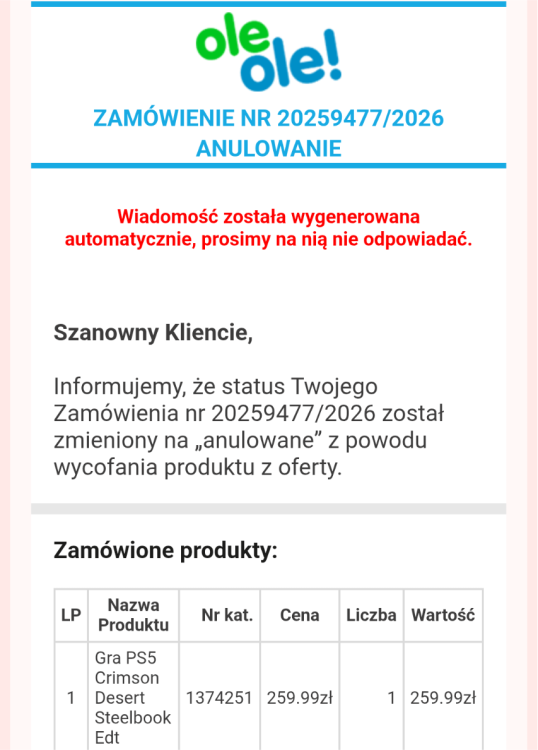
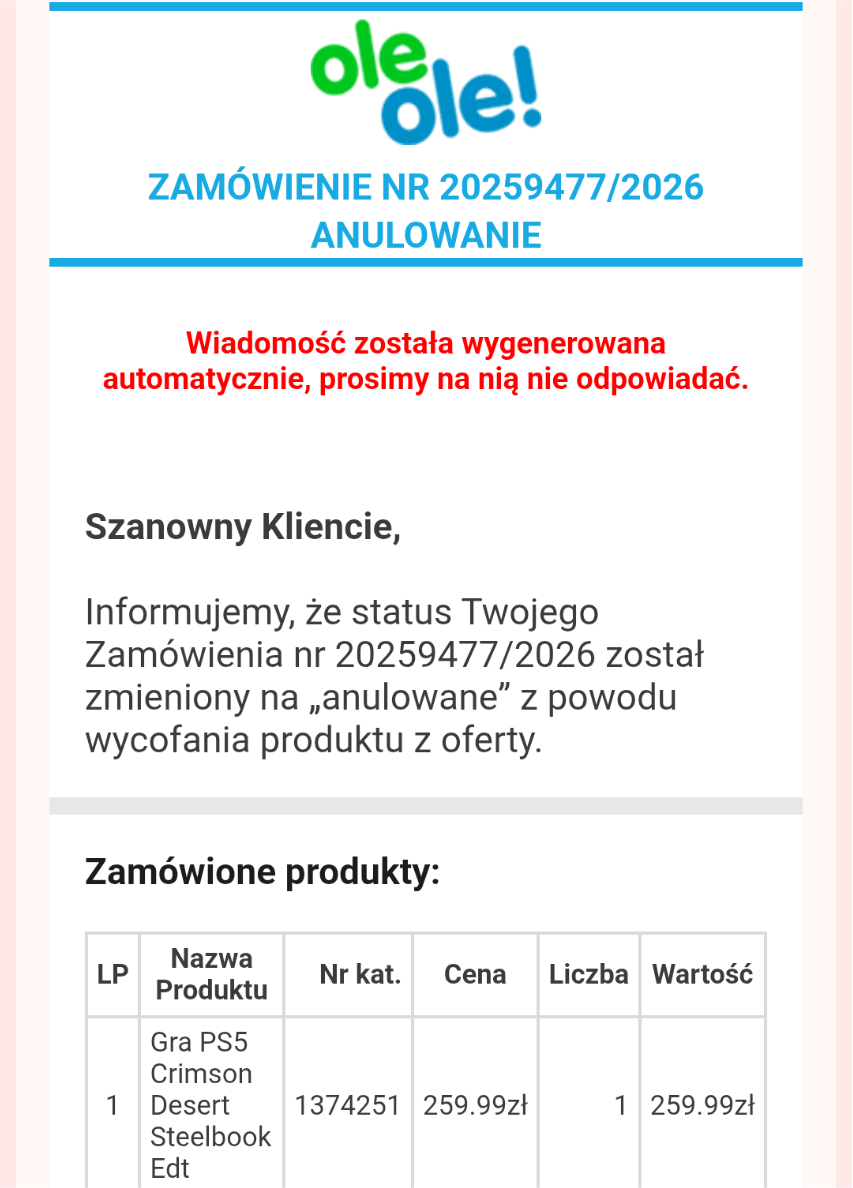
Zamówiłem teraz w Electro ale zbyt wiele się nie spodziewam. Na allegro za 3 stówy więc podziękuję.Polecam sklep Ole Ole
 Niby człowiek przeszedł 3 razy i wbił tą platynę ale o tym, że wychodząc z posterunku można udać się do podziemnego garażu i znaleźć "cute" zawieszkę to dopiero dzisiaj się dowiedziałem dzięki youtubkowi







Account
Navigation
Szukaj
Configure browser push notifications
Chrome (Android)
- Tap the lock icon next to the address bar.
- Tap Permissions → Notifications.
- Adjust your preference.
Chrome (Desktop)
- Click the padlock icon in the address bar.
- Select Site settings.
- Find Notifications and adjust your preference.
Safari (iOS 16.4+)
- Ensure the site is installed via Add to Home Screen.
- Open Settings App → Notifications.
- Find your app name and adjust your preference.
Safari (macOS)
- Go to Safari → Preferences.
- Click the Websites tab.
- Select Notifications in the sidebar.
- Find this website and adjust your preference.
Edge (Android)
- Tap the lock icon next to the address bar.
- Tap Permissions.
- Find Notifications and adjust your preference.
Edge (Desktop)
- Click the padlock icon in the address bar.
- Click Permissions for this site.
- Find Notifications and adjust your preference.
Firefox (Android)
- Go to Settings → Site permissions.
- Tap Notifications.
- Find this site in the list and adjust your preference.
Firefox (Desktop)
- Open Firefox Settings.
- Search for Notifications.
- Find this site in the list and adjust your preference.