Skocz do zawartości
View in the app

A better way to browse. Learn more.

Forum PSX Extreme

A full-screen app on your home screen with push notifications, badges and more.

To install this app on iOS and iPadOS
  1. Tap the Share icon in Safari
  2. Scroll the menu and tap Add to Home Screen.
  3. Tap Add in the top-right corner.
To install this app on Android
  1. Tap the 3-dot menu (⋮) in the top-right corner of the browser.
  2. Tap Add to Home screen or Install app.
  3. Confirm by tapping Install.

Mejm

Gianni, jesli potrzebujesz pomocy mrugnij dwa razy.

Figuś


maciucha

U mnie weekendzik z ME2 LE, Bioshock Remastered i Top Gear sezon 7 :banderas:. A u was jak?

Figaro

czy wiecie, że najlepszy utwór SotC nie został w grze wykorzystany?



Sven Froost

Ale ten Fallen Order jest fajny, w dodatku kanon :obama:

Wredny

1384897919_JuliaRobertsHoles.jpg.c453420de5c295abb71ad998fc9fbdcf.jpg

Figaro

Gotg 


Pupcio

Goty 


second

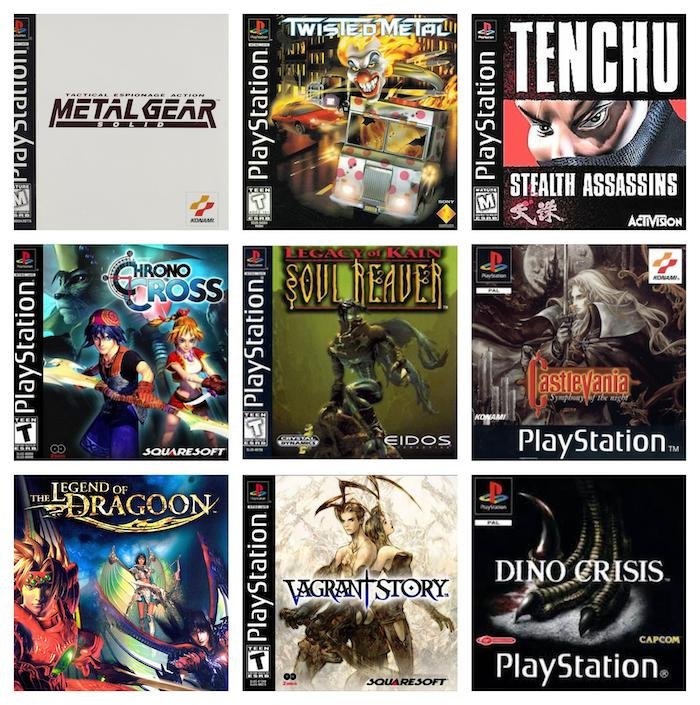
Możecie wybrać tylko jeden remake: 

41cd75f2-0a26-4f7a-9598-951bd7ac6701.jpeg.aa04fbcd3b0f1c72abe86b7cab727920.jpeg

k0ntra

Telewizorki do chińskich gierek za 10koła kupują, a jak prezes obiecywał, że będziemy drugą Japonią - to się z niego śmiali...:mad:


Account

Navigation

Szukaj

Szukaj

Configure browser push notifications

Chrome (Android)
  1. Tap the lock icon next to the address bar.
  2. Tap Permissions → Notifications.
  3. Adjust your preference.
Chrome (Desktop)
  1. Click the padlock icon in the address bar.
  2. Select Site settings.
  3. Find Notifications and adjust your preference.