Skocz do zawartości
View in the app

A better way to browse. Learn more.

Forum PSX Extreme

A full-screen app on your home screen with push notifications, badges and more.

To install this app on iOS and iPadOS
  1. Tap the Share icon in Safari
  2. Scroll the menu and tap Add to Home Screen.
  3. Tap Add in the top-right corner.
To install this app on Android
  1. Tap the 3-dot menu (⋮) in the top-right corner of the browser.
  2. Tap Add to Home screen or Install app.
  3. Confirm by tapping Install.

sph!

azq7b3z_700b.jpg.b4863acfa5d8a92a86cd6bba63cfe206.jpg

oFi

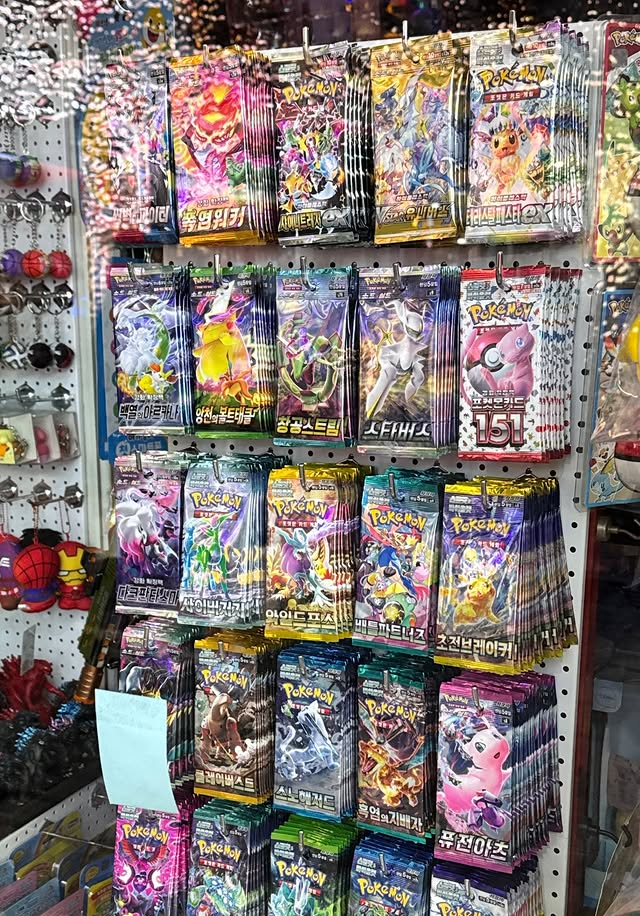
Idę dzisiaj do cexa po pare retro gier PUDEŁKOWYCH.

Coś chcecie?

sph!

GeYY75lXsAEpXkI.thumb.jpg.e535cd8b0cb4201bdd840536ca75da06.jpg

Josh

Astro bot kiedy na PC?

469533226_606563081886436_6796680326972599789_n.jpg

Bzduras

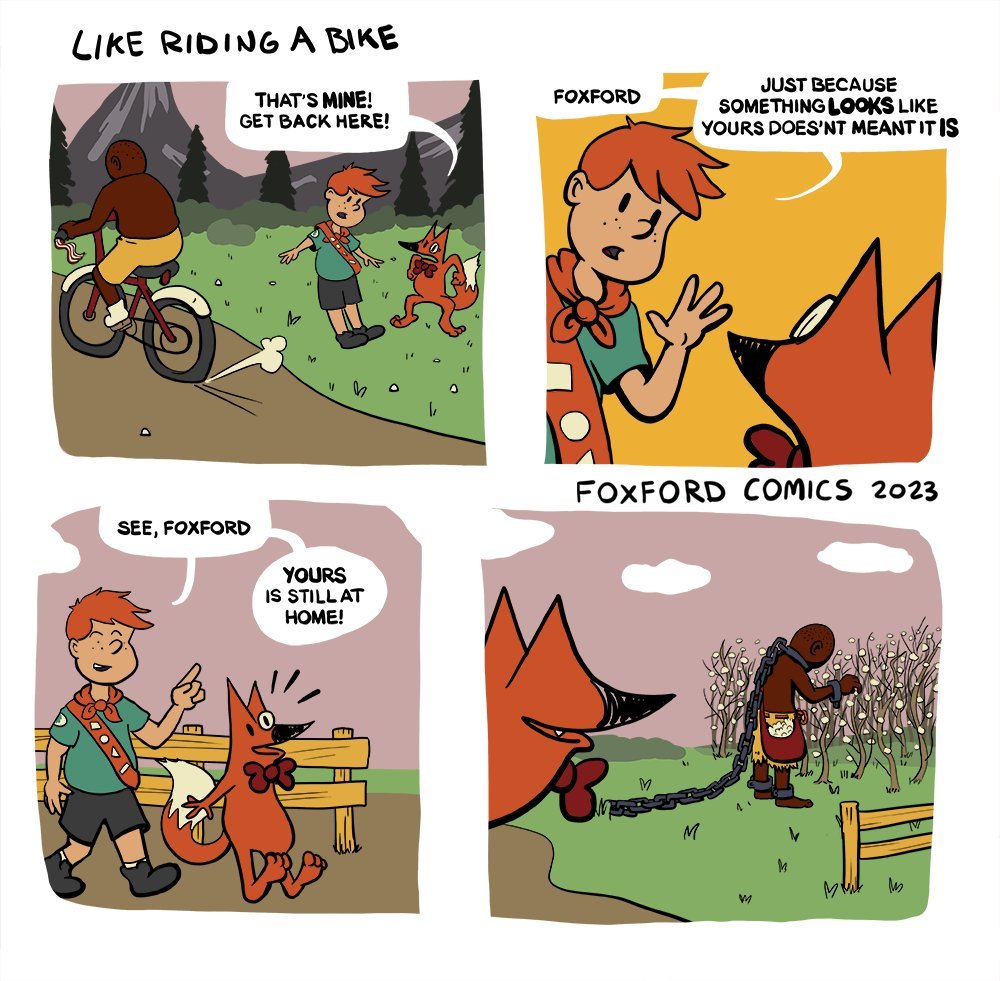
Po czym poznać pudełkowca?

nero2082

indiana.png


spokojnie zaraz się rozkręci :asax:

Paolo de Vesir


polecam na świąteczną kolację z rodzinką, koniecznie z klipem

easye

Ktos mi powie jak na padzie zmienia sie bron w POE2? Dzięki!

Account

Navigation

Szukaj

Szukaj

Configure browser push notifications

Chrome (Android)
  1. Tap the lock icon next to the address bar.
  2. Tap Permissions → Notifications.
  3. Adjust your preference.
Chrome (Desktop)
  1. Click the padlock icon in the address bar.
  2. Select Site settings.
  3. Find Notifications and adjust your preference.