

Skocz do zawartości
View in the app

A better way to browse. Learn more.

Forum PSX Extreme

A full-screen app on your home screen with push notifications, badges and more.

To install this app on iOS and iPadOS
  1. Tap the Share icon in Safari
  2. Scroll the menu and tap Add to Home Screen.
  3. Tap Add in the top-right corner.
To install this app on Android
  1. Tap the 3-dot menu (⋮) in the top-right corner of the browser.
  2. Tap Add to Home screen or Install app.
  3. Confirm by tapping Install.

KrYcHu_89

image.thumb.png.0dd51b14f0ee3efd2d96a6ee17528b44.pngkolejny Nintendofag xD

maciucha

THPS3 na decku pod kołderką :banderas:

Suavek

W dniu 2.04.2024 o 16:43, Suavek napisał:

Uznałem, że nie doczekam się Rain Code na inne platformy, więc wpadło pudło na niedomagającą konsolkę. Czyli znając moje szczęście, jak już grę kupiłem, to za tydzień zapowiedzą wersję PC.


:gayos:

messer33

Bayo 2 :pepegasm: dziękuje dla ciebie NINTENDO 


jimmy

Ej ale call of djuti będzie w tym roku na czas? I w kolejnym?

Figaro

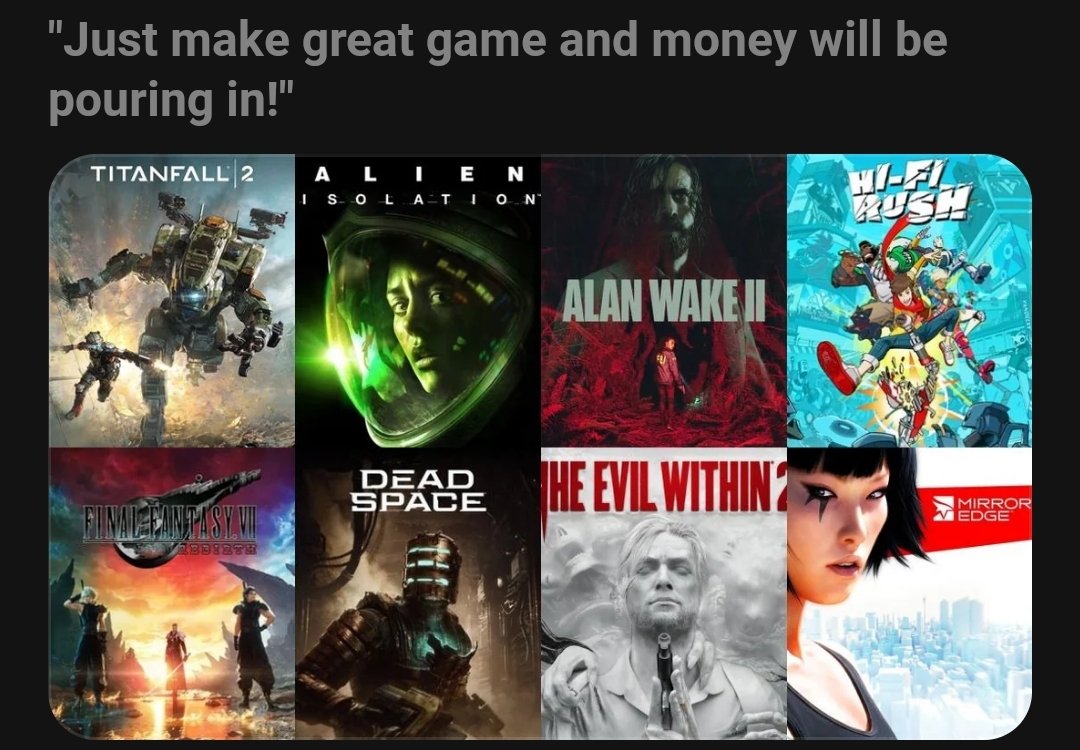
Arkane? Tango? Kurwa jak ja nienawidzę tego jebanego Xboxa, bez kitu.

Account

Navigation

Szukaj

Szukaj

Configure browser push notifications

Chrome (Android)
  1. Tap the lock icon next to the address bar.
  2. Tap Permissions → Notifications.
  3. Adjust your preference.
Chrome (Desktop)
  1. Click the padlock icon in the address bar.
  2. Select Site settings.
  3. Find Notifications and adjust your preference.