Skocz do zawartości
View in the app

A better way to browse. Learn more.

Forum PSX Extreme

A full-screen app on your home screen with push notifications, badges and more.

To install this app on iOS and iPadOS
  1. Tap the Share icon in Safari
  2. Scroll the menu and tap Add to Home Screen.
  3. Tap Add in the top-right corner.
To install this app on Android
  1. Tap the 3-dot menu (⋮) in the top-right corner of the browser.
  2. Tap Add to Home screen or Install app.
  3. Confirm by tapping Install.

Daffy

Te drwale to moczą w jakiejś solance że znowu gROZI nam gruby ból dupy?

devilbot

2023 

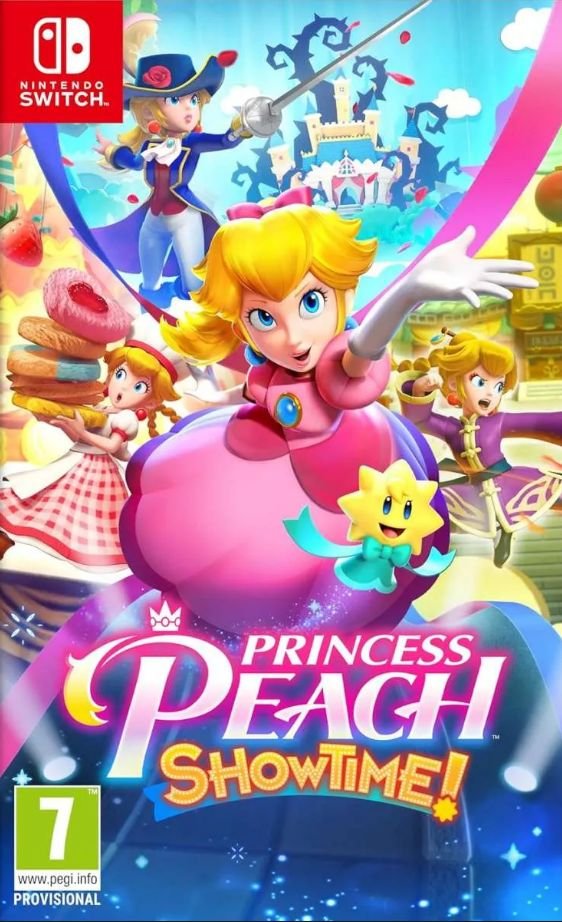
Rozi gra w indyki na switchu

:kekw:

KrYcHu_89

@Rozi gratulacje za wykorzystanie wszystkich punktów reputacji na zwalczanie każdego posta na temat istnienia Steam Decka w ostatnich 5 dniach, królu złoty. :yao:

Pupcio

Ten film o barbie to jest jakiś troll figaro czy co ja c0rwa włączyłem??

Ryuk

image.png.a6d9b1293e56f2ce3b5fe4fdda369b30.png

krzysiek923

Lepiej ogrywać BioShocka w wersji OG, czy Remastered? Ten remaster to podobno shit z błędami i miejscowo gorszą grafiką.

KrYcHu_89

Callisto po roku w pudle za 39 zł w sklepie, najszybciej taniejąca gra AAAA w historii. 


Account

Navigation

Szukaj

Szukaj

Configure browser push notifications

Chrome (Android)
  1. Tap the lock icon next to the address bar.
  2. Tap Permissions → Notifications.
  3. Adjust your preference.
Chrome (Desktop)
  1. Click the padlock icon in the address bar.
  2. Select Site settings.
  3. Find Notifications and adjust your preference.