wet_willy
Admini
-
Dołączył
-
Ostatnia wizyta
Treść opublikowana przez wet_willy
-
-
-
-
Boze... Ja tez tak myslalem I wiesz co zrobilem sprobowalem zobaczyc co sie stanie jak dodam 1 punkt wiecej zeby sprawdzic ile HP za to dostane okazalo sie ze normalna wartosc... Powaznie jak widze co tutaj jest pisane to czasami sie zastanawiam jak wy samodzielnie rano majtki na dupe zakladacie xD
-
-
-
-
-
-
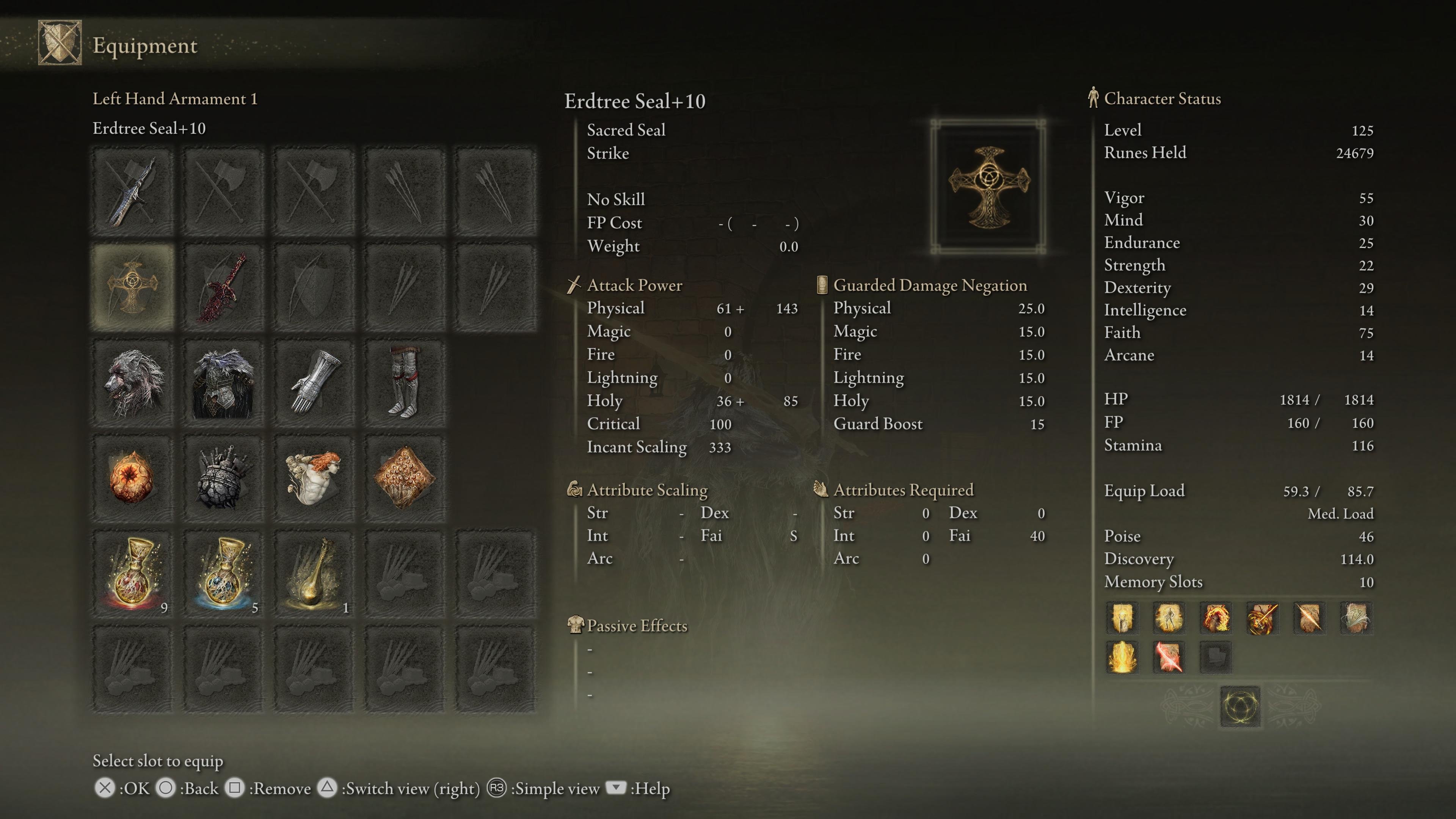
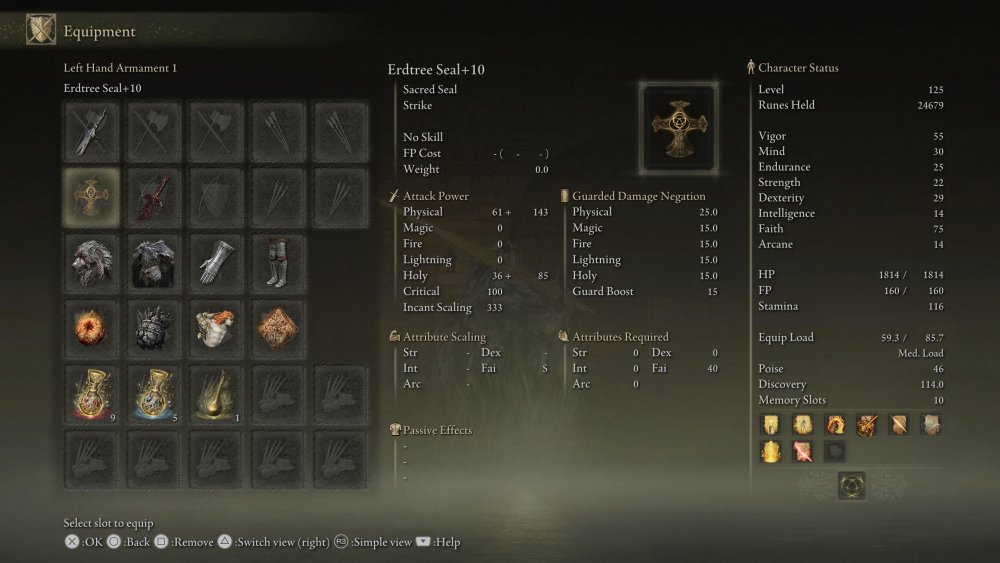
@easye Tu masz moj build pod Faith bardzo fajnie sie nim gra i PvE i PvP Do PvP wyrzucam drugi miecz i Arsenal Charma wymieniam na Erdtree Favour +2 albo Godfrey Talizman A no i mam Godrick Great Rune tutaj aktywna wiec na PvE albo PvP jak jestem Hostem to +5 do wszystkich statow ale mam tyle Rune Arkow ze grzechem bylo by nie uzywac.
-
-
-
-
-
-
Run Ark mozesz farmic albo pomagajac komus zabijac Bossow albo zabijajac Hosta podczas invade.
-
-
-
-
Buckler>Inne Tarcze @Szajka Nie da sie tam wejsc ktos wall hackowal to sa tam takie Areny cos ala Koloseum pewnie DLC. A przedmiot to najlepszy Talizman to podnoszenia Equip Load. Rozi pewnie z 2kg zrzucil monkey rollujac na pale na 170 lvl. GRATULACJE!!! I niech oni powaznie ten Bleed wypierdola z tej gry Invade teraz robic jakims normalnym buildem to jest dramat. 3v1 i Bleed nabijajacy sie nawet jak cie typy nie trafiaja -_-
-
-
Przed Patchem 1.03 ale bez Mimica bo to durne AI bylo by tylko tylko bateria dla odnawiania jej zycia. Gralem normalnym Dex Buildem 50 Vigor 70 Dex Dual Katanami Nagakiba i Uchigatana +25 z Blood Slashem bez Sepukku bo nawet nie mialem. Pol dystans to podstawa a ten jej Special Attack dla mnie jest latwy do unikania najgorszy jest ten jej rush i 3 plaskie w uppercuta. Druga faza to jak unikniesz jej pierwszego Dive spamuj Specjala z Moonblade albo wez jej jakims Cometem zajeb. Pozniej staralem sie byc na dystans baitowac i karac te jej smieszne Dive. Kluski do sciagania Rota pod Trojkatem obowiazkowo.
-
-
-