Skocz do zawartości
View in the app

A better way to browse. Learn more.

Forum PSX Extreme

A full-screen app on your home screen with push notifications, badges and more.

To install this app on iOS and iPadOS
  1. Tap the Share icon in Safari
  2. Scroll the menu and tap Add to Home Screen.
  3. Tap Add in the top-right corner.
To install this app on Android
  1. Tap the 3-dot menu (⋮) in the top-right corner of the browser.
  2. Tap Add to Home screen or Install app.
  3. Confirm by tapping Install.

Shen

Patroni
  • Dołączył

Shen

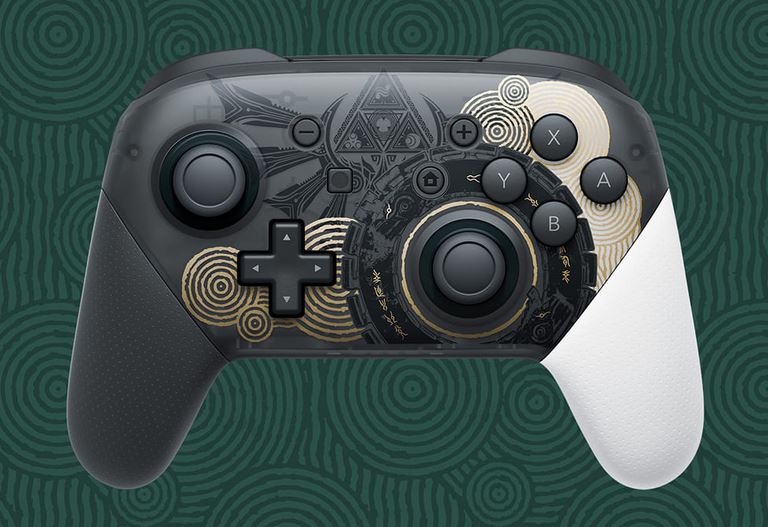
Czas kupić dedykowanego pada do switcha :obama:

Przechwytywanie.JPG.3d4e3656f2dc71e907e1a3e541195903.JPG

Shen

Fajny ten nowy dodatek do magica.


“Evil cannot create anything new, they can only corrupt and ruin what good forces have invented or made.”
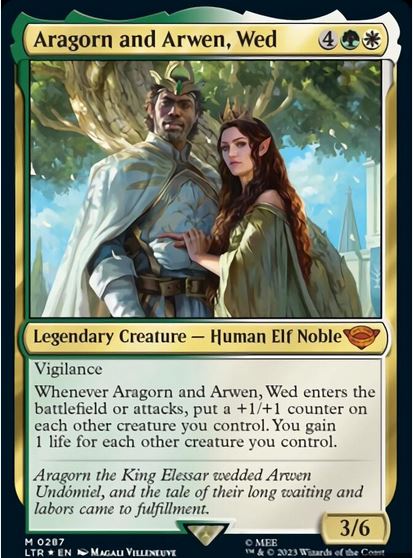
 

Przechwytywanie.JPG.9b3dcab2ad9f6a600eb7ee3692c6fe5d.JPG

Shen

Szkoda, że Naughty Dog skończyło się po Lost Legacy.

Shen


Shen

The Whale już w sklepach internetowych, polecam.

Shen

Przechwytywanie.JPG.138345412cb21096b358184c7b09d797.JPG

Shen

Przechwytywanie.JPG.98201770a2b376c683a58a56d8ea0ec7.JPG

Shen


Shen

Wchodzi zagrajmer do tematu Wiedźmin 3: Dziki Gon, a tam pclab. :)

Account

Navigation

Szukaj

Szukaj

Configure browser push notifications

Chrome (Android)
  1. Tap the lock icon next to the address bar.
  2. Tap Permissions → Notifications.
  3. Adjust your preference.
Chrome (Desktop)
  1. Click the padlock icon in the address bar.
  2. Select Site settings.
  3. Find Notifications and adjust your preference.