Skocz do zawartości
View in the app

A better way to browse. Learn more.

Forum PSX Extreme

A full-screen app on your home screen with push notifications, badges and more.

To install this app on iOS and iPadOS
  1. Tap the Share icon in Safari
  2. Scroll the menu and tap Add to Home Screen.
  3. Tap Add in the top-right corner.
To install this app on Android
  1. Tap the 3-dot menu (⋮) in the top-right corner of the browser.
  2. Tap Add to Home screen or Install app.
  3. Confirm by tapping Install.

Shen

Patroni
  • Dołączył

Shen

Taki cosplay to ja szanuje
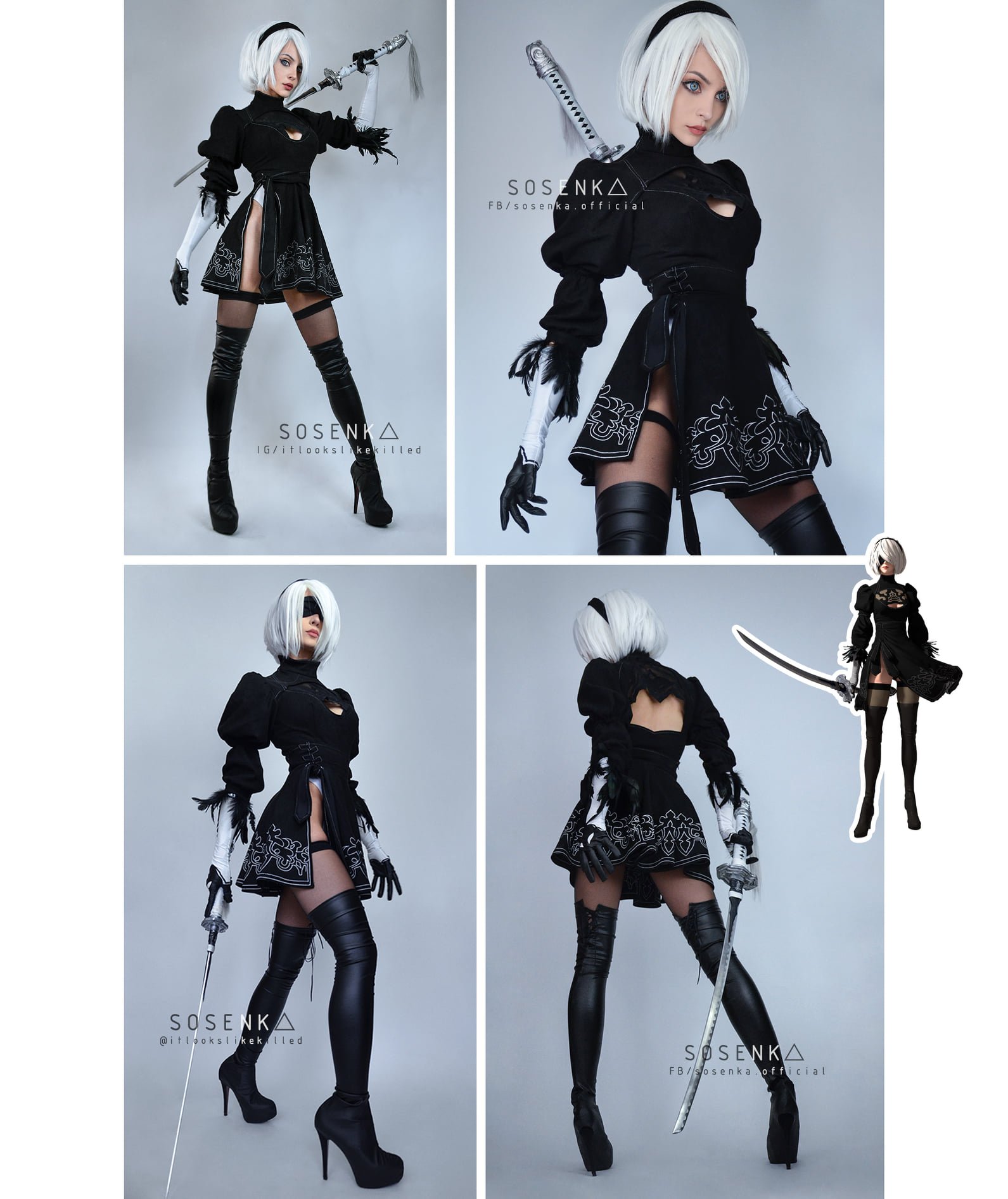
245494045_428523578634712_8557988983791641038_n.thumb.jpg.15be6a147f377ba8399c9cde9a1492cf.jpg

Shen

hype is real

Przechwytywanie.JPG.062d87c5c7274ae6cd3bf176bf1dc89b.JPG

Shen

Święta bez zakłóceń.

Screenshot_20211114-133135_Messenger.thumb.jpg.615abdb66bac36904c3fa21020e043d4.jpg

Shen

Cytat

Będziemy mieli w grudniu dość ważne spotkanie związane z przyszłością PSX Extreme

:frog:

Shen

moze to juz ten czas, żeby obejrzec Rodzine Soprano?

Shen

Przechwytywanie.JPG.08240a984d6ebfada2eb6f3188530ad2.JPG

Shen

Nowa płyta Limp Bizkit, miły prezent.

Account

Navigation

Szukaj

Szukaj

Configure browser push notifications

Chrome (Android)
  1. Tap the lock icon next to the address bar.
  2. Tap Permissions → Notifications.
  3. Adjust your preference.
Chrome (Desktop)
  1. Click the padlock icon in the address bar.
  2. Select Site settings.
  3. Find Notifications and adjust your preference.