
Skocz do zawartości
View in the app

A better way to browse. Learn more.

Forum PSX Extreme

A full-screen app on your home screen with push notifications, badges and more.

To install this app on iOS and iPadOS
  1. Tap the Share icon in Safari
  2. Scroll the menu and tap Add to Home Screen.
  3. Tap Add in the top-right corner.
To install this app on Android
  1. Tap the 3-dot menu (⋮) in the top-right corner of the browser.
  2. Tap Add to Home screen or Install app.
  3. Confirm by tapping Install.

ASX

Senior Member

ASX

xc6k9cifdd711.thumb.jpg.c4ff3a5627f44dc1c35ac539652fba20.jpg

całkiem spoko ten nowy Asasyn

ASX


ASX

topowe dziennikarstwo 


ASX

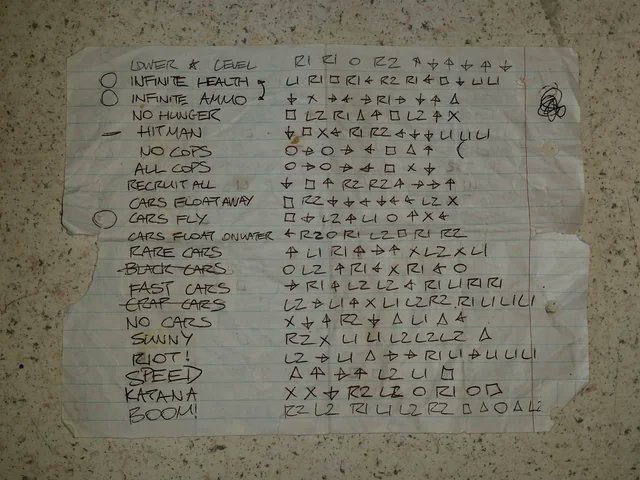
Gaming kiedyś:

Zdjęcie

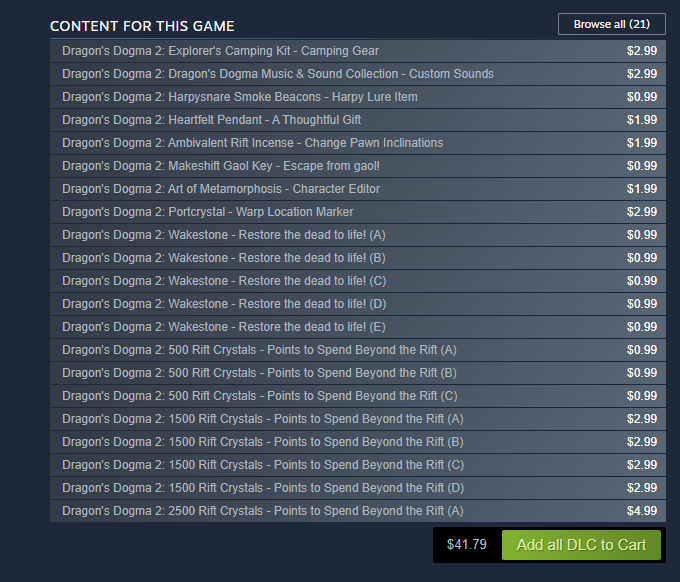
Gaming dzisiaj: 

Zdjęcie

ASX

20240309_224045.jpg.8ac88988877caf6a9727df5a8157ba9c.jpg

ASX

20240304_045015.jpg.f239f235c51943280eb44803129c98b8.jpg

ASX

20240123_202307.thumb.jpg.3be5e150fd5914c86f6ec15f3173a170.jpg

ASX

image.thumb.png.dbb3845486f6bfa9eb54e061c26b7de5.png

ASX

Nowy rok, nowy ja

master-chief-helmet.gif


ASX


Account

Navigation

Szukaj

Szukaj

Configure browser push notifications

Chrome (Android)
  1. Tap the lock icon next to the address bar.
  2. Tap Permissions → Notifications.
  3. Adjust your preference.
Chrome (Desktop)
  1. Click the padlock icon in the address bar.
  2. Select Site settings.
  3. Find Notifications and adjust your preference.