MEVEK 2 godziny temu2 godz. To jest dopiero początek tygodnia... Zobaczymy co przyniesie jego koniec Mejm 2 godziny temu2 godz. Z pamieci czy z poradnikiem? MEVEK 1 godzinę temu1 godz. Przeciez ta gra jest prosta Przy okazji ostatniej rozrywki zauważyłem ze można kontrolować drugą postać prawym analogiem ten Resident nie przestaje mnie zadziwiać.
MEVEK 1 godzinę temu1 godz. Przeciez ta gra jest prosta Przy okazji ostatniej rozrywki zauważyłem ze można kontrolować drugą postać prawym analogiem ten Resident nie przestaje mnie zadziwiać.




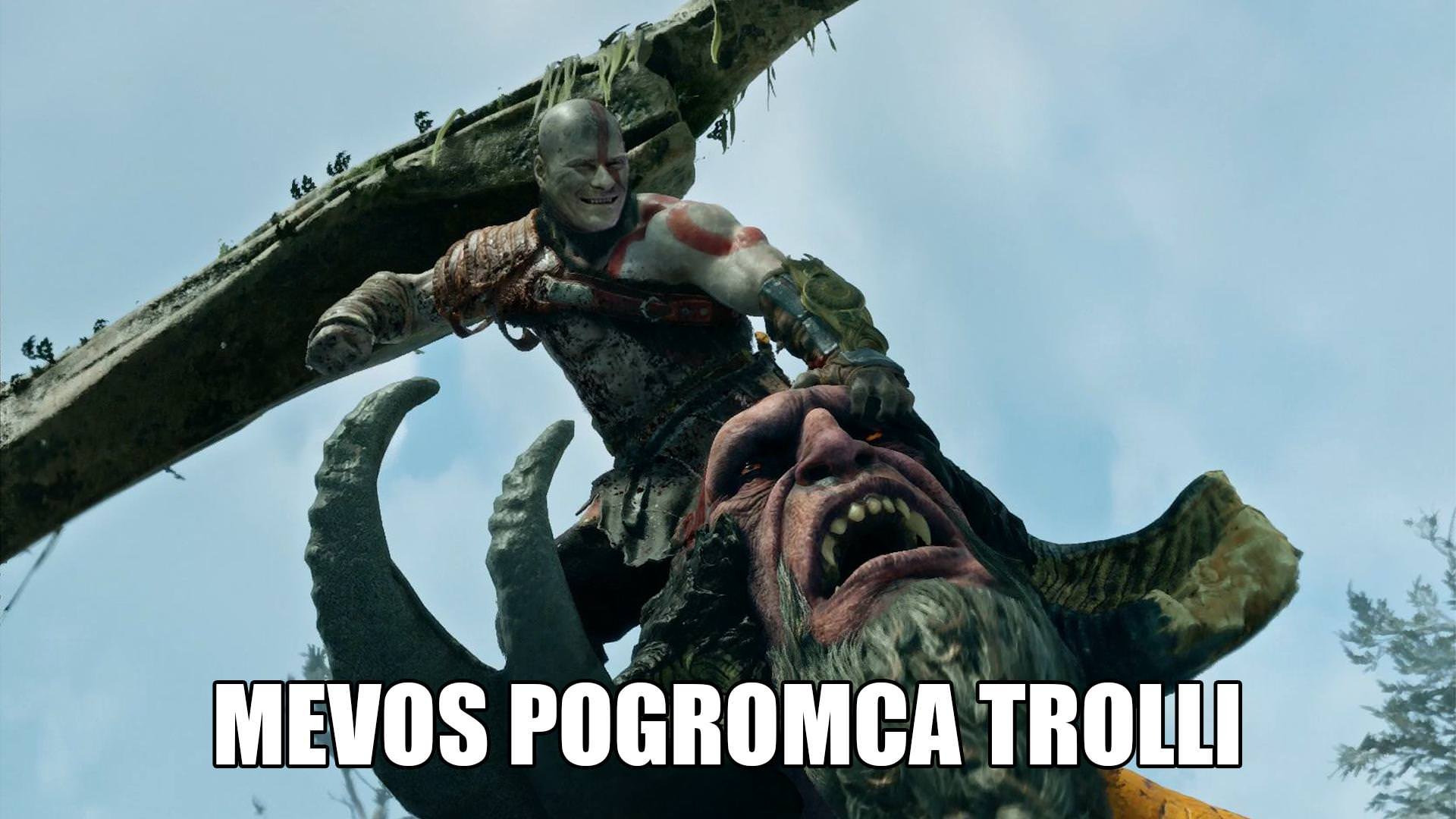








Mejm
Z pamieci czy z poradnikiem?
MEVEK
Przeciez ta gra jest prosta
Przy okazji ostatniej rozrywki zauważyłem ze można kontrolować drugą postać prawym analogiem ten Resident nie przestaje mnie zadziwiać.