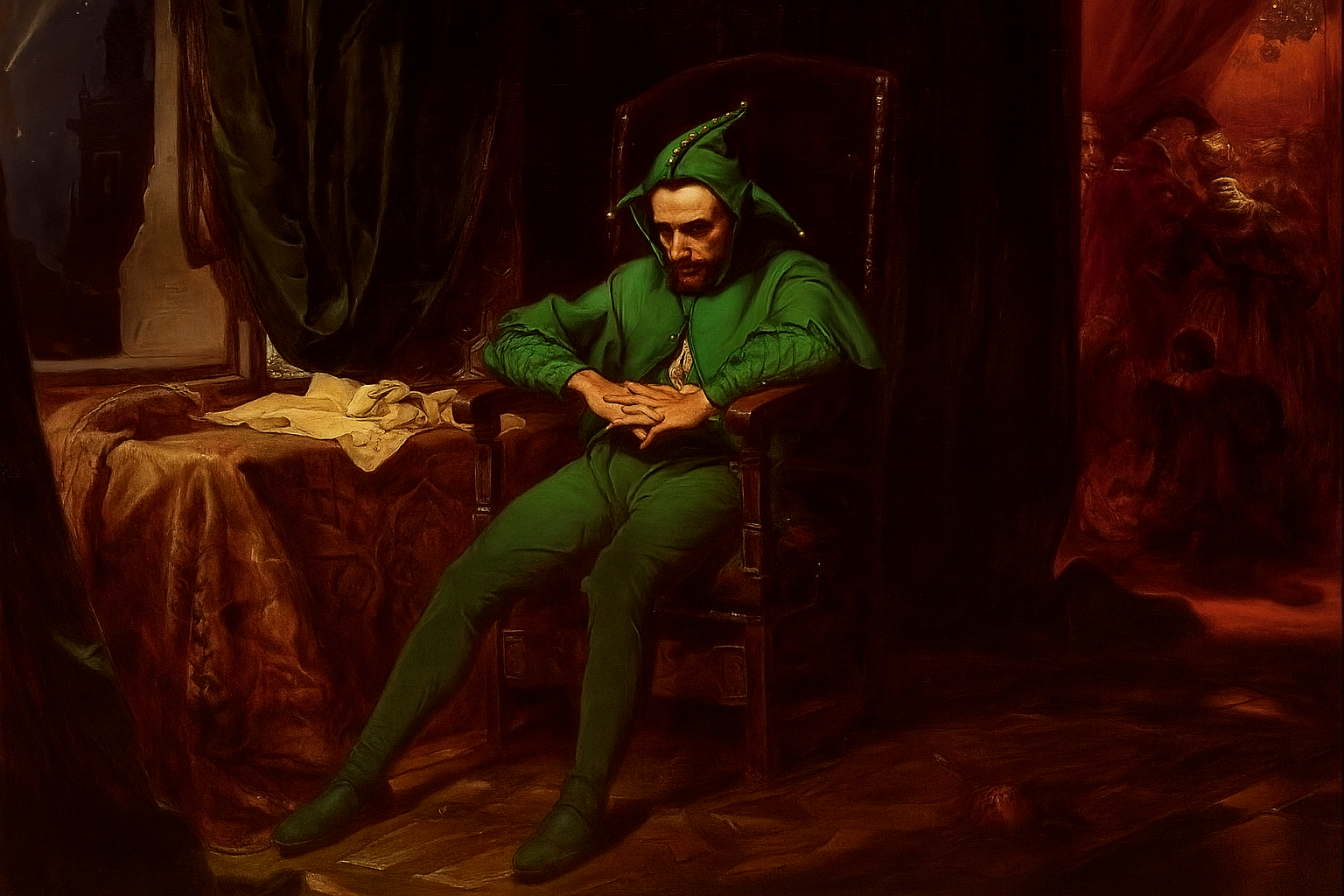
jimmy 25 października 202525 paź Jan Matejko, "Paolo", 1862, olej na płótnie Josh 25 października 202525 paź Paolo Szermac 25 października 202525 paź hehe poprawił robot ai, bo tam coś za czerwono u Ciebie XDD Słupek 25 października 202525 paź brakuje pada w dłoniach i menu startowego Silent Hill F Szermac 25 października 202525 paź Słupek 25 października 202525 paź mistrz SebaSan1981 25 października 202525 paź Haha ostatnia graficzka to prawdziwe złoto Mejm 25 października 202525 paź Powinien byc jeszcze obraz z logo Avowed.









Josh
Paolo
Szermac
hehe poprawił robot ai, bo tam coś za czerwono u Ciebie XDD
Słupek
brakuje pada w dłoniach i menu startowego Silent Hill F
Szermac
Słupek
mistrz
SebaSan1981
Haha ostatnia graficzka to prawdziwe złoto
Mejm
Powinien byc jeszcze obraz z logo Avowed.