
Skocz do zawartości
View in the app

A better way to browse. Learn more.

Forum PSX Extreme

A full-screen app on your home screen with push notifications, badges and more.

To install this app on iOS and iPadOS
  1. Tap the Share icon in Safari
  2. Scroll the menu and tap Add to Home Screen.
  3. Tap Add in the top-right corner.
To install this app on Android
  1. Tap the 3-dot menu (⋮) in the top-right corner of the browser.
  2. Tap Add to Home screen or Install app.
  3. Confirm by tapping Install.

second

172fzdd16.thumb.jpg.d0f678bf8147c4b3db6a3cc29af4d100.jpg

Pupcio

:notlikethis:

20221028_103629.jpg

MYSZa7


Masorz

Pamiętacie maseczki?

Figuś


Jakim

received_605871894652258.jpeg

Shago

xD


20inchDT

Nie wiem w co bym bardziej chciał zagrać: "current project: unannounced title multiplayer" czy "current project: new online aaa ip" :philosoraptor:

Luk248

Chciałby ktoś na spółkę kupować gry z psn? Pisać pirv

Psyko

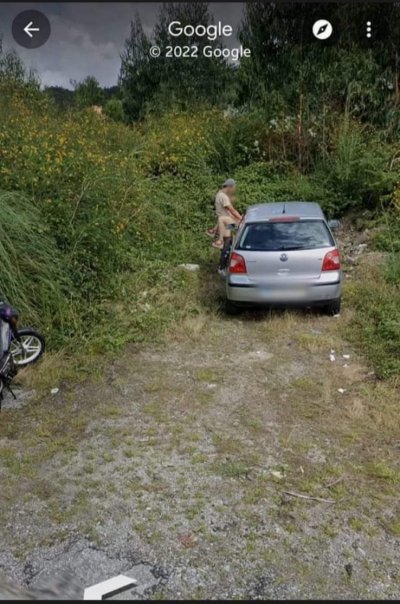
image.jpeg.ae7eb81837b5d51c58df60838f0e5a6e.jpeg


Teraz tak, kto przyjechał Golfem, a kto skuterkiem? :notsure:

Account

Navigation

Szukaj

Szukaj

Configure browser push notifications

Chrome (Android)
  1. Tap the lock icon next to the address bar.
  2. Tap Permissions → Notifications.
  3. Adjust your preference.
Chrome (Desktop)
  1. Click the padlock icon in the address bar.
  2. Select Site settings.
  3. Find Notifications and adjust your preference.