Skocz do zawartości
View in the app

A better way to browse. Learn more.

Forum PSX Extreme

A full-screen app on your home screen with push notifications, badges and more.

To install this app on iOS and iPadOS
  1. Tap the Share icon in Safari
  2. Scroll the menu and tap Add to Home Screen.
  3. Tap Add in the top-right corner.
To install this app on Android
  1. Tap the 3-dot menu (⋮) in the top-right corner of the browser.
  2. Tap Add to Home screen or Install app.
  3. Confirm by tapping Install.

Ukukuki

LIVE A LIVE warto czy nie bardzo? 

Dr.Czekolada

Dwójka skończona. Pora na Torne. Już mi się podobają zmiany w systemie :notbad:

Ryuk

Bank Holiday Monday, a wy co? W pracy pewnie 

Shen

Byle do 16 i pod kołderke ze switchem :)

MYSZa7


Dr.Czekolada

Dziękujemy sonce za betatesty 

image.thumb.png.5b364c7ea98cbba7807369bc7ac19c3e.png

Paolo de Vesir

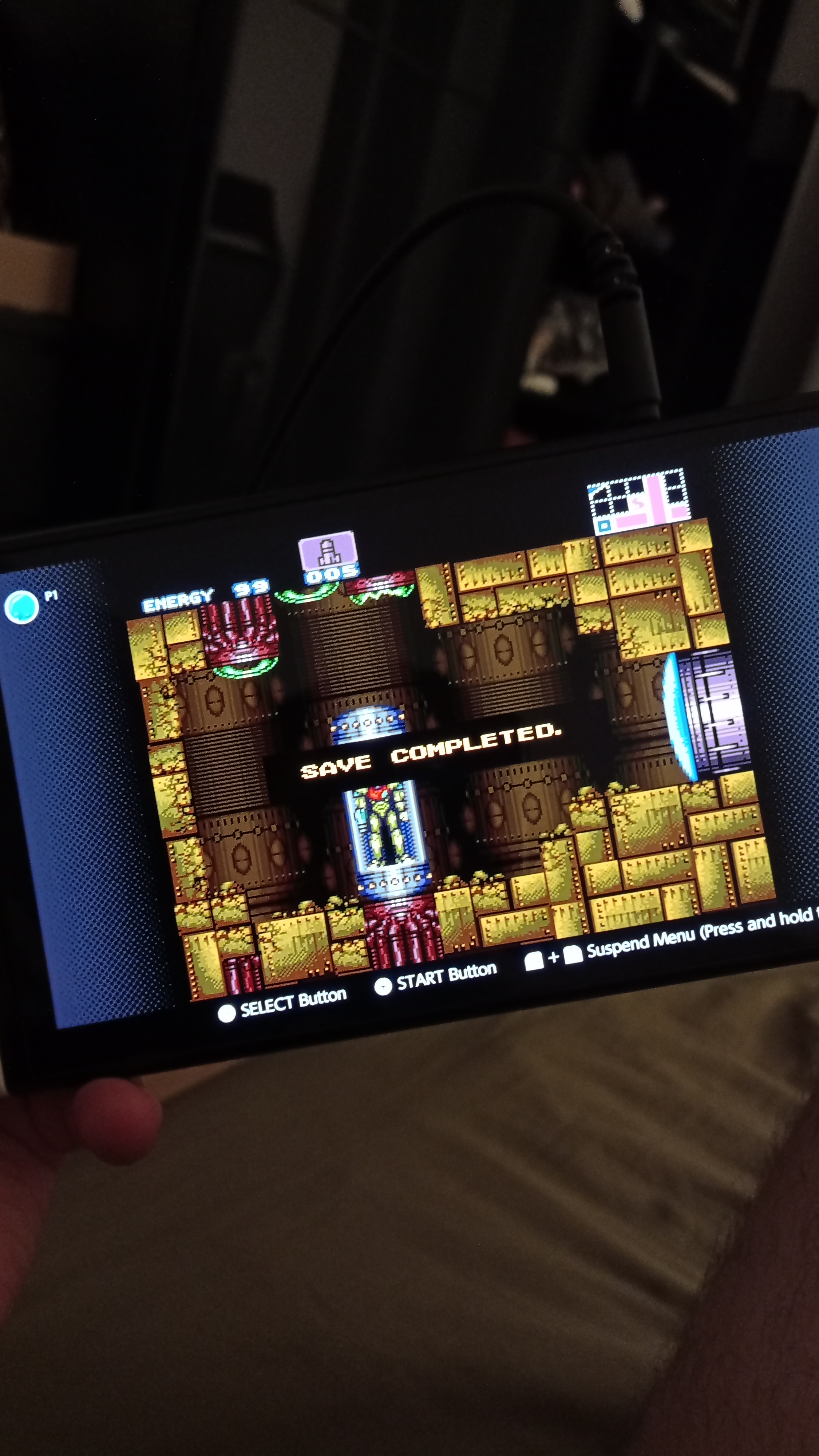
Retro niedziela to najlepsza niedziela.


Tak, gram na waleta. :lapka:


IMG_20220731_220807.thumb.jpg.893c1e59b964d1234651a38c59b21bcc.jpg

michal

Bez nienawiści bylibyśmy niczym.

Hubert249

Zaczęło się :shotgun:


comment_165928343519imR1oHYIWt70zB51ccem.jpg

Ryuk

qaudvy5nqse91.jpg
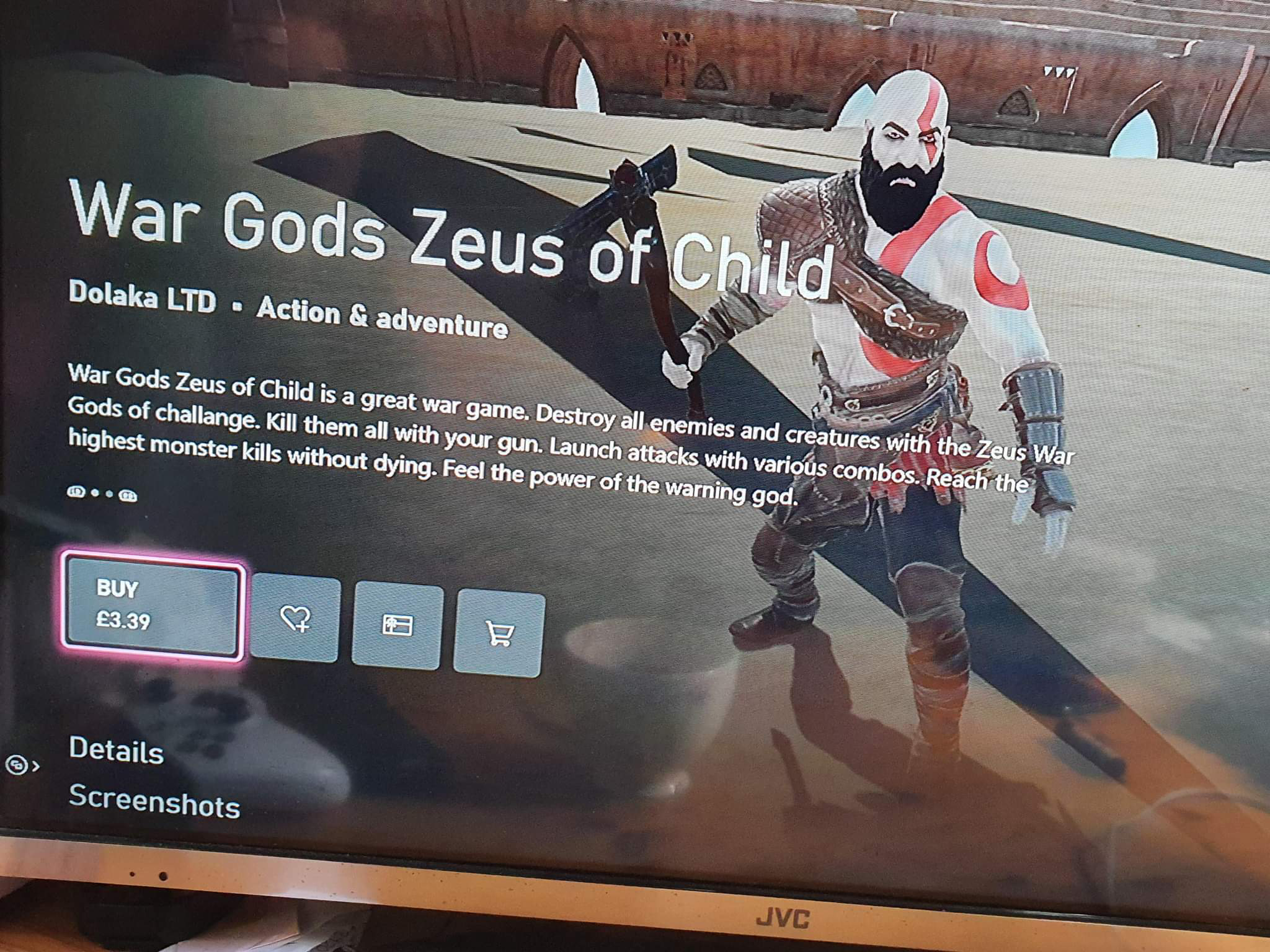
Tymczasem w dublinie. Ktory z was to hardcore gamer, przyznac sie

Account

Navigation

Szukaj

Szukaj

Configure browser push notifications

Chrome (Android)
  1. Tap the lock icon next to the address bar.
  2. Tap Permissions → Notifications.
  3. Adjust your preference.
Chrome (Desktop)
  1. Click the padlock icon in the address bar.
  2. Select Site settings.
  3. Find Notifications and adjust your preference.