Skocz do zawartości
View in the app

A better way to browse. Learn more.

Forum PSX Extreme

A full-screen app on your home screen with push notifications, badges and more.

To install this app on iOS and iPadOS
  1. Tap the Share icon in Safari
  2. Scroll the menu and tap Add to Home Screen.
  3. Tap Add in the top-right corner.
To install this app on Android
  1. Tap the 3-dot menu (⋮) in the top-right corner of the browser.
  2. Tap Add to Home screen or Install app.
  3. Confirm by tapping Install.

Shago

Image


A woman with blonde hair wearing a red bikini stands on a beach. She makes a peace sign with one hand and holds an iPhone 17 in the other, taking a selfie. The ocean and sky are visible in the background.

Josh

14 letni ja kiedy zrestartowałem przeglądarkę, a karta z filmikiem na którym dwa karły, laska na wózku inwalidzkim i koleś przebrany za świętego Mikołaja uprawiają zapasy dalej się odpala

obraz_2025-09-16_083344541.png

Josh

Netflixowe live-action Misia Uszatka zapowiada się zajebiście

S0DQqJHEgjDPrQlo59ETwSiIQtc1r2kO (2).jpg

Rozi

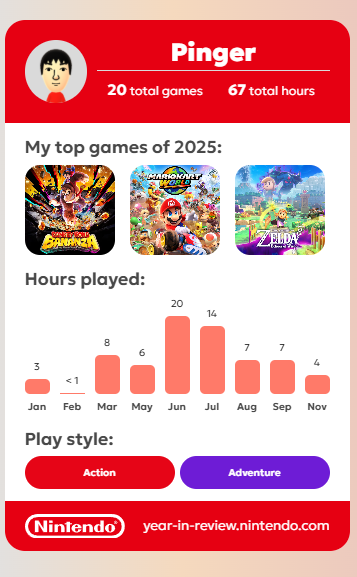
Szukam rodzinki Nintendo z Expansion Packiem ogor

YETI

maciucha

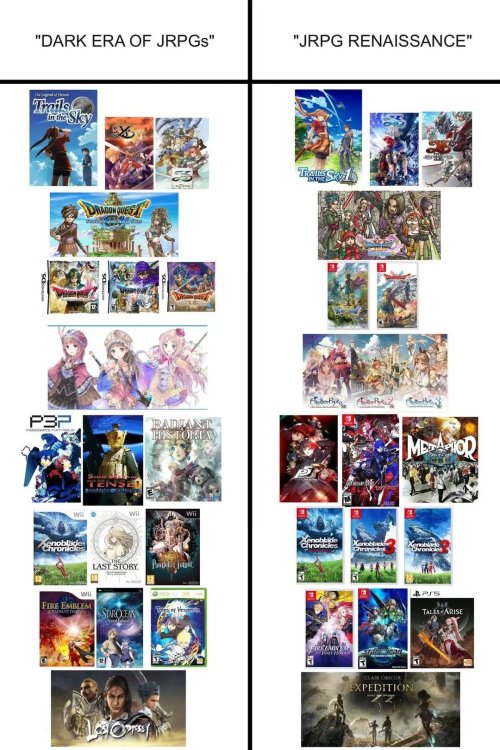
Dobrze, że jest jeszcze PC, bo konsole naprawdę się skończyły. :/

Account

Navigation

Szukaj

Szukaj

Configure browser push notifications

Chrome (Android)
  1. Tap the lock icon next to the address bar.
  2. Tap Permissions → Notifications.
  3. Adjust your preference.
Chrome (Desktop)
  1. Click the padlock icon in the address bar.
  2. Select Site settings.
  3. Find Notifications and adjust your preference.