W poniedziałek przyjechałem na konsultacje po operacji do Polski, jako że switch 2 jest ciężko dostępny w NL jak zobaczyłem go na półce w Media Expert oczy aż mi się zaświeciły by wrócić z nową zabawką do hotelu. Dopiero po szybkiej kalkulacji zdałem sobie sprawę że w NL za zestaw z kartem płacę 2150 zł a tutaj 2399zł, jestem pod wrażeniem jak musiały skoczyć zarobki w Polsce że elektronika nawet jest średnio o te 10% droższa niż w NL.
Juz jutro wychodze, kurwa nareszcie 



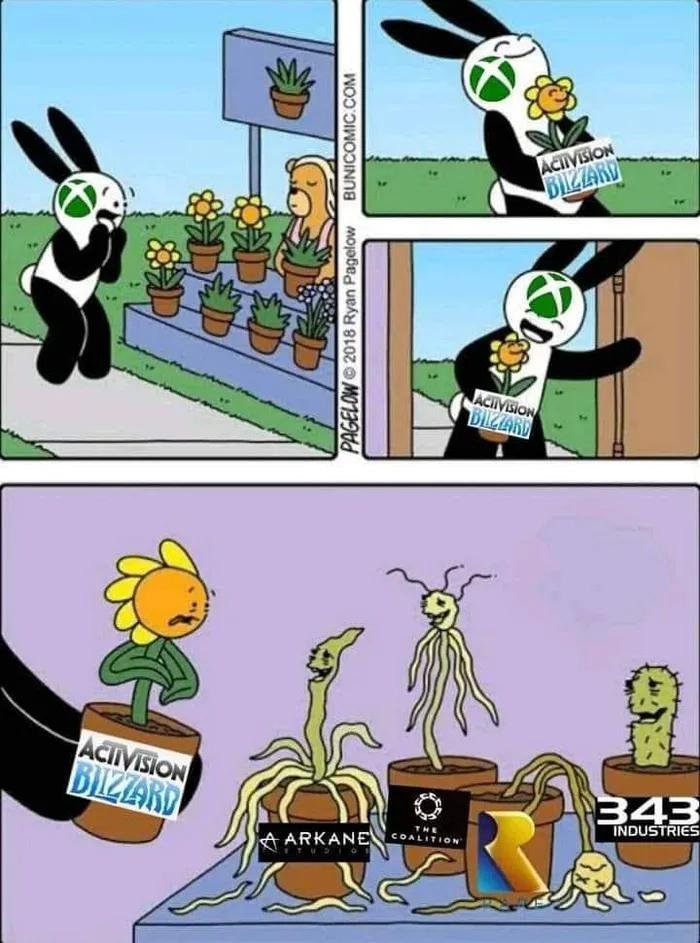


Neil Druckmann patrzący na ciebie z dezaprobatą, po tym jak nie kupiłeś jego nowej gry z kosmicznymi lesbochłopami
-
 1
1
-
 12
12
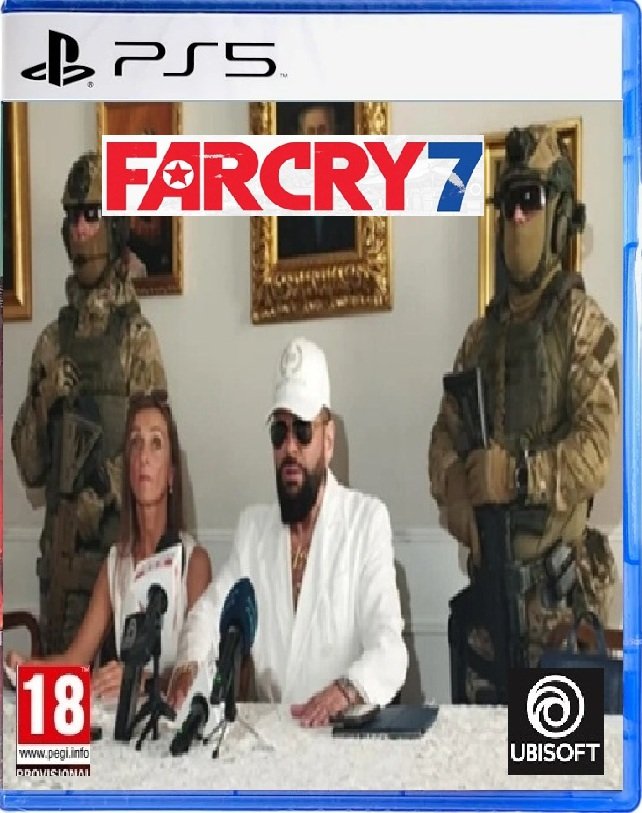
Ze względu na niskie morale obozu zielonego zostałem zmuszony wezwać posiłki .
.
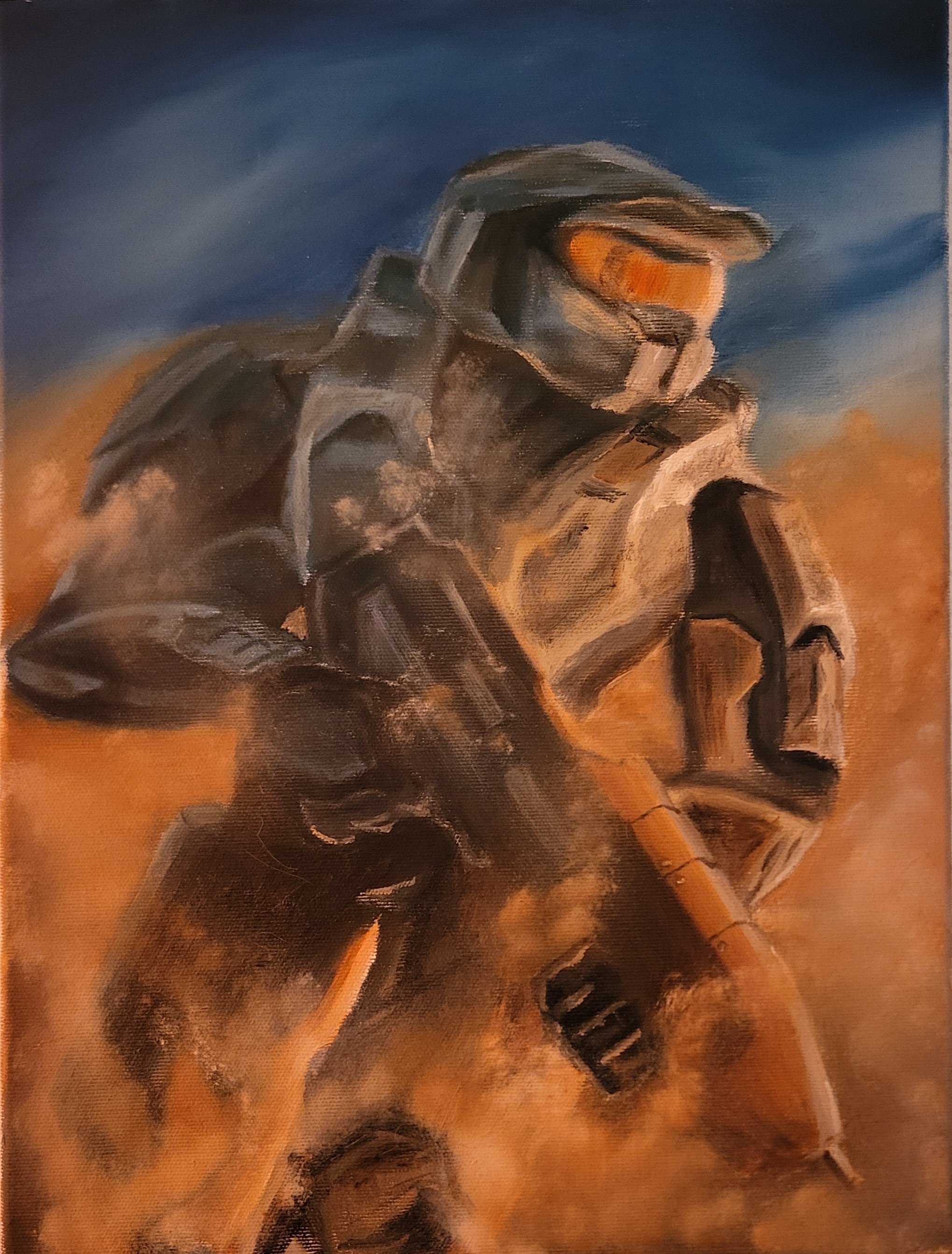
Farba olejna na płótnie 20 x 30 mojego autorstwa.
-
21
-
 7
7

Jakbym chodził w Power armorze całą grę to zero wyzwania bym czuł w f4. A tak wszystko bez zbroi i tylko jak ktoś mnie bije za mocno to mówię mu "koledzy, macie się położyć, bo inaczej wpadnę tutaj w zbroi iron mana".
-
 1
1
-
 1
1

ale zapiekło, jeszcze swojego giermka musiał zawołać