Skocz do zawartości
View in the app

A better way to browse. Learn more.

Forum PSX Extreme

A full-screen app on your home screen with push notifications, badges and more.

To install this app on iOS and iPadOS
  1. Tap the Share icon in Safari
  2. Scroll the menu and tap Add to Home Screen.
  3. Tap Add in the top-right corner.
To install this app on Android
  1. Tap the 3-dot menu (⋮) in the top-right corner of the browser.
  2. Tap Add to Home screen or Install app.
  3. Confirm by tapping Install.

XM.

Kansas Hill

img_1_1733869706493.jpg

sph!


Pupcio

Chłop jest taką odwróconą wyrocznią za każdym jednym razem haha


Zrzut ekranu 2024-12-10 192645.jpg

k0ntra

Chłopcy - odpaliłem wczoraj Resident Evil Remaster na gamecubie... Ja jebe jaki tam jest HDR Path Racing :drakeyeah: 

Tylko 4K brak. I PSSR. Ale nie narzekam :leo:

Jakiż klimacik ma to arcydzieło gamingu...

KrYcHu_89

A ten co się tak postarzał nagle 


Josh

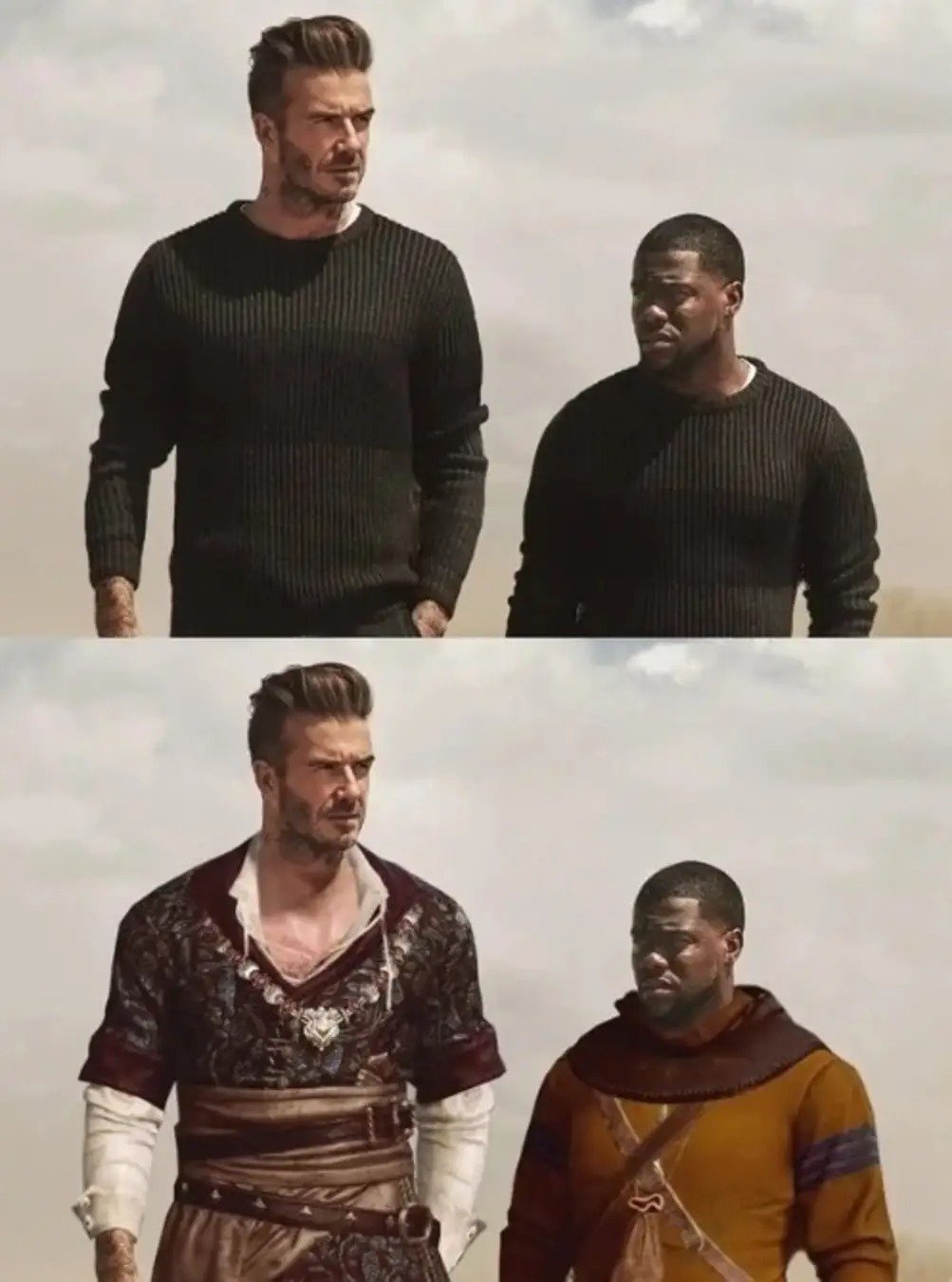
spacer.png

Shago

Image

sph!

azq7b3z_700b.jpg.b4863acfa5d8a92a86cd6bba63cfe206.jpg

Kmiot

9d94ch.jpg.e57cbe3b35b3e9c3823741b71fe71837.jpg

oFi

Idę dzisiaj do cexa po pare retro gier PUDEŁKOWYCH.

Coś chcecie?

Configure browser push notifications

Chrome (Android)
  1. Tap the lock icon next to the address bar.
  2. Tap Permissions → Notifications.
  3. Adjust your preference.
Chrome (Desktop)
  1. Click the padlock icon in the address bar.
  2. Select Site settings.
  3. Find Notifications and adjust your preference.