









Lex Luthor kiedy zorientuje się, że został Polakiem.


znacie jakieś dobre motorvanie?




Czy to już Biały Kruk? Pamiętam jak dzisiaj historię wejścia w posiadanie tej Encyklopedii.
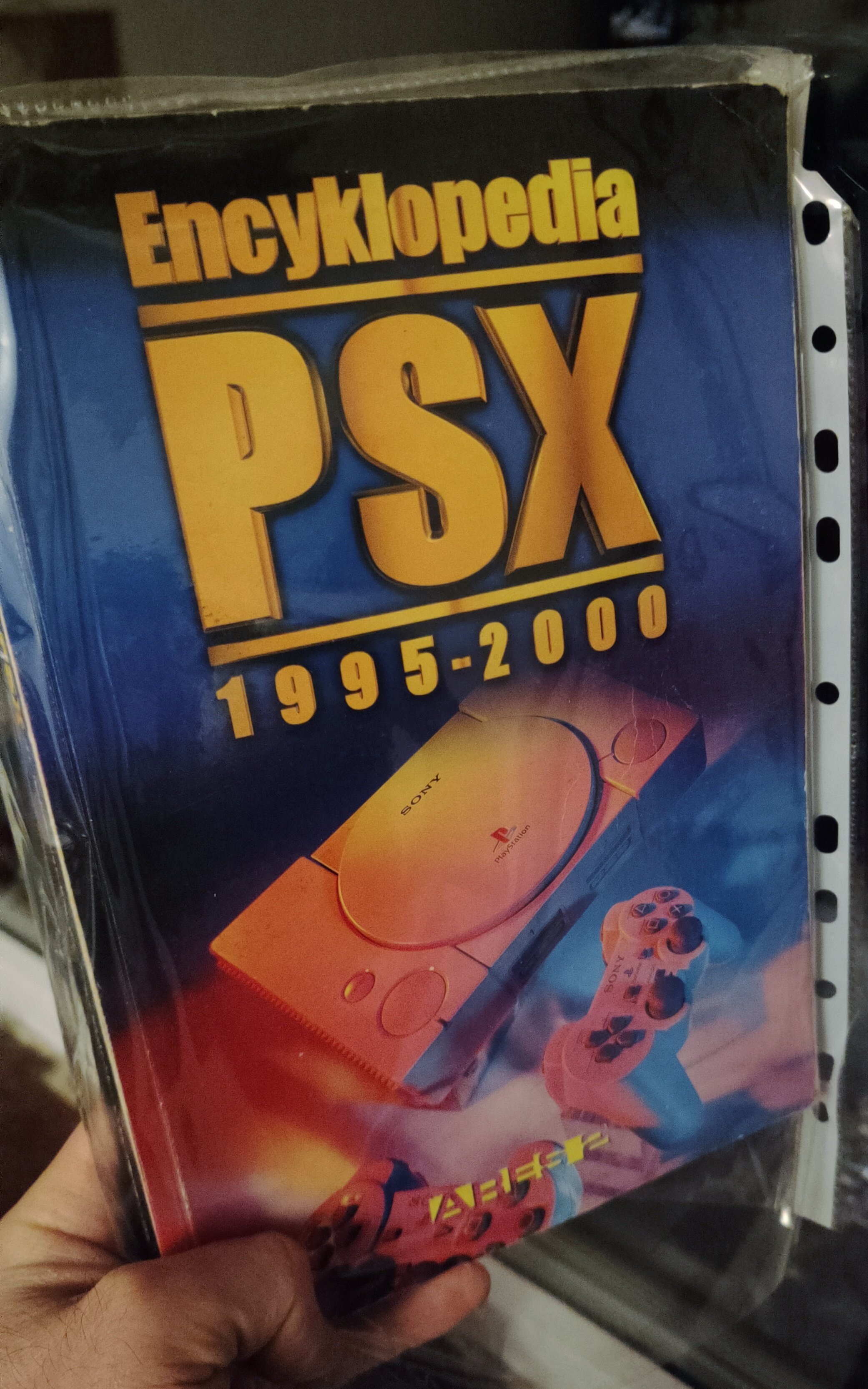
Był rok 2000, ciorałem wtedy na Szaraku jak głupi w płyty demo z Oficjalnego Polskiego PlayStation Magazynu, bo na pełne wersje nie miałem pieniędzy i taki pełniak był dla mnie rzadkością. Co miesiąc wycieczka do osiedlowego kiosku po kolejny numer OPPM z płytą demo. Rytuał. Mam prawie wszystkie numery i wciąż posiadam ten stos płyt demo. Wtedy też kupowałem całą masę innych gazetek o PlayStation. Był tam poza OPPM również PSX Fan, Szmatławiec, Neo/Neo Plus a nawet takie egzotyki jak Gamestation czy Man!ak. Ale była również gazetka o nazwie PlayStation Plus zmieniona później na PlayerStation Plus. W jednym z numerów w 2000 roku pojawiła się tam reklama Encyklopedi PSX. Od razu zaświeciły mi się oczy. Musiałem to mieć. Myk polegał na tym, że początkowo była to sprzedaż wysyłkowa. Encyklopedia nie była do kupienia stacjonarnie (jako preorder) a można ją było zamówić poprzez formularz dołączony do numeru PlayerStation Plus. Zamówienie wprost od wydawnictwa. No to szybciutko wypełniłem formularz zamówienia i wysłałem go listem priorytetowym do wydawnictwa uprzednio wpłacając (również na poczcie przekazem pocztowym) pieniądze za mój egzemplarz Encyklopedii.
I czekałem... Czekałem....
Minęło pół roku i cisza. Pamiętam te interwencje z moim Tatą, jak pisaliśmy razem listy do wydawnictwa z zapytaniem, gdzie u licha jest moja encyklopedia?! Nawet chyba jakieś telefony zostały tam poczynione, a był to rok 2000 i mieliśmy tylko stacjonarny telefon. Po takim czasie czekania pomyślałem po prostu, że zostałem oszukany.
Na szczęście w końcu doczekałem się mojego egzemplarza, a finalnie okazało się, że całe wydanie tej Encyklopedii srogo wydłużyło się w czasie. Biorąc pod uwagę jej zawartość i fakt, że tworzył ją jeden człowiek - winy zostały wybaczone.
A ta pozycja nawet dzisiaj budzi respekt swoją zawartością i tym, że to nasze rodzime dzieło.
Więcej o Encyklopedii tutaj:
https://strefapsx.pl/encyklopedia-psx-1995-2000-2/



.webp.9462a62920cdc7cfd55b10033e3593d8.webp)

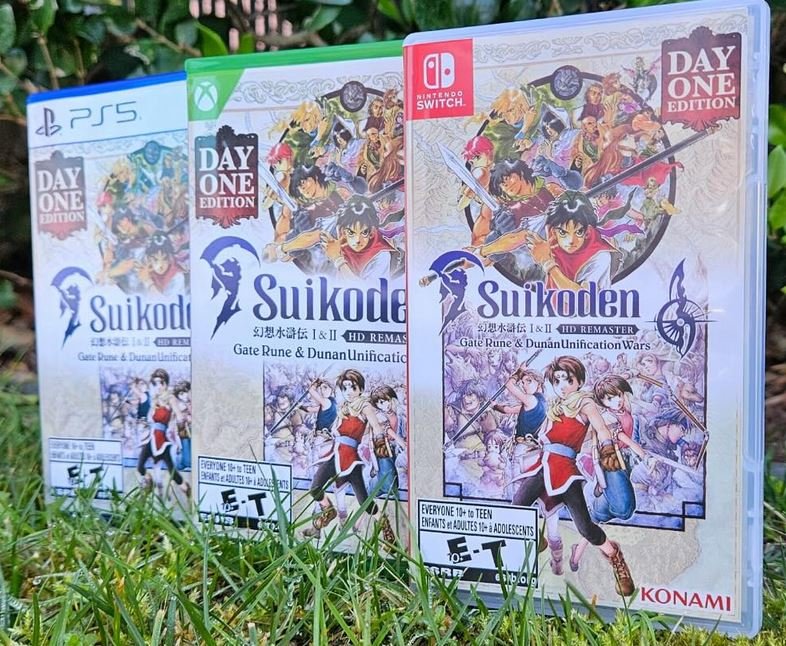
Ładny ukłon w stronę Paolo:

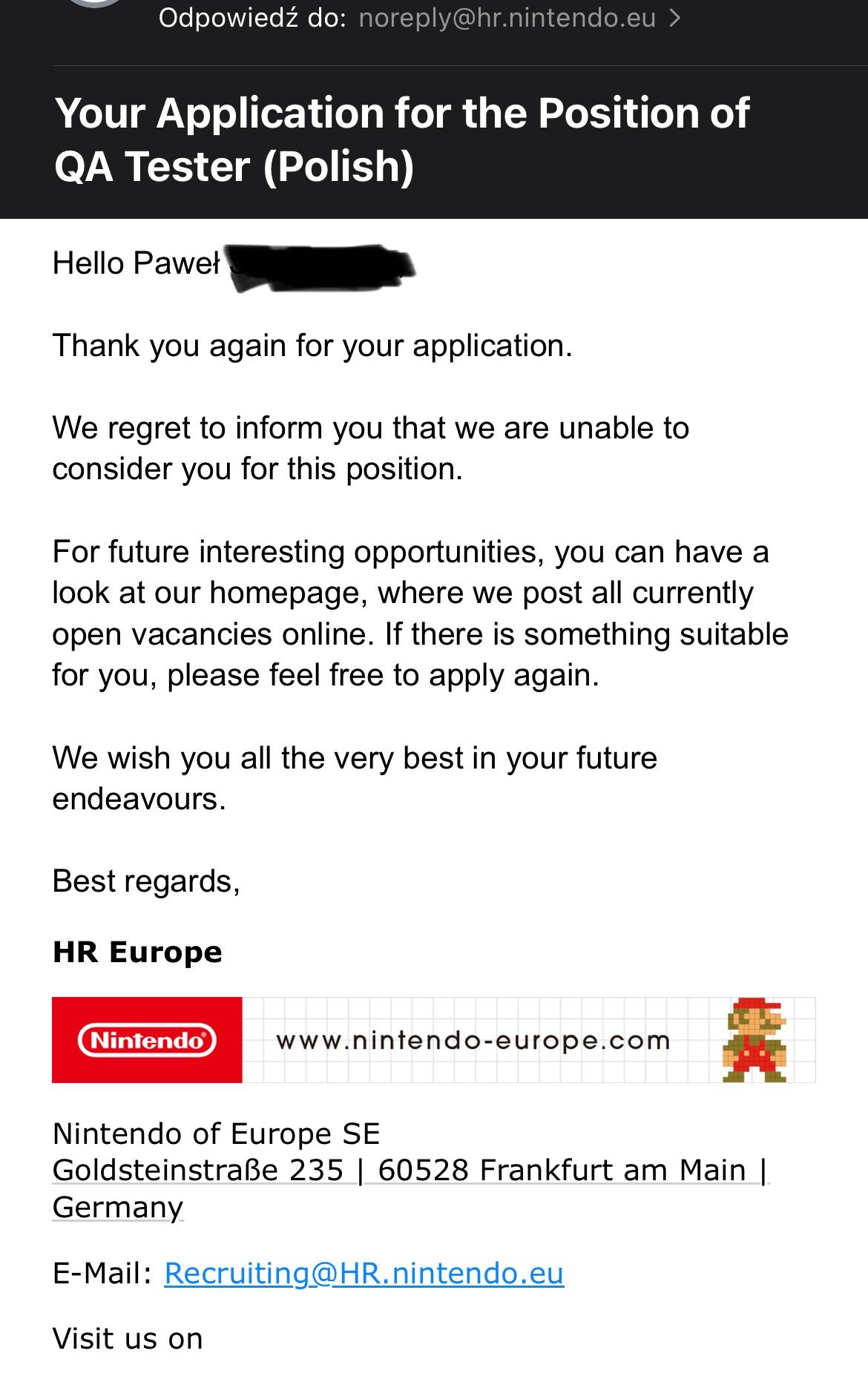
Widzę, że pogromcom uśmiechów graczy nie zależy na polskim rynku 

Ile dni idzie przesylka od Jajczesa?