Tęczowa zaraza już od 32 lat próbuje odebrać nam nasze dzieci twardą, łysą babą w kosmosie  piwniczaki you are our only hope

A better way to browse. Learn more.
A full-screen app on your home screen with push notifications, badges and more.


Tęczowa zaraza już od 32 lat próbuje odebrać nam nasze dzieci twardą, łysą babą w kosmosie piwniczaki you are our only hope
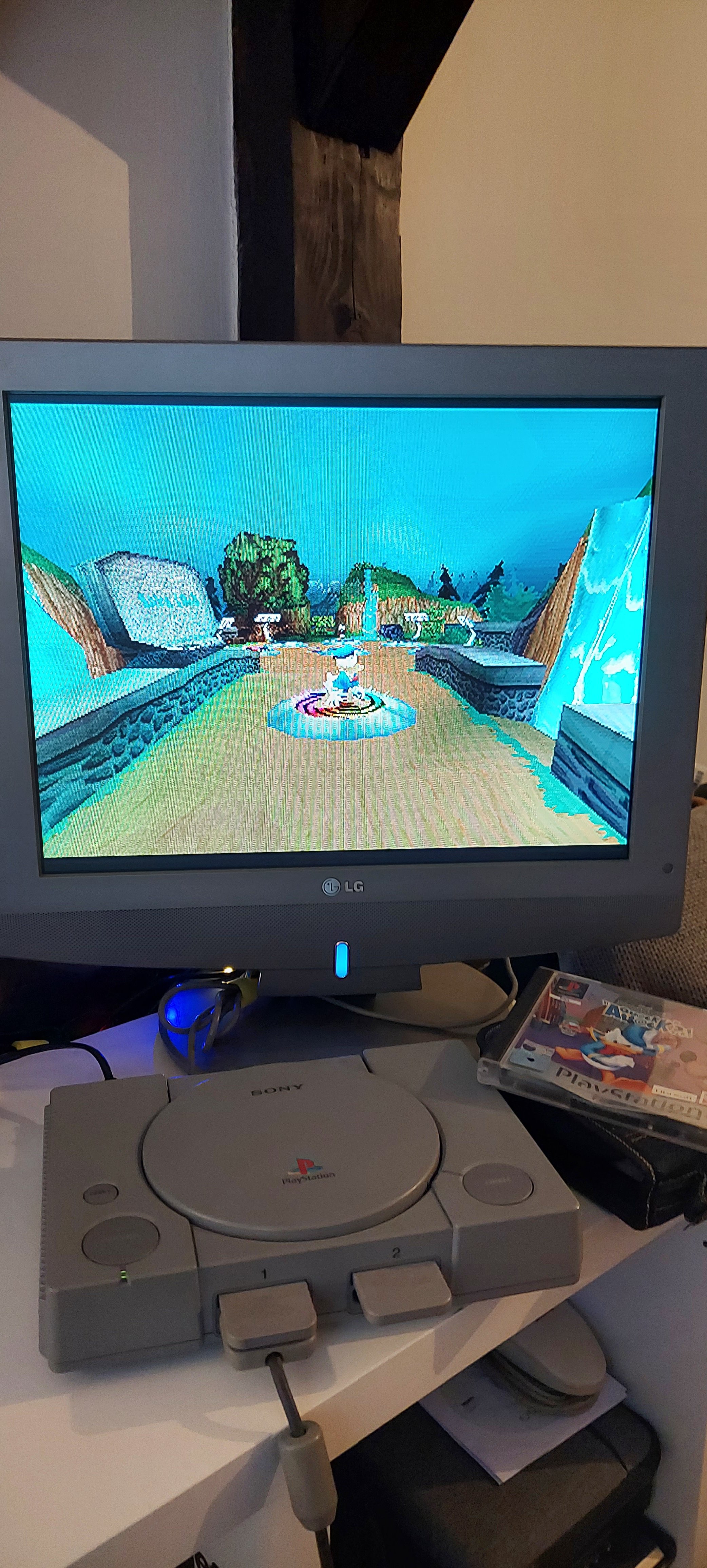
Maraton pierwszego plejaka trwa! Dziś na dobry początek jedna z moich ulubionych platformówek na ten sprzęt 
Ładne dupeczki prawem nie przywilejem!
 od razu lepiej
Cyganka wróży z kart,
lata minione dni,
o jak daleko stąd matula ma,
czekałem tyle dni, czekałem tyle lat,
dziś pod eskortą psów idę pod sąd.
Na sali rozpraw jest, świadkowie zlitujcie się,
za trybunałem świat, k------i skład,
Wolność zabrali mi, marzenia rozwiał wiatr,
a te więzienne dni czekają mnie.
Żegnajcie koledzy ze wspólnej kradzieży,
żegnajcie dziewczęta z miłości mej,
a kiedy dadzą mi, wyrok co czeka mnie,
upuszczę głowę w dół i pójdę se,
Opuszczę głowę w dół,
wskoczę w więzienny strój,
a ty matulo ma nie przejmuj sie
a ty matulo ma nie przejmuj sie,,
bo z xboxem nie jest tak źle











.thumb.jpg.186df2e9162342610fd4d2e1d38cdb05.jpg)