Skocz do zawartości
View in the app

A better way to browse. Learn more.

Forum PSX Extreme

A full-screen app on your home screen with push notifications, badges and more.

To install this app on iOS and iPadOS
  1. Tap the Share icon in Safari
  2. Scroll the menu and tap Add to Home Screen.
  3. Tap Add in the top-right corner.
To install this app on Android
  1. Tap the 3-dot menu (⋮) in the top-right corner of the browser.
  2. Tap Add to Home screen or Install app.
  3. Confirm by tapping Install.

oFi

Wlaczylem sobie Bloodborne po 5ciu latach.


Nie moglem sie oderwac od 5ciu godzin.


Gra ponadczasowa.

Soban

Gdzie obejrzeć pamiętniki z wakacji nowy sezon online xd?

Bzduras

Nowa pani lead developer w stuidu EA tłumaczy, dlaczego nie zatrudnia białasów do roboty :)
 

sph!

GIkVWoiaMAAAsId.jpg

Szwed

Szkoda, że na fejsie nie ma klauna xddd

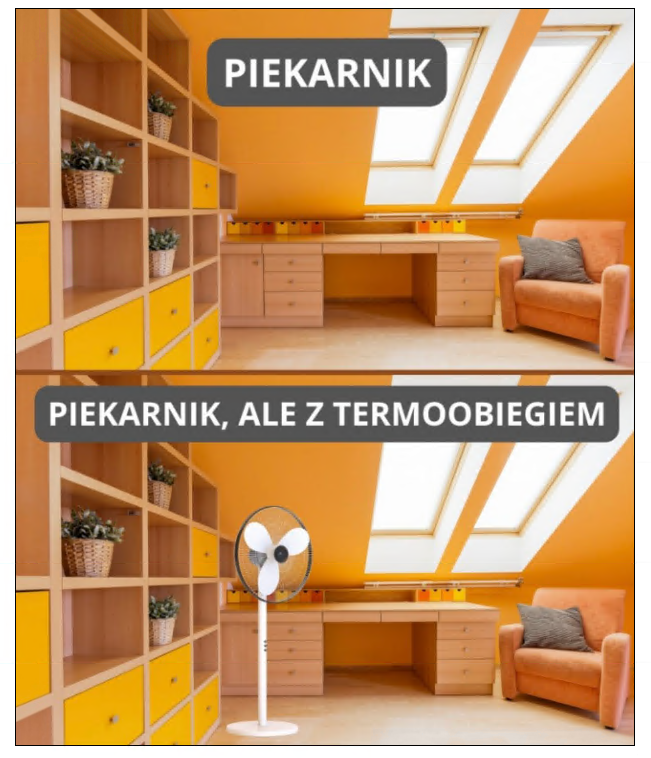
image.png.e4d8edec71093ff562065a179c8a0e50.png


Sven Froost

Beka z tego ze najwieksze chady z forum lubia Switcha

Shen

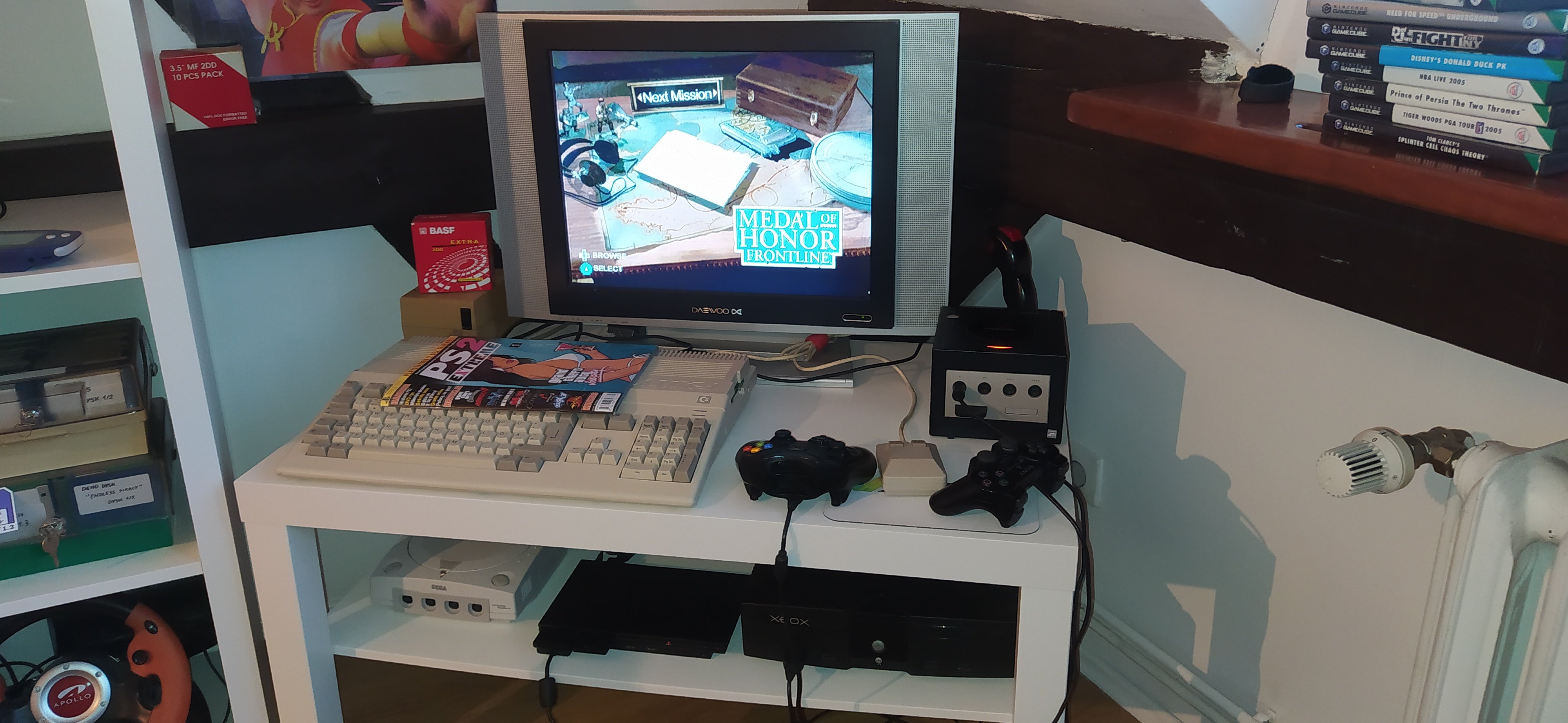
W lombardzie za dyszke, żal było nie wziąć

20240313_160635.thumb.jpg.946642e3b73141657bb2767210cad2ed.jpg

Account

Navigation

Szukaj

Szukaj

Configure browser push notifications

Chrome (Android)
  1. Tap the lock icon next to the address bar.
  2. Tap Permissions → Notifications.
  3. Adjust your preference.
Chrome (Desktop)
  1. Click the padlock icon in the address bar.
  2. Select Site settings.
  3. Find Notifications and adjust your preference.